Welcome To SAS Points — Your One-Stop IT Solutions Provider
Welcome To SAS Points — Your One-Stop IT Solutions Provider
In today’s digital workplace, data is one of the most valuable business assets. From shared files and backups to collaboration tools and application hosting, offices rely heavily on centralized storage solutions. Network Attached Storage (NAS) systems have become a core component of modern IT environments, offering scalability, data protection, and easy access to critical information.
Choosing the best NAS for your office requires careful evaluation, and two brands dominate this space: Synology and QNAP.
Both vendors provide powerful NAS solutions, but each offers unique strengths that suit different business needs.
A NAS system is a dedicated storage device connected to a network that allows multiple users and applications to store, access, and share data efficiently. For offices, NAS systems are used for:
File sharing and collaboration
Centralized backups
Data protection and recovery
Application hosting
Remote access and synchronization
When choosing the best NAS for your office, reliability, performance, ease of management, and security are critical factors.
Synology is widely known for its user-friendly interface and strong focus on simplicity and reliability. Synology NAS devices are powered by DiskStation Manager (DSM), an intuitive operating system that simplifies storage management.
Synology systems are popular among small and medium businesses due to:
Easy setup and administration
Strong data protection tools
Stable performance
A rich ecosystem of built-in applications
For offices without a large IT team, Synology offers a smooth and manageable experience.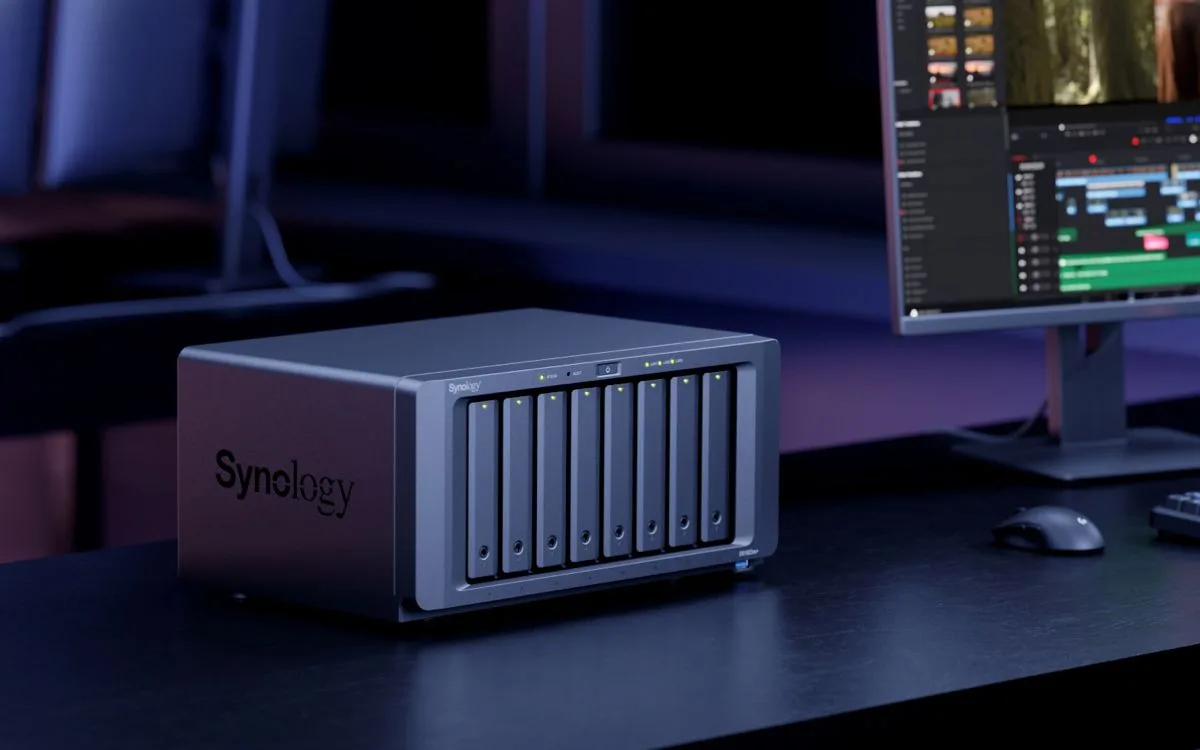
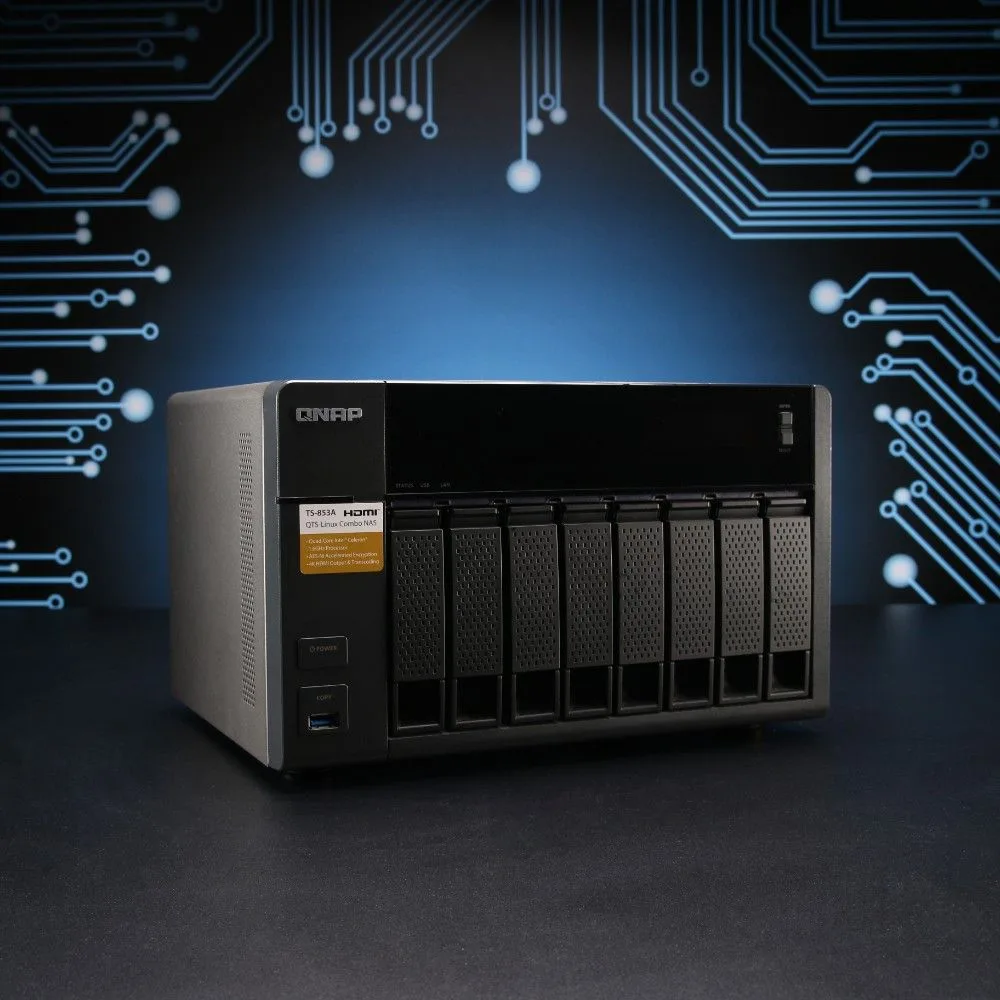
QNAP NAS devices are recognized for their hardware flexibility and advanced features. QNAP systems run on QTS or QuTS hero operating systems, offering powerful customization options and enterprise-level functionality.
QNAP is often preferred by technical users who require:
High-performance hardware
Advanced networking options
Virtualization support
Greater control over system configuration
For offices with demanding workloads, QNAP provides a high level of flexibility and performance.
When it comes to performance, both Synology and QNAP offer models with powerful processors, high memory capacity, and fast storage options. However, their approach differs.
Synology focuses on stability and optimized performance through software efficiency. QNAP, on the other hand, emphasizes raw hardware power, often providing faster CPUs, more RAM options, and advanced networking features such as 10GbE support.
For basic office file sharing and backups, both platforms perform well. For heavier workloads like virtualization or multimedia processing, QNAP may offer an advantage.
Synology is widely regarded as one of the easiest NAS platforms to manage. DSM provides a clean interface, guided setup, and minimal configuration requirements.
QNAP offers a more complex interface with deeper customization. While this gives advanced users more control, it may require higher technical expertise.
When choosing the best NAS for your office, the level of IT experience within your team plays a major role.
Both Synology and QNAP take data security seriously. They offer:
RAID configurations
Snapshot technology
Encryption
User access control
Backup and disaster recovery tools
Synology emphasizes built-in security and automated protection features, while QNAP offers more advanced security configurations for enterprises that need granular control.
Synology provides a wide range of applications for collaboration, backup, email hosting, and cloud synchronization. These applications are easy to deploy and manage.
QNAP excels in virtualization, containerization, and multimedia applications. It supports running virtual machines, Docker containers, and advanced networking services.
Your office workload will determine which ecosystem is more suitable.
Both brands support expansion units, allowing offices to scale storage capacity as data grows. QNAP generally offers more flexible hardware expansion options, while Synology focuses on controlled and stable scalability.
For businesses planning long-term growth, scalability is a key factor when choosing the best NAS for your office.
Pricing varies depending on model, performance level, and features. Synology is often perceived as more cost-effective for small to mid-sized offices due to its simplicity and lower maintenance requirements.
QNAP may require higher upfront investment but delivers strong performance and advanced capabilities that justify the cost for demanding environments.
Choose Synology if your office prioritizes:
Ease of use
Stability
Strong backup solutions
Minimal IT management
Choose QNAP if your office requires:
High performance
Advanced networking
Virtualization and container support
Hardware flexibility
There is no one-size-fits-all answer when choosing the best NAS for your office. The right choice depends on workload, budget, and technical expertise.
Choosing the best NAS for your office is a strategic decision that impacts productivity, data security, and long-term growth. Both Synology and QNAP offer powerful, reliable solutions that serve different business needs.
By understanding your office requirements and comparing Synology vs QNAP carefully, you can select a NAS system that supports your operations today and scales with your business tomorrow.
No account yet?
Create an Account