




































Motherboards for Servers: What to Look For Before Buying
The Heart of Your Server Infrastructure
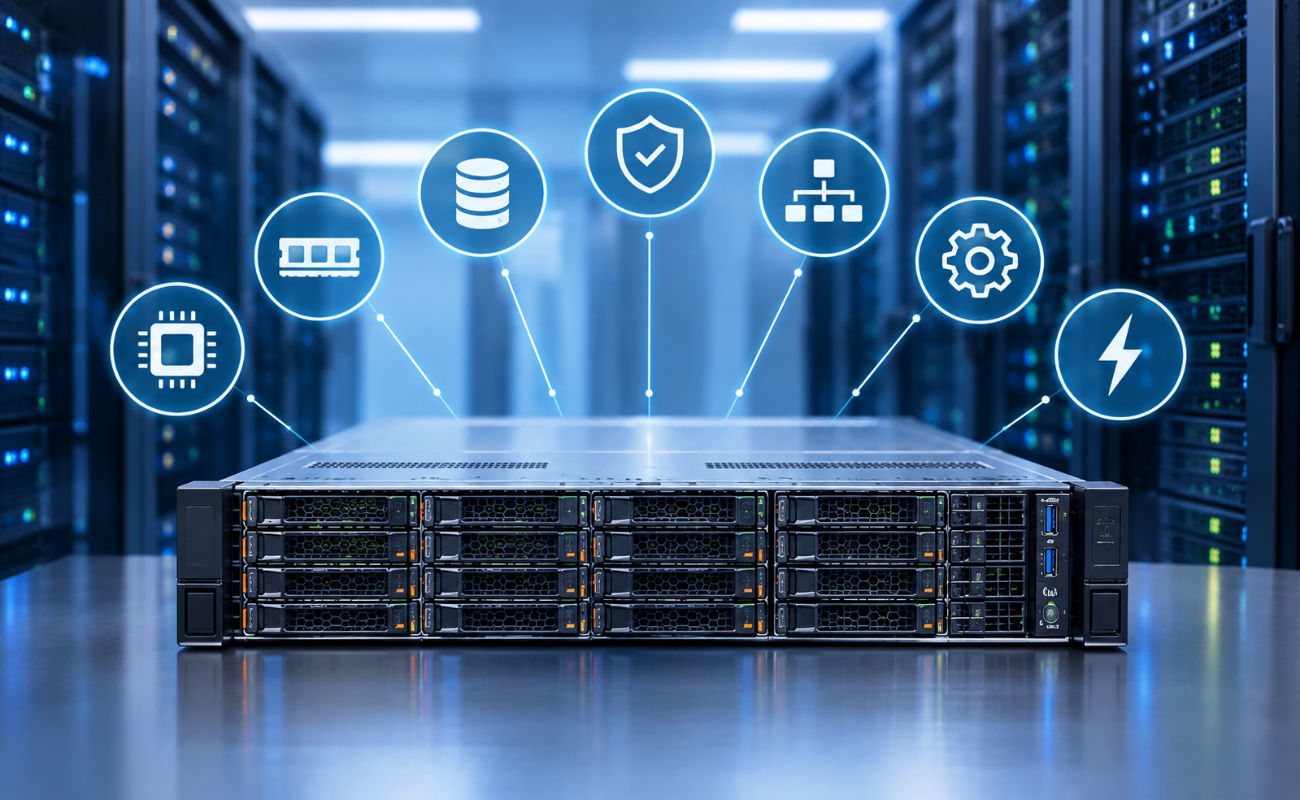
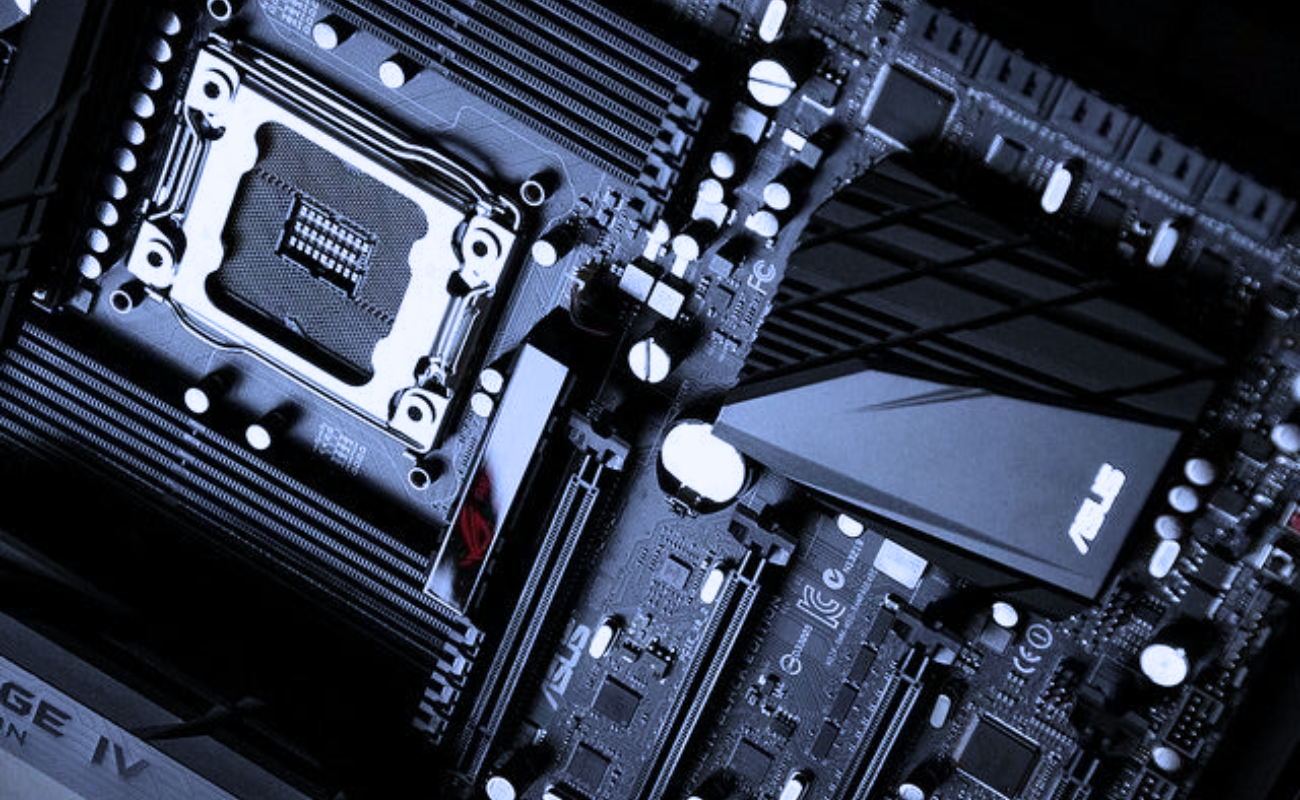
When building or upgrading a server, the motherboard is one of the most critical components. It determines compatibility, performance, reliability, and scalability for your entire system. Understanding motherboards for servers: what to look for before buying helps businesses select the right platform to meet their workload demands, whether for virtualization, cloud services, or data-intensive applications.
Selecting the wrong motherboard can lead to bottlenecks, instability, or even costly downtime, making careful consideration essential for enterprise IT planning.
Understanding Server Motherboards
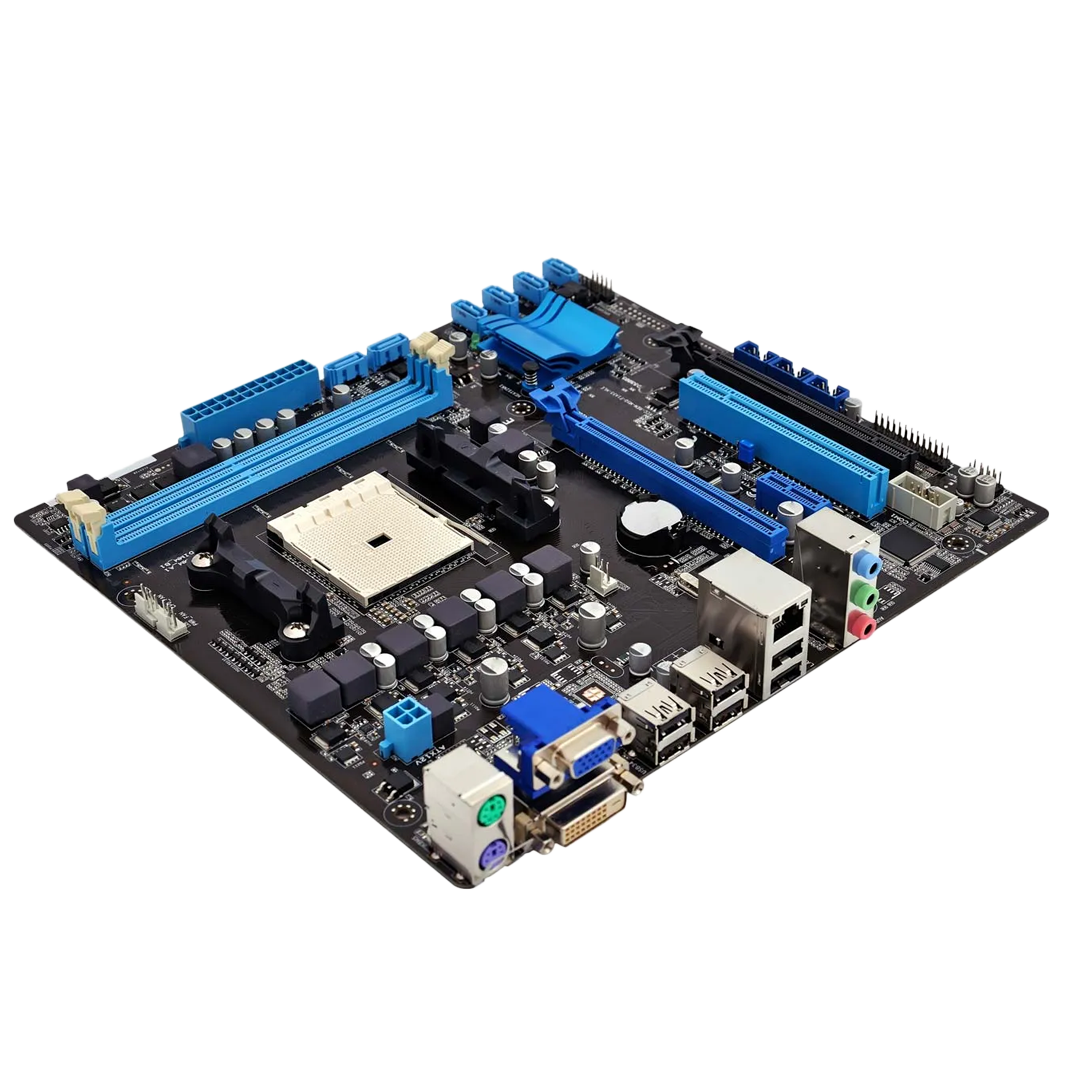
A server motherboard is not the same as a desktop motherboard. Motherboards for servers: what to look for before buying are designed to handle continuous operation, high-performance processors, multiple storage interfaces, and extensive memory.
Key differentiators include:
-
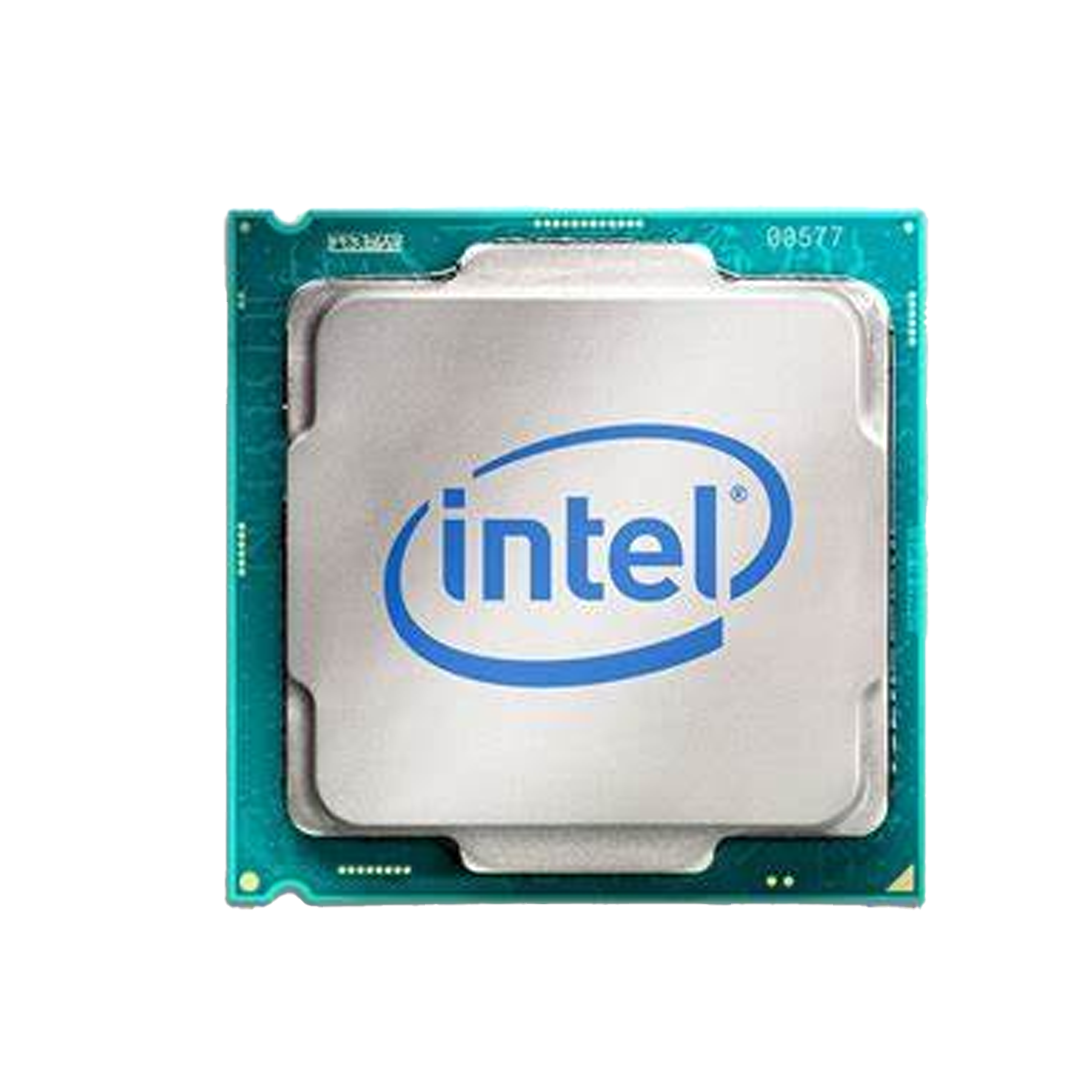
Support for multi-core enterprise CPUs
-
High-capacity ECC memory
-
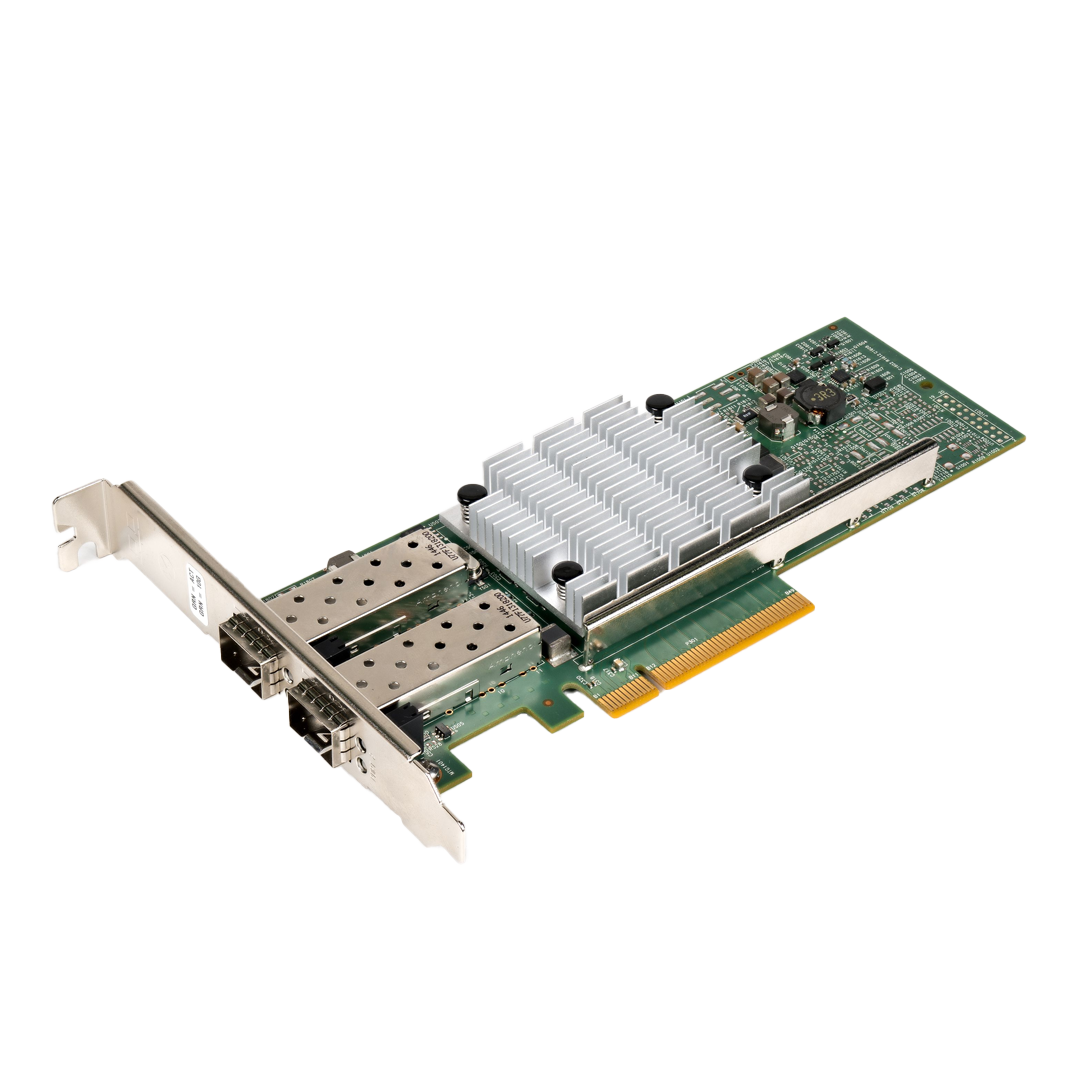
Multiple expansion slots for GPUs or NICs
-
Redundant power connectors and advanced management features
These elements ensure servers can run reliably in mission-critical environments.
Processor and Socket Compatibility
When considering motherboards for servers: what to look for before buying, CPU compatibility is a primary factor. The motherboard determines which processors you can install and how much processing power your server can achieve.
Considerations include:
-
Single vs. dual or multi-socket support
-
Compatibility with Intel Xeon or AMD EPYC processors
-
Maximum supported TDP for power and cooling planning
-
CPU upgrade paths for future-proofing
Choosing a motherboard compatible with your intended CPU ensures optimal performance.
Memory Support and Scalability
Memory is critical for database, virtualization, and analytics workloads. Motherboards for servers: what to look for before buying should support high-capacity, error-correcting (ECC) memory with expansion options.
Look for:
-
Maximum RAM capacity
-
Number of DIMM slots
-
Support for registered or buffered memory
-
Memory speeds compatible with your workload
This ensures your server can scale to meet growing performance demands.
Expansion and Connectivity Options
A good server motherboard offers flexible expansion. Motherboards for servers: what to look for before buying include multiple PCIe slots, storage interfaces, and network connections.
Key features:
-
PCIe 3.0/4.0/5.0 slots for GPUs, NICs, or accelerators
-
M.2 or U.2 slots for NVMe storage
-
SATA/SAS support for HDDs and SSDs
-
Onboard 1GbE/10GbE network ports or support for expansion cards
These options ensure your server can accommodate additional workloads and future technologies.
Storage and RAID Capabilities
Enterprise workloads require reliable storage. Motherboards for servers: what to look for before buying should support multiple drives and hardware RAID controllers.
Important considerations:
-
Number of SATA/SAS ports
-
NVMe compatibility for high-speed storage
-
RAID levels supported (0,1,5,6,10)
-
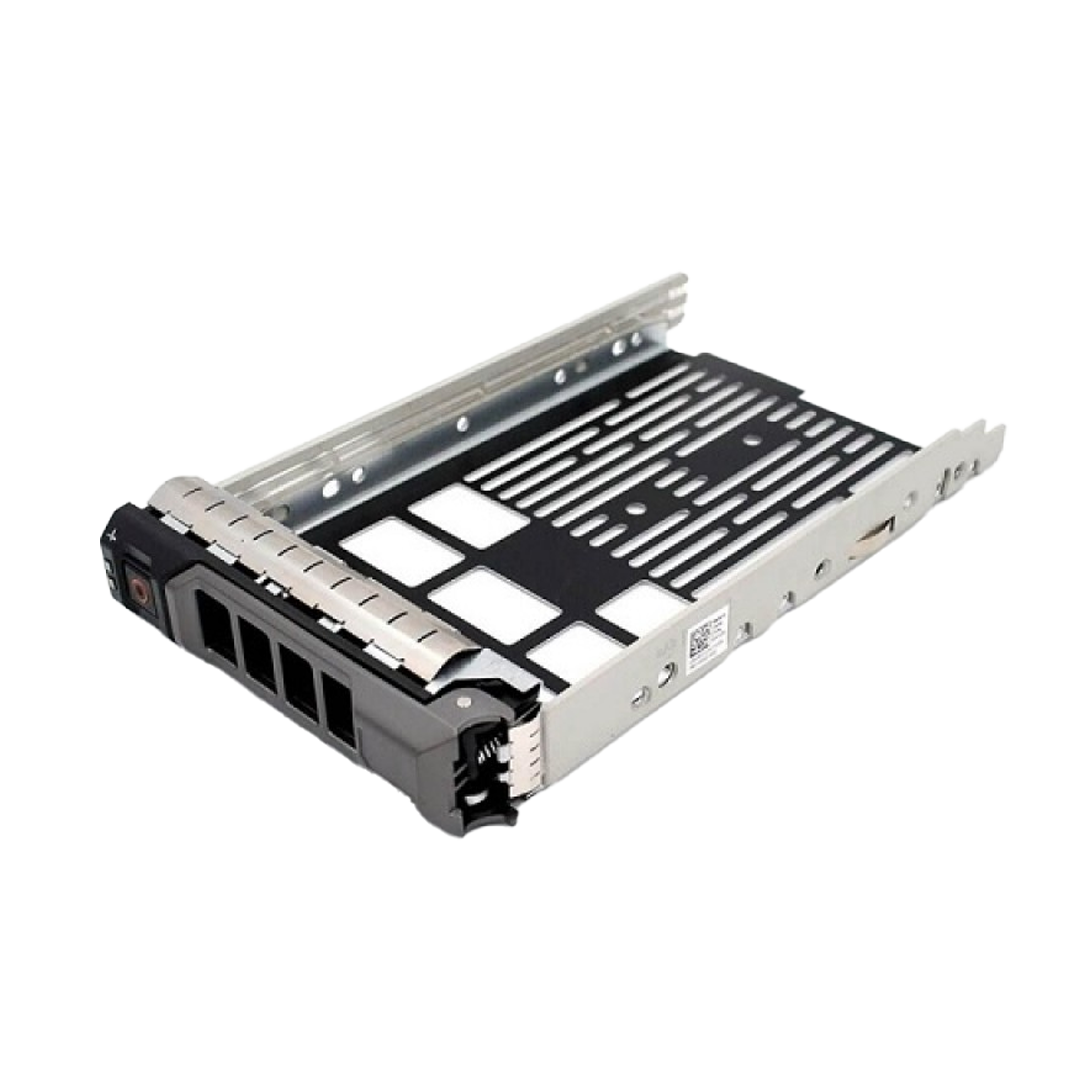
Hot-swappable storage compatibility
Proper storage integration ensures data reliability and performance.
Integrated Management and Remote Monitoring
Server motherboards often include management features that reduce downtime and simplify maintenance. Motherboards for servers: what to look for before buying should include remote management capabilities.
Look for:
-
IPMI, BMC, or OEM management interfaces
-
Remote monitoring and alerts for power, temperature, and fan status
-
BIOS-level control for firmware updates
-
Automation and scripting support
These tools help IT teams manage servers efficiently, even remotely.
Reliability and Redundancy Features
Server workloads require continuous operation. Motherboards for servers: what to look for before buying should include reliability-focused features.
Check for:
-
Dual BIOS or firmware protection
-
Redundant power supply support
-
Onboard diagnostics and alert LEDs
-
Support for ECC memory and error correction
These features reduce risk of hardware failure and ensure uptime for critical applications.
Form Factor and Compatibility
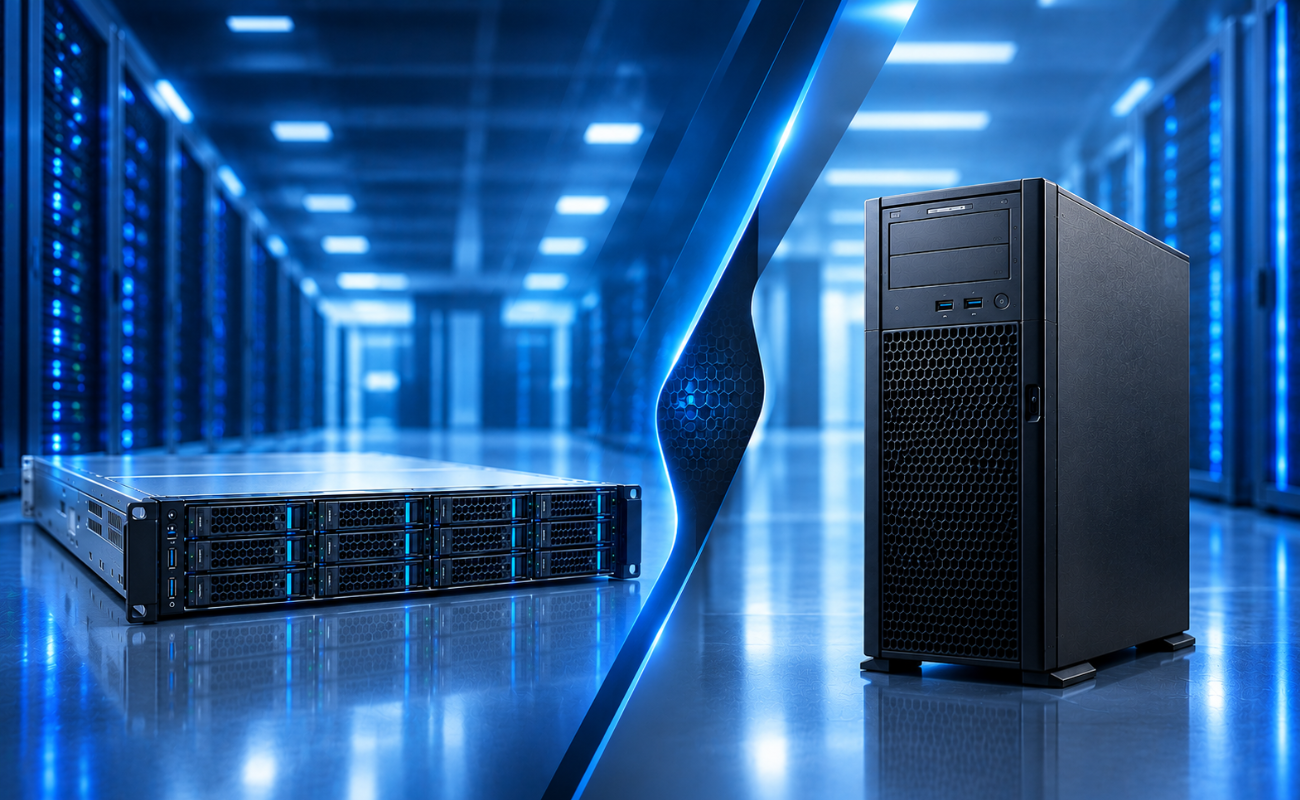
Motherboard size and form factor determine which server chassis you can use. Motherboards for servers: what to look for before buying should match your rack or tower server requirements.
Consider:
-
ATX, E-ATX, or proprietary form factors
-
Rack or tower compatibility
-
Clearance for additional components
-
Proper airflow for cooling
Form factor ensures smooth integration with existing infrastructure.
Security Features
Enterprise servers handle sensitive data. Motherboards for servers: what to look for before buying should include built-in security features.
Key aspects:
-
Secure boot and firmware protection
-
TPM support for encryption and authentication
-
BIOS-level access control
-
Hardware-based cryptography support
These measures help protect data integrity and meet compliance standards.
Power Efficiency and Thermal Management
Servers run 24/7 and consume significant power. Motherboards for servers: what to look for before buying should support energy efficiency and thermal optimization.
Features to evaluate:
-
Efficient voltage regulation and power delivery
-
Fan headers for optimal airflow
-
Thermal sensors and alerts
-
Support for low-power CPU modes
This reduces operational costs and prolongs hardware lifespan.
Conclusion: Choosing the Right Server Motherboard
Selecting a motherboard is a critical step when building or upgrading a server. Understanding motherboards for servers: what to look for before buying ensures you choose a platform that meets performance, scalability, and reliability needs.
By carefully evaluating CPU compatibility, memory capacity, storage options, management features, and redundancy, organizations can ensure their servers deliver optimal performance for enterprise workloads. A well-chosen server motherboard is not just a component—it is the foundation for a reliable, efficient, and future-proof IT infrastructure.