Welcome To SAS Points — Your One-Stop IT Solutions Provider
Welcome To SAS Points — Your One-Stop IT Solutions Provider
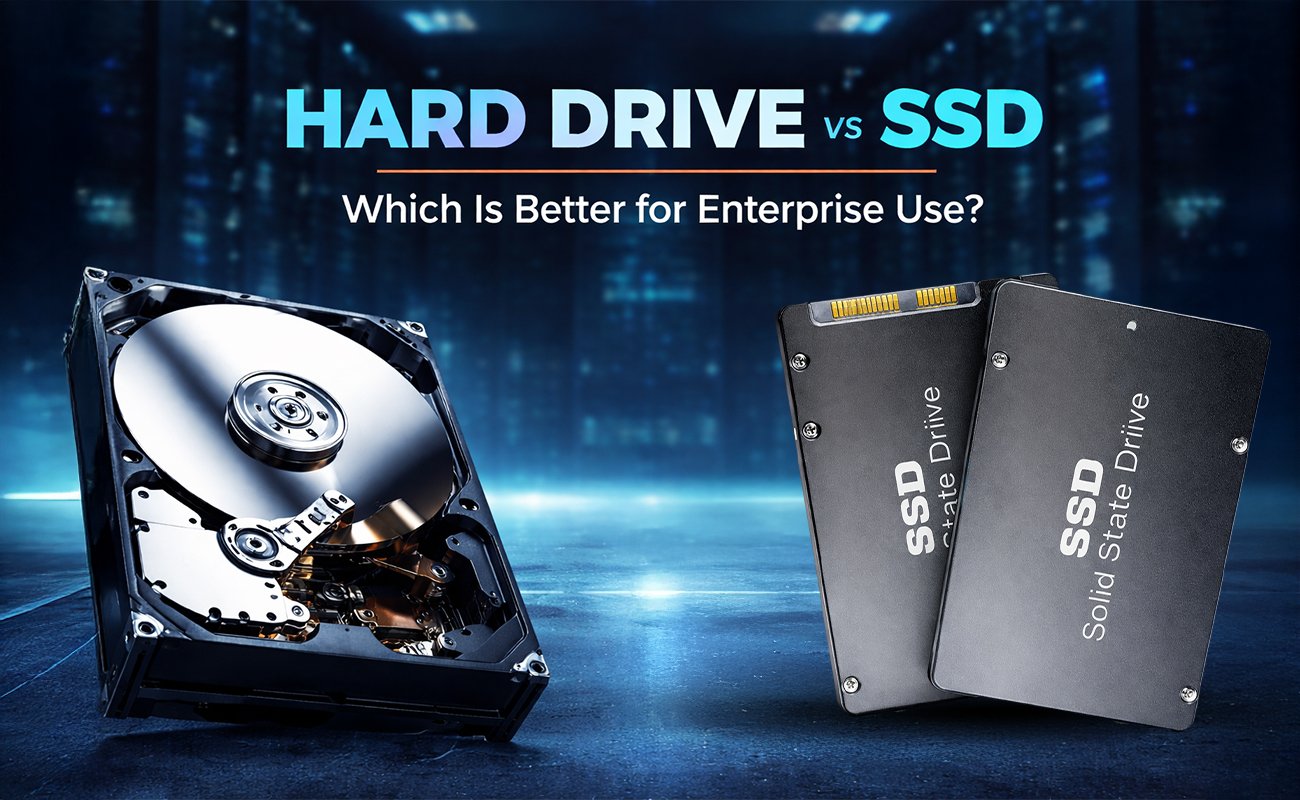
In the rapidly evolving digital landscape, enterprise data storage plays a crucial role in shaping business efficiency, scalability, performance, and resilience. Whether you’re running mission-critical databases, distributed systems, cloud applications, or large-scale analytics workloads, the choice between Hard Drive (HDDs) and Solid-State Drives (SSDs) can have a profound impact on your organization’s overall IT strategy.
Organizations today manage more data than at any other point in history—often petabytes of structured and unstructured information flowing across various systems. With this increase in data volume and complexity, choosing the right storage medium is no longer a simple matter of price. Instead, businesses must weigh multiple factors: performance, durability, reliability, operational cost, scalability, environmental impact, and compatibility with emerging technologies.
This comprehensive 3000-word guide examines Hard drive vs SSD for enterprise use, breaking down the technology, use cases, benefits, drawbacks, and strategies to help your business make the most informed choice.
Before diving into the enterprise-specific considerations, it’s essential to understand the architectural differences between the two technologies.

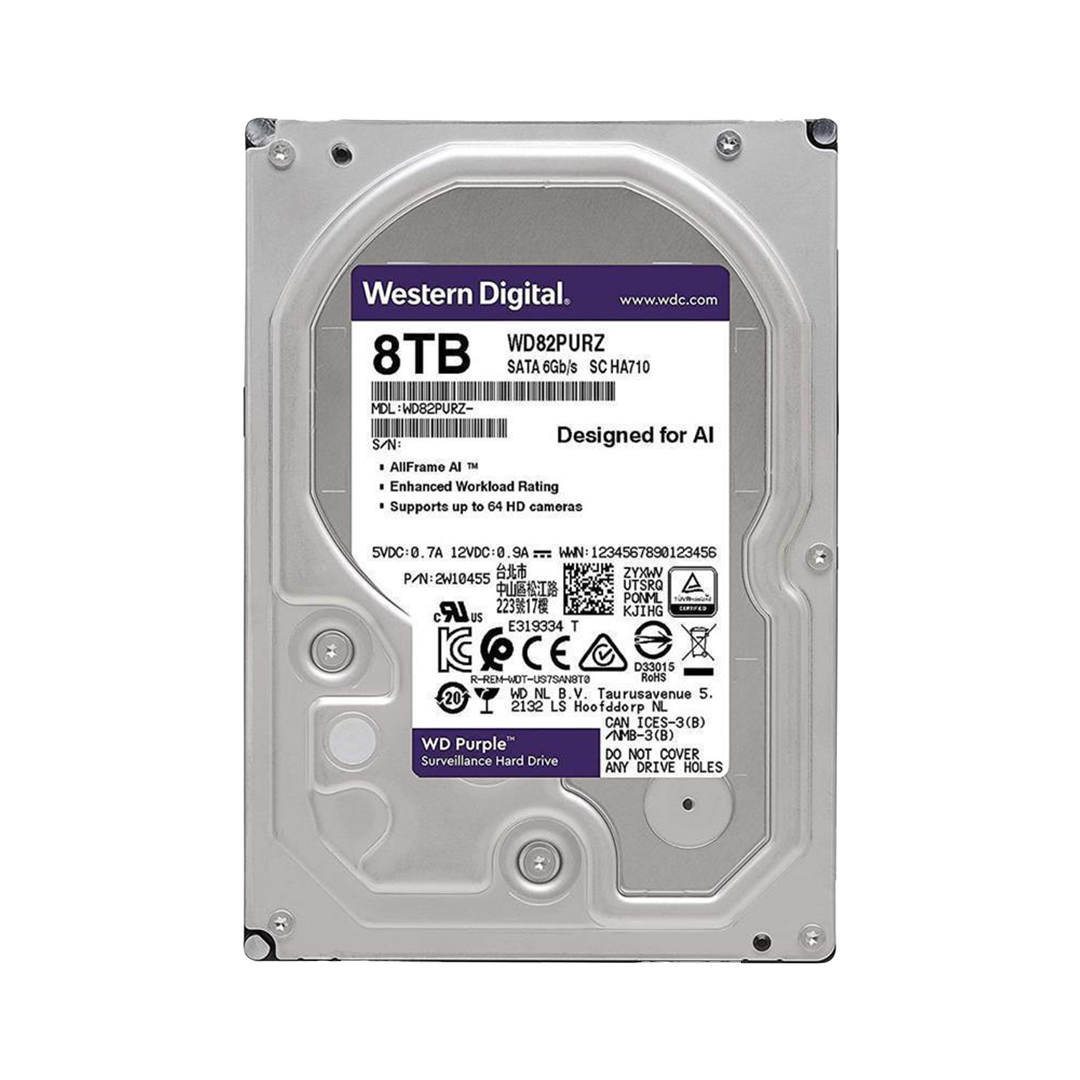
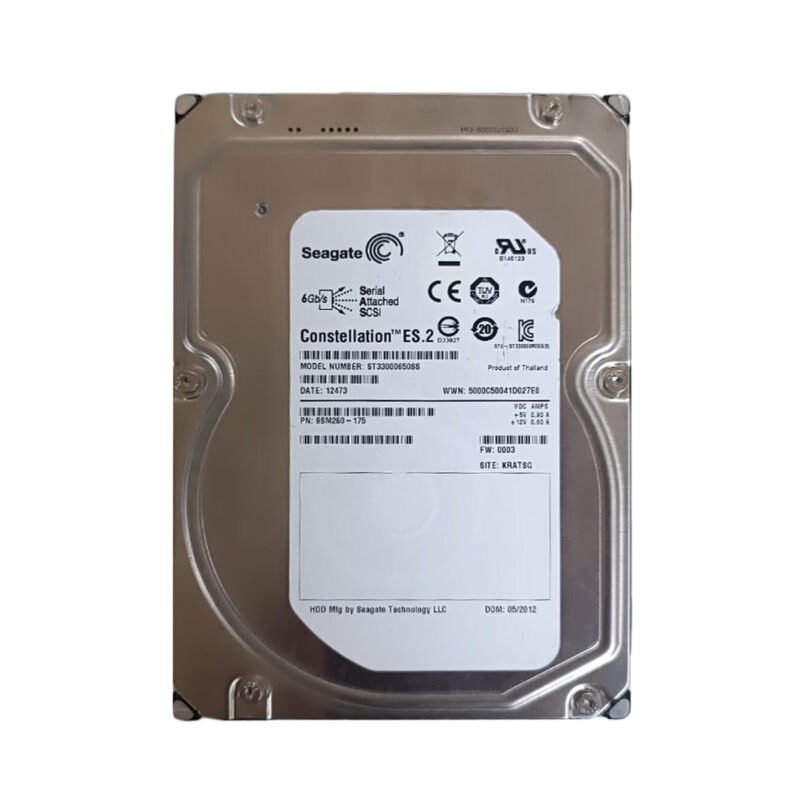
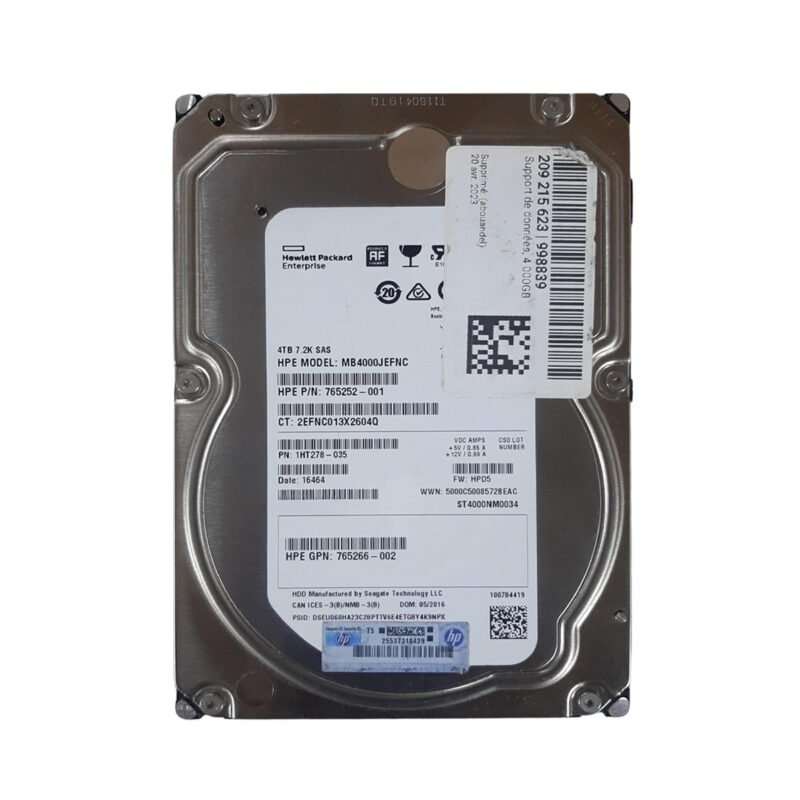
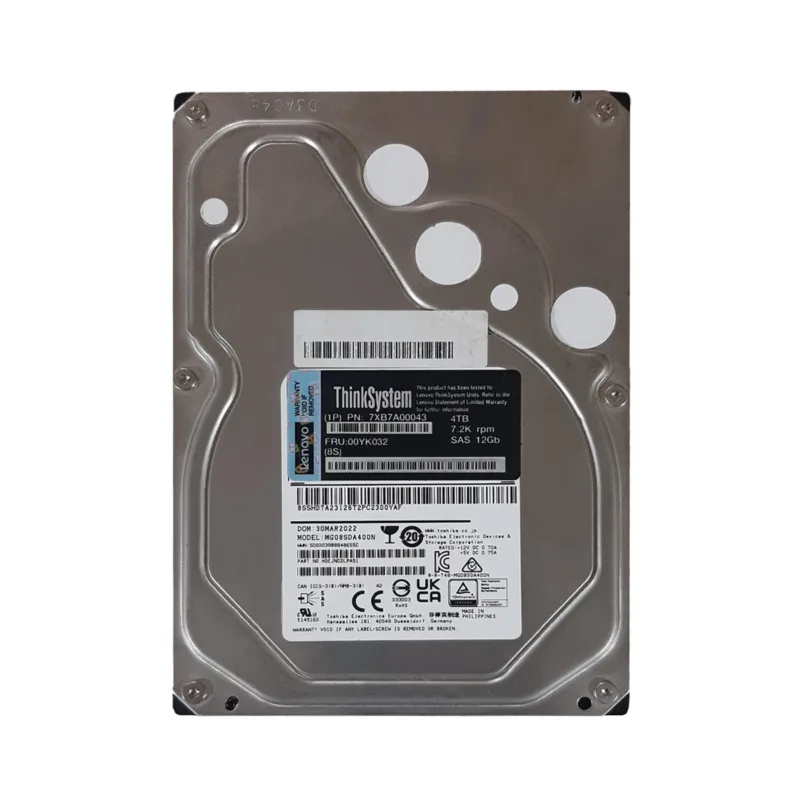
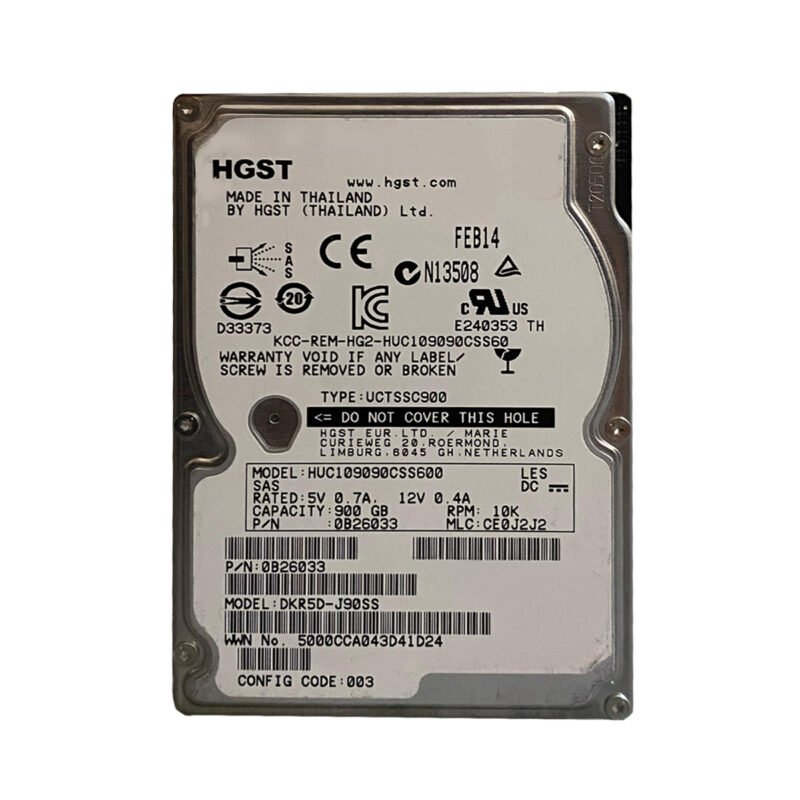
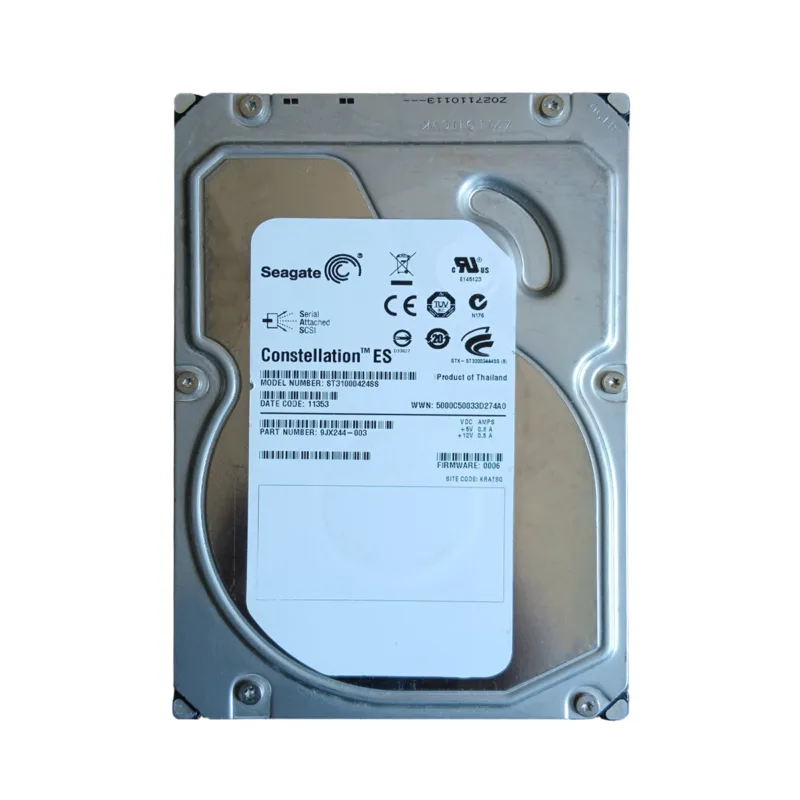
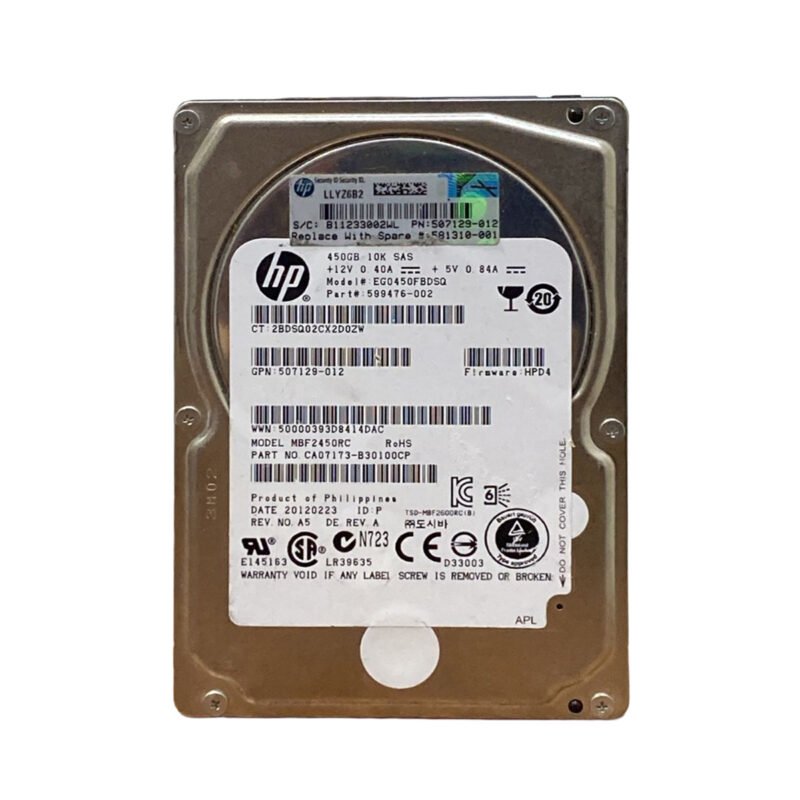
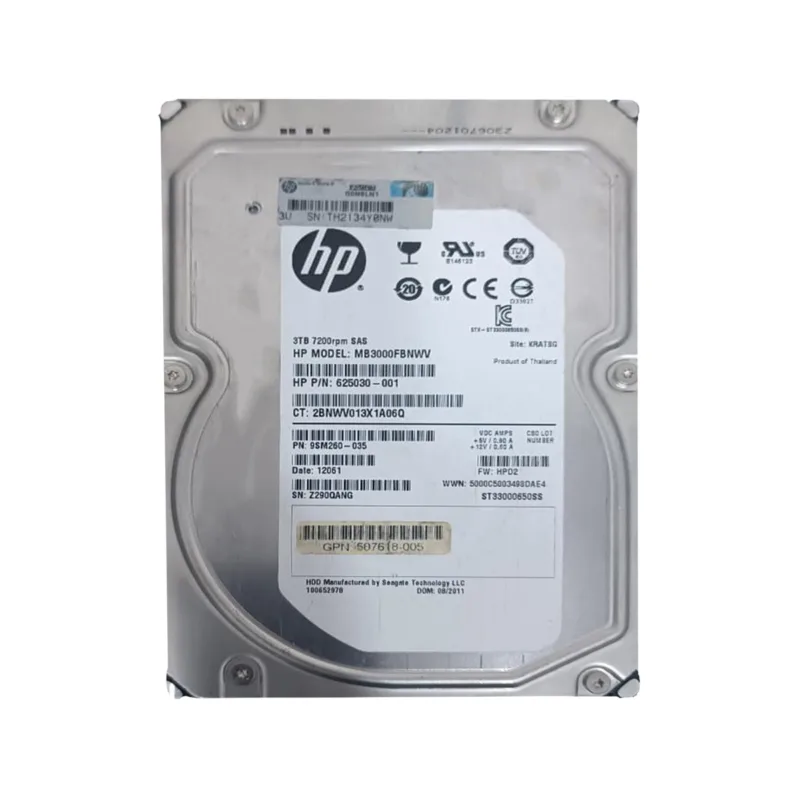
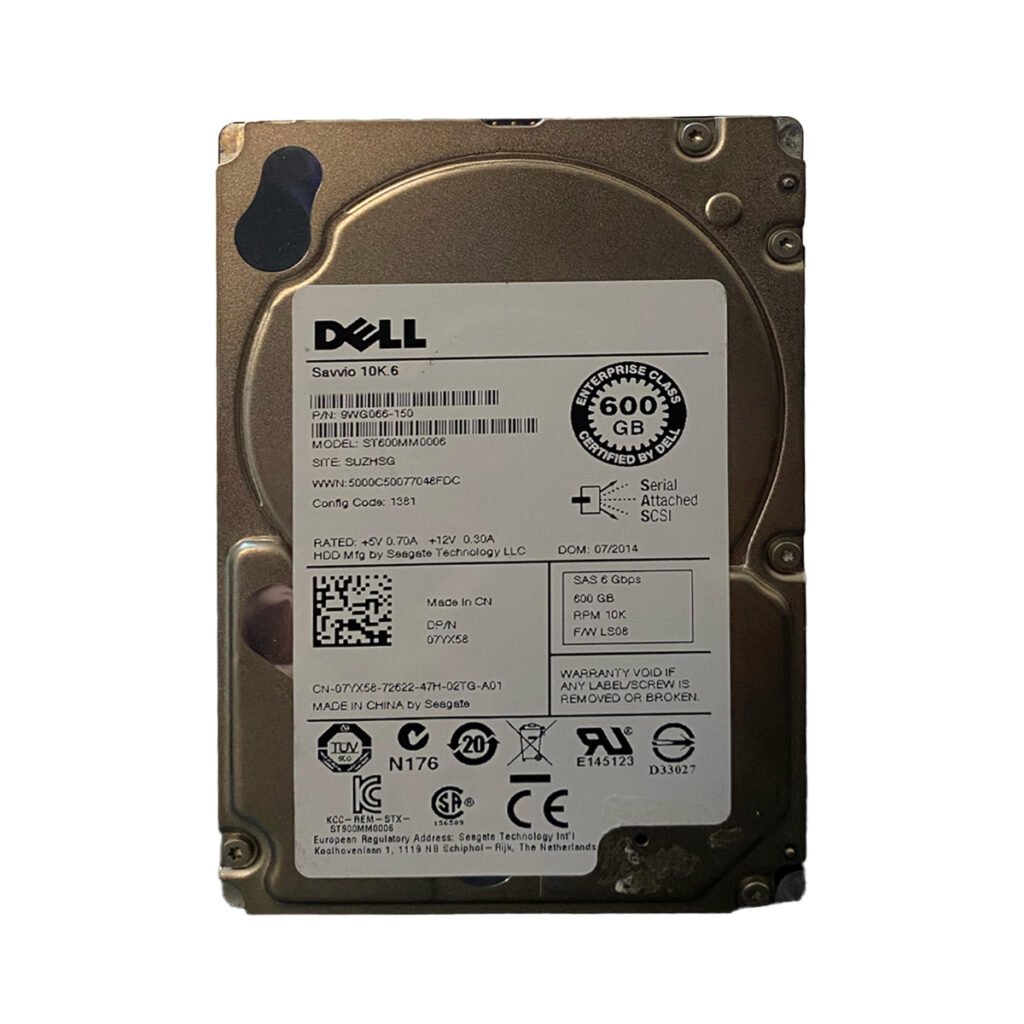
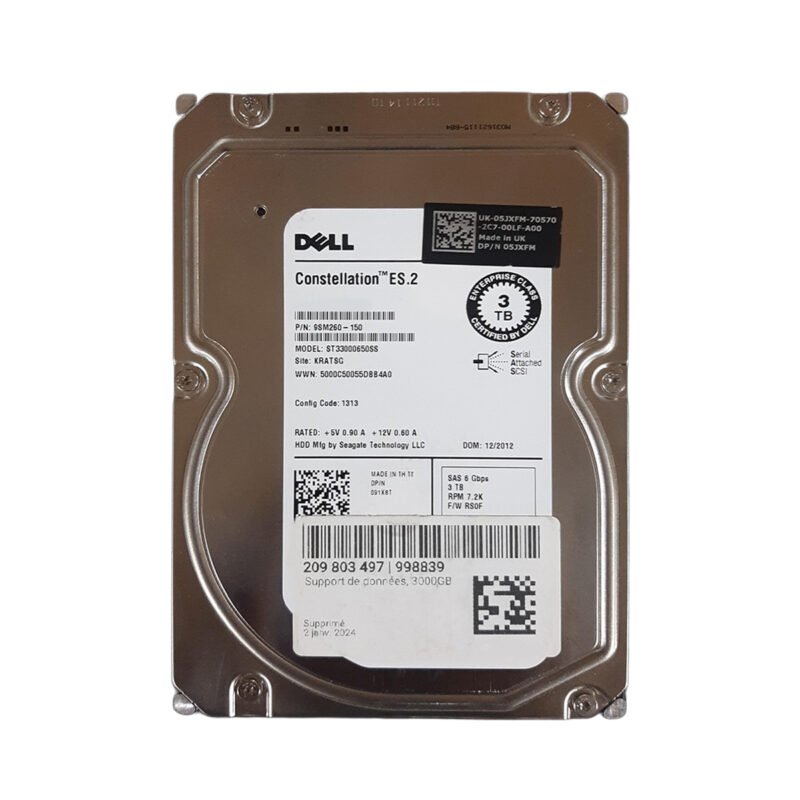
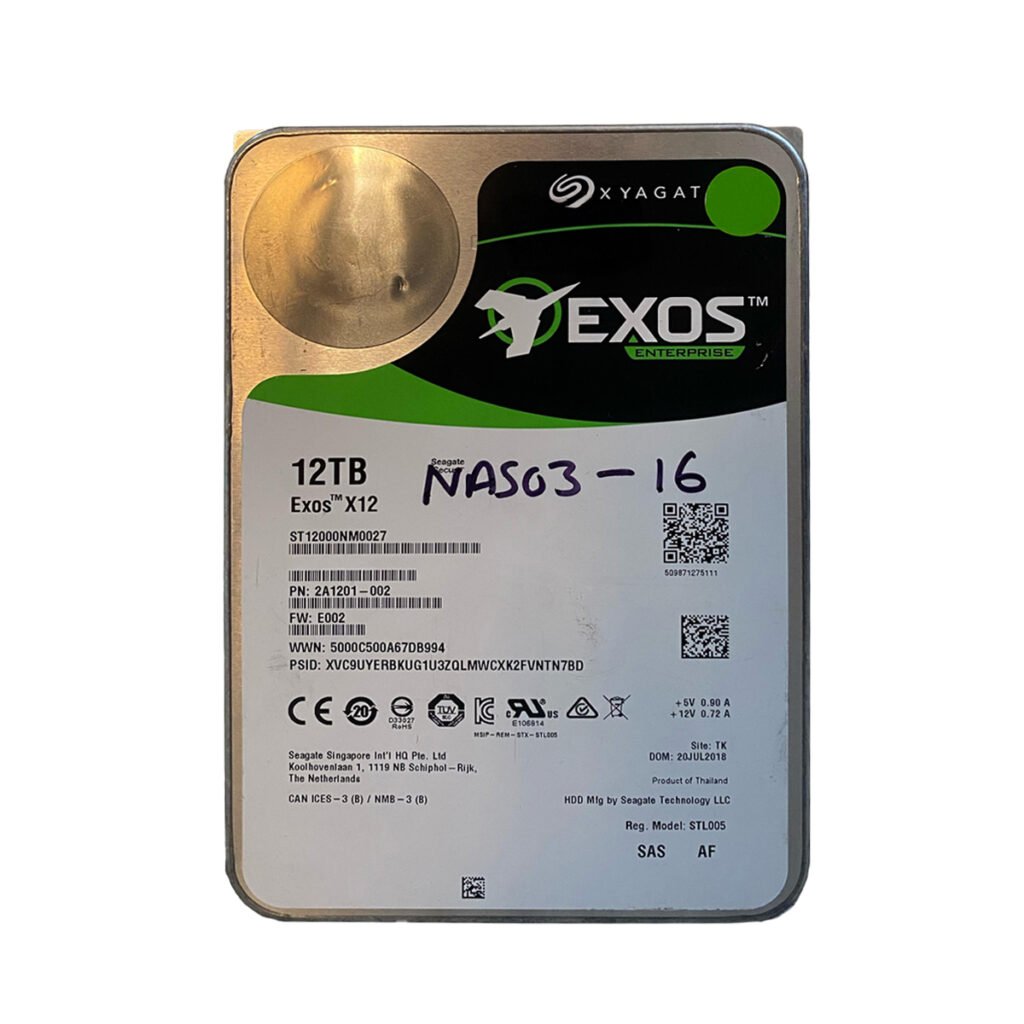
Hard Disk Drives have been the foundation of enterprise storage for decades. They are mechanical devices consisting of spinning magnetic platters, read/write heads, motors, and other moving parts. Data is written magnetically, which allows HDDs to store large amounts of data at relatively low cost.
Key traits of hard drive include:
Mechanical operation
Higher latency
Lower cost per terabyte
Millions of operational hours in ideal conditions
Performance thresholds limited by RPM (e.g., 7200, 10000, 15000 RPM)
SSDs represent a leap forward in storage technology. Instead of mechanical movement, SSDs rely on NAND flash memory or NVMe technology to store data electronically. With no moving parts, SSDs offer extremely fast performance, durability, and resistance to mechanical shock.
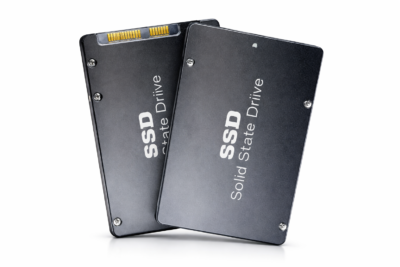
Key traits of SSDs include:
No mechanical components
Extremely fast data access speeds
Lower power consumption
Reduced heat generation
Higher durability and fewer points of failure
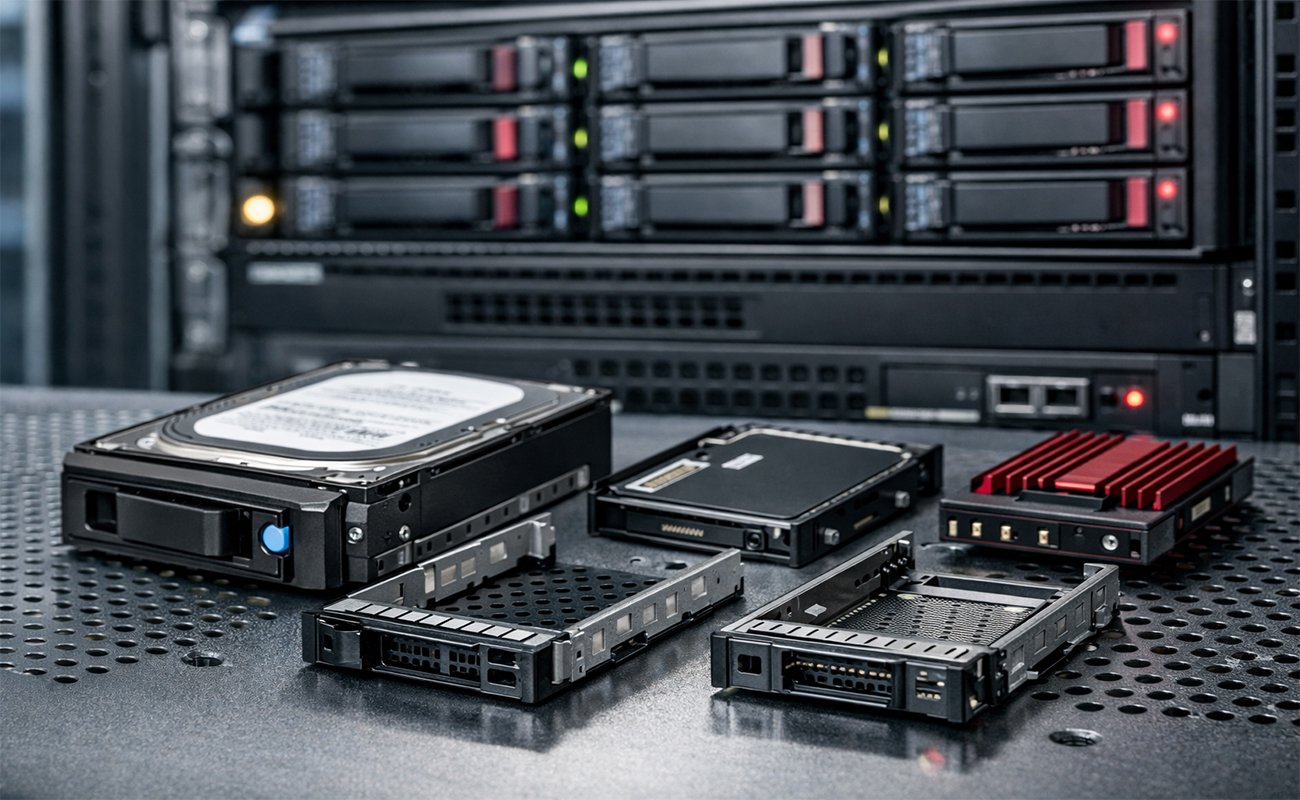
Enterprises typically deploy one of the following SSD forms:
SATA SSD: More affordable, slower than NVMe
SAS SSD: Balanced speed and reliability
NVMe SSD: Fastest commercially available interface
PCIe SSD: Ultra-high-performance storage ideal for demanding workloads
Key Enterprise SSD brands:
Samsung PM1735 / PM1737 — PCIe Gen4 NVMe SSDs
Intel SSD D7 Series — high endurance data center drives
Micron 9300 Series — optimized for mixed workloads
Crucial MX500 / P5 — enterprise‑ready consumer SSDs for edge use
Kingston DC Series — data center optimized
SanDisk Extreme Pro (by Western Digital)
Enterprises do not evaluate HDDs and SSDs the same way consumers do. Businesses have far more demanding requirements.
Below are the most common enterprise considerations:
High read/write speeds, low latency, and high IOPS are essential for:

High-traffic web applications
Virtualized environments
Cloud servers
Databases (SQL, Oracle, MongoDB, etc.)
Large analytics workloads
SSDs, especially NVMe drives, provide massive performance improvements.
Enterprise storage needs to run 24/7. Mechanical drives are more prone to wear, whereas SSDs offer better reliability and lower failure rates.
Enterprises need infrastructure that can grow with the business. Both HDDs and SSDs scale differently—in cost, capacity, and deployment methods.
Upfront cost is one factor; long-term cost is another. Energy efficiency, cooling, maintenance, and system downtime also influence TCO.
Modern SSDs support advanced encryption standards and security features that older HDD systems may lack.
In enterprise environments, latency is a major determinant of performance. SSDs outperform HDDs dramatically.
| Factor | HDD | SSD |
|---|---|---|
| Latency | High | Very Low |
| Sequential Read | 80–160 Mbps | 500 Mbps–7,000+ Mbps |
| IOPS | 80–200 | 10,000–100,000+ |
| Boot Time | Slow | Near-instant |
Enterprise SSDs can improve application performance by 5× to 20× depending on workload.
Faster access to data improves user experience
High-volume transactions execute quicker
Virtual machines boot and migrate faster
Reduced latency improves cloud performance
In virtually all performance categories, SSDs outclass HDDs.
HDDs fail primarily because of their mechanical nature. Moving parts introduce vulnerabilities:
Head crashes
Motor failure
Bearing issues
Vibration damage
SSDs eliminate these mechanical weaknesses.
SSDs have a measurable write endurance (TBW – Terabytes Written), but enterprise-class SSDs are designed for extremely heavy daily writes.
Hard drive generates significantly more heat due to spinning disks. This increases:
Cooling requirements
Energy consumption
Failure likelihood
SSDs run much cooler and require less maintenance.

Despite SSD prices dropping annually, hard drive remains far cheaper.
Hard Drives are ideal for:
Cold storage
Backups
Archives
Surveillance recording
Their cost-effectiveness makes them indispensable in enterprises with large data retention requirements.
Enterprises that need petabyte-level storage for non-critical workloads often choose Hard drive-based storage arrays.
SSDs should be used for workloads where performance is paramount.
Best SSD enterprise use cases:
High-speed databases
Financial transaction systems
Virtualization (VMware, Hyper-V)
AI and ML workloads
Cloud-native applications
DevOps and CI/CD pipelines
Real-time analytics
HDDs shine in low-performance, high-capacity workloads.
Best Hard drive enterprise use cases:
Backups and snapshots
File archives
Media libraries
Compliance-mandated retention
CCTV system storage
Distributed archival systems
Many enterprises deploy hybrid storage systems to balance performance and cost.
A hybrid architecture uses:
SSDs for “hot” data (frequently accessed)
HDDs for “cold” data (rarely accessed)
This combination offers:
Lower cost
High performance
Energy efficiency
Data-tiering flexibility
Modern enterprises use software-defined storage to automatically migrate data between SSD and Hard drive tiers based on usage patterns.
HDDs consume more power because of:
Motor operation
Spindle rotation
High heat generation requiring cooling
SSDs use significantly less power, which results in:
Lower electricity cost
Reduced cooling requirements
Lower carbon footprint
For large data centers, these savings are substantial.
Enterprises need robust data security features.
Most SSDs include hardware-based AES-256 encryption.
SSDs can wipe data instantly using cryptographic erase techniques, which is far more secure than traditional HDD wiping.
SSDs use wear leveling to prevent predictable data placement, improving data integrity.
As NAND flash manufacturing scales and newer technologies like QLC and PLC SSDs mature, SSD prices continue to decline. Meanwhile, Hard drive performance improvements have stagnated over the past decade.
Data centers are shifting to NVMe-only architectures
AI workloads demand lower latency
Cloud services prefer SSD-backed storage
Security mandates faster encryption
Hard drive will remain relevant for:
Long-term archival storage
Massive cold data repositories
Security footage storage
But they will continue to shrink in performance-oriented environments.
Low cost per TB
Higher maximum storage capacities
Great for archives
Mechanical failure rates
Slower performance
Higher power usage
Extremely fast performance
Higher durability and reliability
Lower power and cooling requirements
Higher cost
Limited write endurance (rarely an issue with enterprise drives)
Performance is mission-critical
You run databases, VMs, or analytics
You want low latency and high reliability
You’re building cloud infrastructure
You need high-capacity storage
You store backups or cold data
Cost per TB is your primary concern
When comparing Hard Drives vs SSDs for enterprise use, the right solution depends heavily on your workloads and business needs. SSDs clearly dominate in performance, reliability, energy efficiency, and long-term usability, making them the best choice for modern computing demands. HDDs still have a meaningful place, particularly for large-scale storage and archival purposes where performance is not a priority.
The most forward-thinking enterprises today are embracing SSDs for active workloads while utilizing HDDs for long-term, cost-effective storage—forming a balanced hybrid ecosystem that delivers both speed and cost efficiency.
If you need help comparing performance benchmarks, selecting hardware, or planning a hybrid storage architecture, I can create a customized guide or consulting-style report for your business
For those interested in HDD details, check out our article on 2.5″ vs 3.5″ hard drives to see which size is right for your enterprise.
No account yet?
Create an Account