Welcome To SAS Points — Your One-Stop IT Solutions Provider
Welcome To SAS Points — Your One-Stop IT Solutions Provider
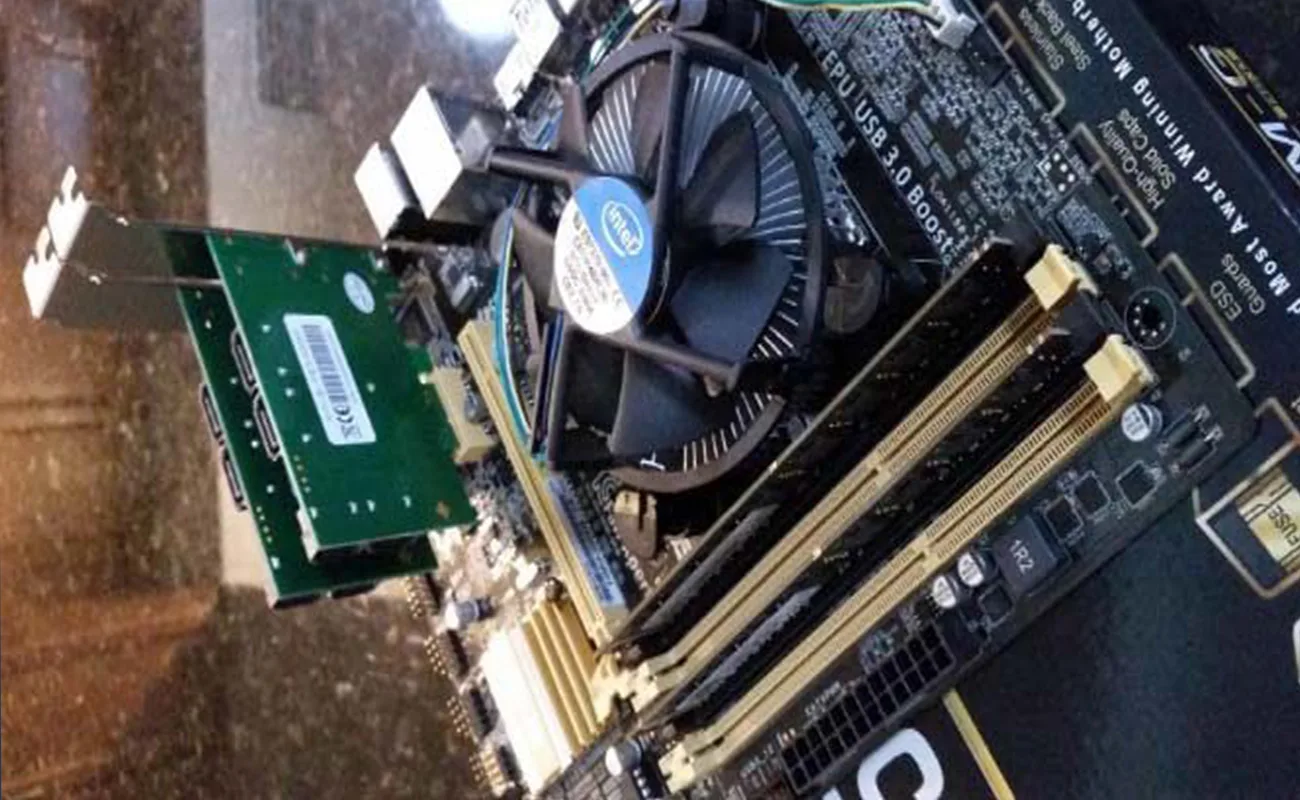
In today’s data-driven world, businesses and individuals rely heavily on reliable data storage systems. Whether you’re running enterprise-level servers, managing a data center, or simply handling large amounts of digital information, data redundancy and performance are critical. This is where the RAID Controller comes into play.
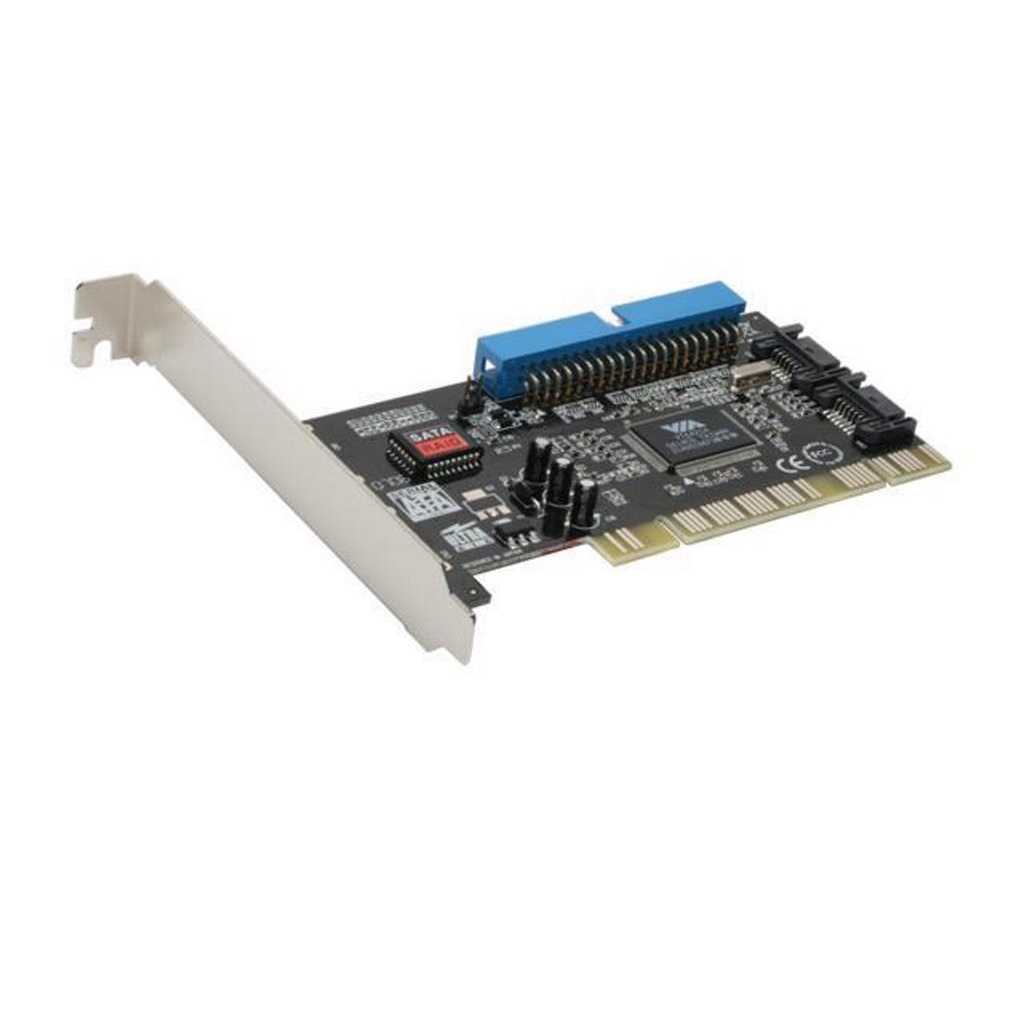
A RAID Controller is a hardware or software component that manages how data is distributed across multiple hard drives to improve performance, ensure redundancy, and protect against drive failures. In this guide, we’ll explore what a RAID Controller is, how it works, the types available, and why it’s an essential component for your storage infrastructure.
A RAID Controller (Redundant Array of Independent Disks Controller) is responsible for managing a RAID array — a configuration where multiple hard drives work together as a single logical unit. The main goal is to enhance performance, increase storage capacity, or add fault tolerance.
Without a RAID Controller, drives operate independently, meaning that if one fails, you could lose valuable data. With a RAID Controller, data is distributed intelligently across drives, reducing risk and optimizing speed.
A RAID Controller determines how data is stored and retrieved across multiple disks. It divides files into smaller blocks and distributes them among drives according to the RAID level in use (e.g., RAID 0, RAID 1, RAID 5, RAID 10).
Here’s a simplified example:
If you have three hard drives, the RAID Controller might write part of each file to all three drives in a pattern that allows data recovery even if one drive fails.
Depending on the configuration, the RAID Controller can:
Mirror data for redundancy (RAID 1)
Stripe data for speed (RAID 0)
Use parity for both speed and protection (RAID 5, RAID 6)
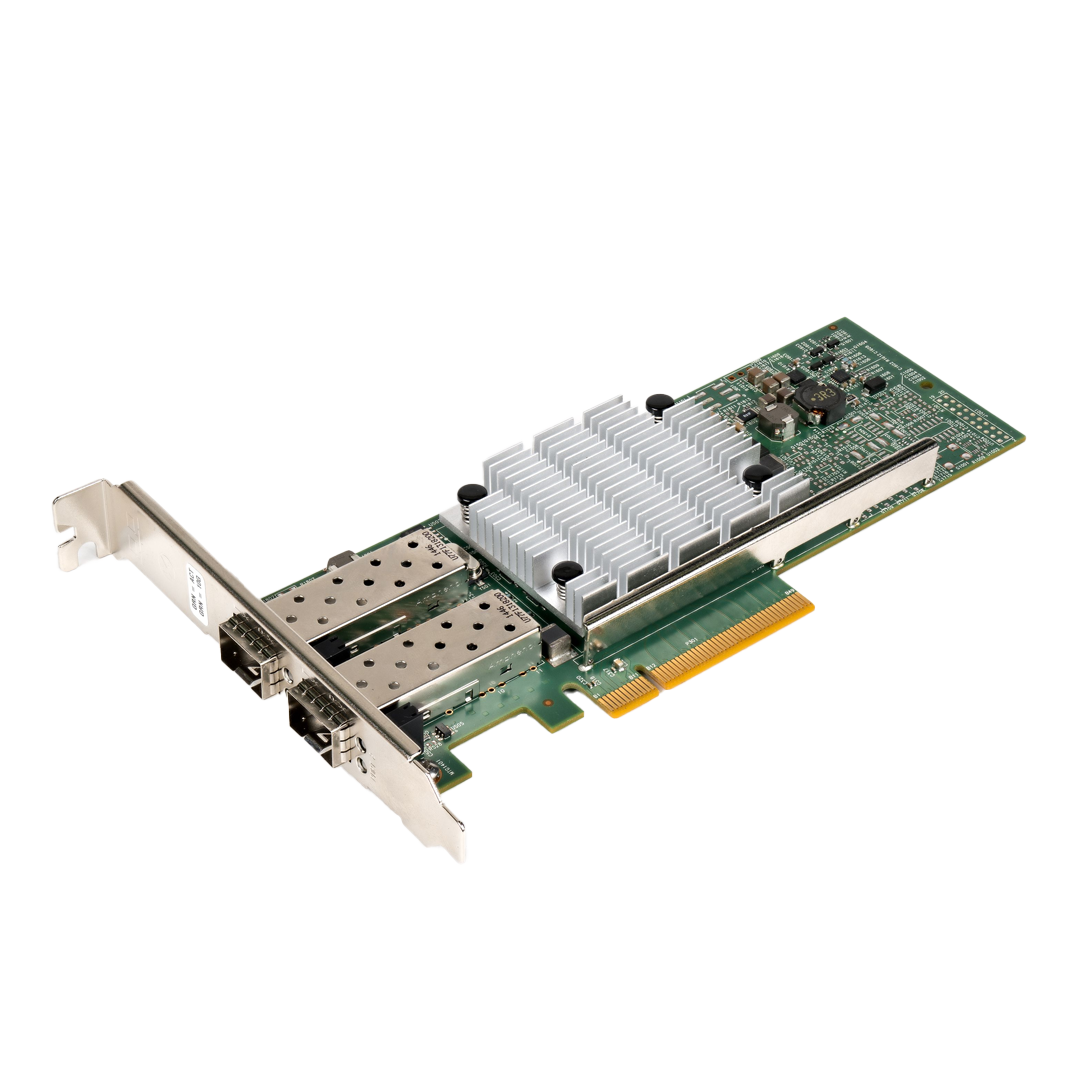
A Hardware RAID Controller is a dedicated physical card or chip installed in the server or motherboard. It has its own processor and memory, which means it doesn’t use your system’s CPU.
Advantages:
Faster performance
Independent from the operating system
More reliable and stable
Better for enterprise use
Disadvantages:
Higher cost
Harder to replace if it fails
A Software RAID Controller uses your system’s CPU and memory to manage the RAID array. It’s built into many operating systems like Windows, Linux, and macOS.
Advantages:
Cost-effective (no extra hardware needed)
Easy to set up
Ideal for small systems or testing
Disadvantages:
Slower performance under heavy load
Depends on system resources
Limited advanced RAID features
A Hybrid RAID Controller combines elements of both hardware and software RAID. It offers flexibility by offloading some RAID functions to dedicated hardware while still using the system’s resources for others.
Best use case:
Mid-range servers that need a balance between cost and performance.
RAID 0 (Striping) splits data across multiple drives to increase speed. However, it offers no redundancy—if one drive fails, all data is lost.
Use Case: Video editing, temporary storage, or gaming setups where speed matters more than safety.
RAID 1 duplicates data on two or more drives. If one fails, the system keeps running using the mirrored drive.
Use Case: Critical systems that prioritize data protection over speed.
RAID 5 uses striping with parity, distributing parity data across drives. It provides both redundancy and good performance.
Use Case: File servers and medium-sized business environments.
RAID 6 is like RAID 5 but uses double parity, allowing two drives to fail without data loss.
Use Case: Large data centers or systems where uptime is vital.
RAID 10 combines the benefits of RAID 1 and RAID 0. It mirrors and stripes data simultaneously.
Use Case: Enterprise servers needing high speed and reliability.
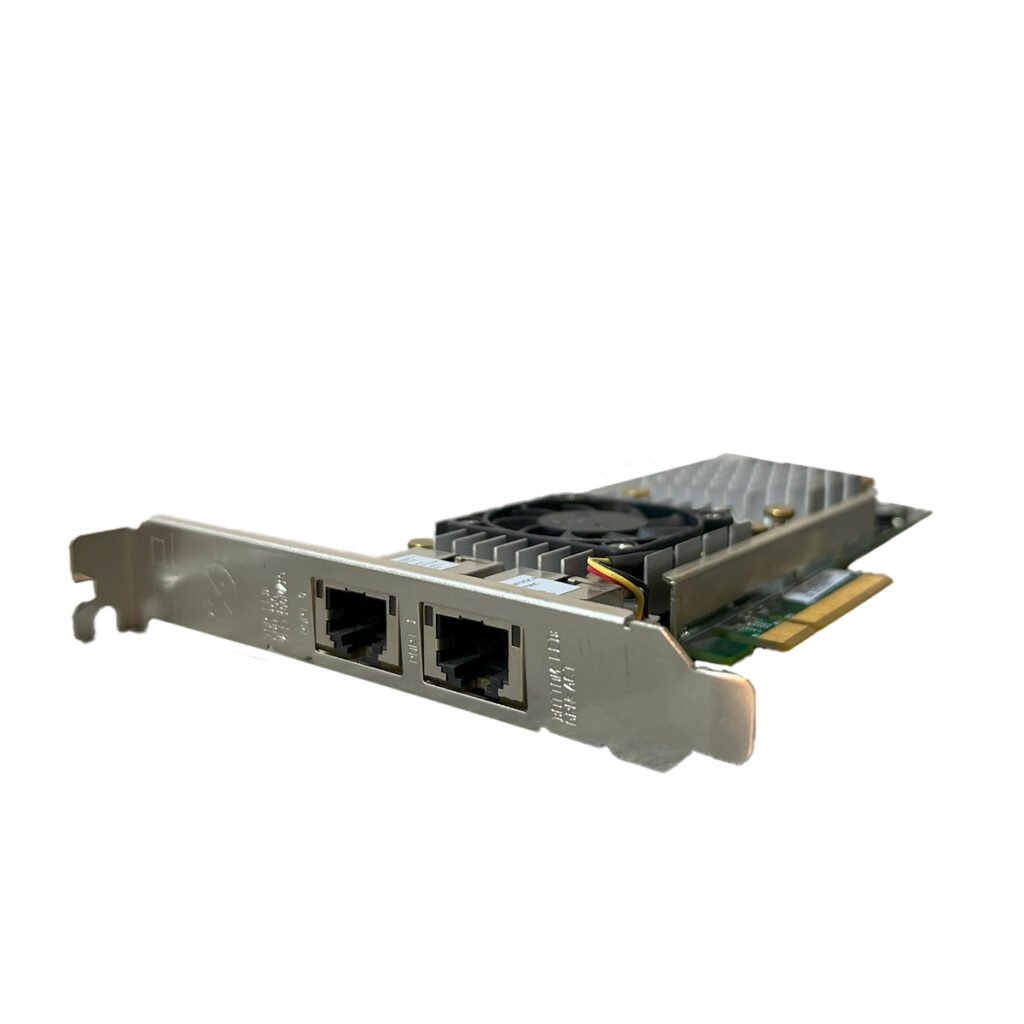
A RAID Controller card usually includes:
Processor (RAID-on-Chip) – Handles data distribution and parity calculation.
Cache Memory – Temporarily stores data for faster access.
Battery Backup Unit (BBU) – Protects cache data in case of power failure.
Connectors/Ports – For attaching multiple hard drives (SAS, SATA, NVMe).
A RAID Controller optimizes read and write operations by distributing data across multiple drives. This means faster data access and shorter loading times—perfect for database servers and heavy applications.
Through mirroring and parity, RAID Controllers protect against data loss from drive failures. In enterprise environments, this can prevent costly downtime.
As your data grows, a RAID Controller allows you to expand your storage system without reconfiguring everything from scratch.
Modern RAID Controllers come with software interfaces that let you monitor drive health, manage arrays, and configure alerts easily.
Although hardware RAID Controllers have upfront costs, they reduce maintenance, downtime, and data recovery expenses over time.
You should consider using a RAID Controller if:

You’re running a server or workstation with high data workloads.
You need continuous uptime and can’t afford data loss.
You manage databases, virtual machines, or file servers.
You handle large media files (video editing, 3D rendering, etc.).
You want to combine multiple drives into a larger, faster, more reliable system.
When selecting a RAID Controller, consider:
Interface type: SAS, SATA, or NVMe
Supported RAID levels: Ensure it matches your needs
Cache size: More cache means better performance
Compatibility: Works with your server or motherboard
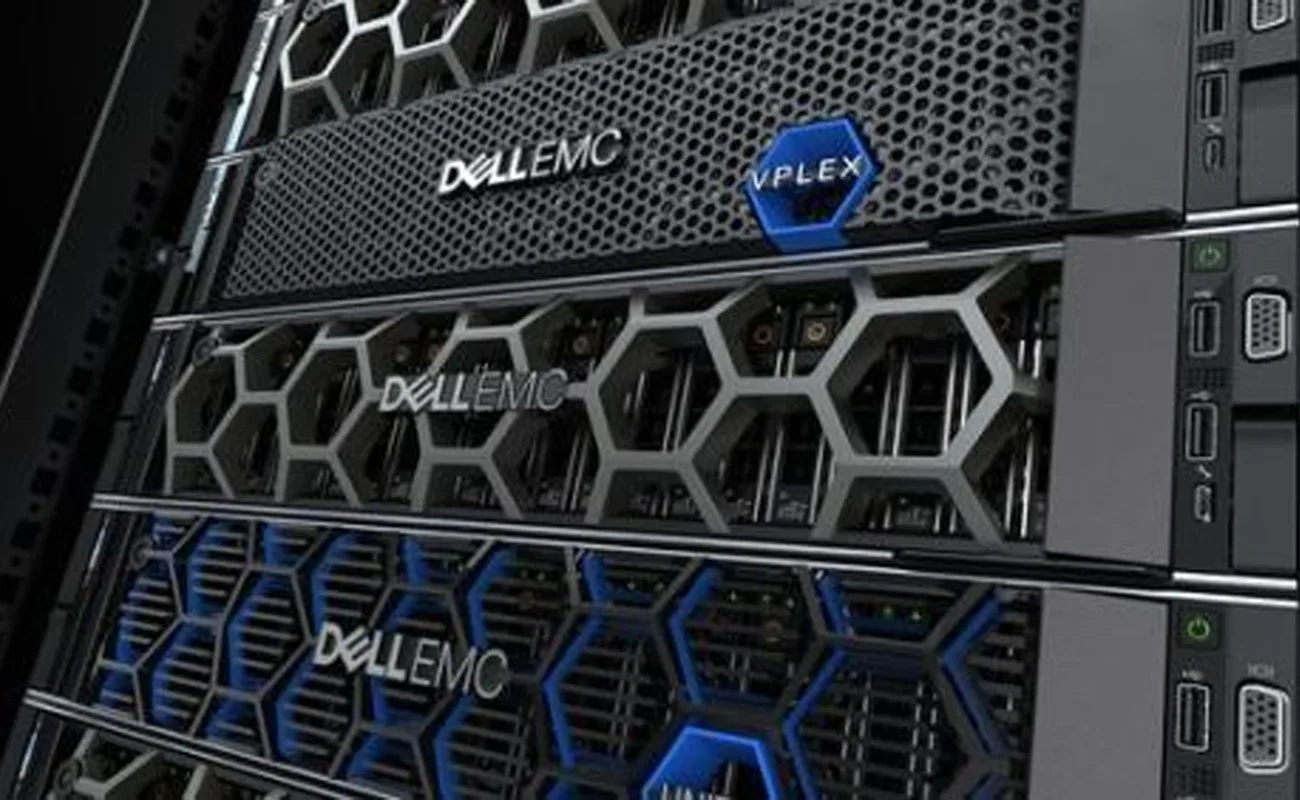
Brand reputation: Trusted names include Dell, HP, LSI, and Adaptec
Dell PERC Controllers – Widely used in Dell PowerEdge servers.
HP Smart Array Controllers – Reliable and optimized for HP ProLiant servers.
LSI MegaRAID – Industry standard for performance and scalability.
Adaptec RAID – Known for flexibility and compatibility.
Install the RAID card into the PCIe slot (for hardware RAID).
Connect the drives to the controller ports.
Access the RAID BIOS or management utility during boot (usually Ctrl+R or Ctrl+M).
Select drives and create the desired RAID level (RAID 1, RAID 5, etc.).
Initialize the array and install your operating system.
Monitor performance and set up alerts through management software.
| Problem | Possible Cause | Solution |
|---|---|---|
| RAID array not detected | Loose cables or wrong BIOS settings | Check connections and enable RAID mode |
| Slow performance | Outdated firmware | Update RAID Controller firmware |
| Rebuild taking too long | large disk size or degraded array | Use higher cache or faster drives |
| Data loss | RAID not configured correctly | Use verified RAID setup and regular backups |
If you’re managing more than one drive and care about data safety or performance, yes—a RAID Controller is highly recommended.
You can, using software RAID, but performance and reliability will be lower.
If the controller fails, the RAID configuration might become inaccessible. Always back up your data and, if possible, keep a spare controller of the same model.
Technically yes, but it’s not recommended. RAID works best with identical drives for balanced performance.
No. RAID improves redundancy but doesn’t replace regular backups.
A RAID Controller is the backbone of any reliable storage system. Whether you’re setting up a home server or running enterprise-grade infrastructure, it ensures data safety, faster performance, and easier management.
Investing in the right RAID Controller can save you from data loss, reduce downtime, and enhance your system’s overall efficiency. With the growing importance of data integrity and speed, having a RAID Controller isn’t just a luxury—it’s a necessity.
No account yet?
Create an Account