


































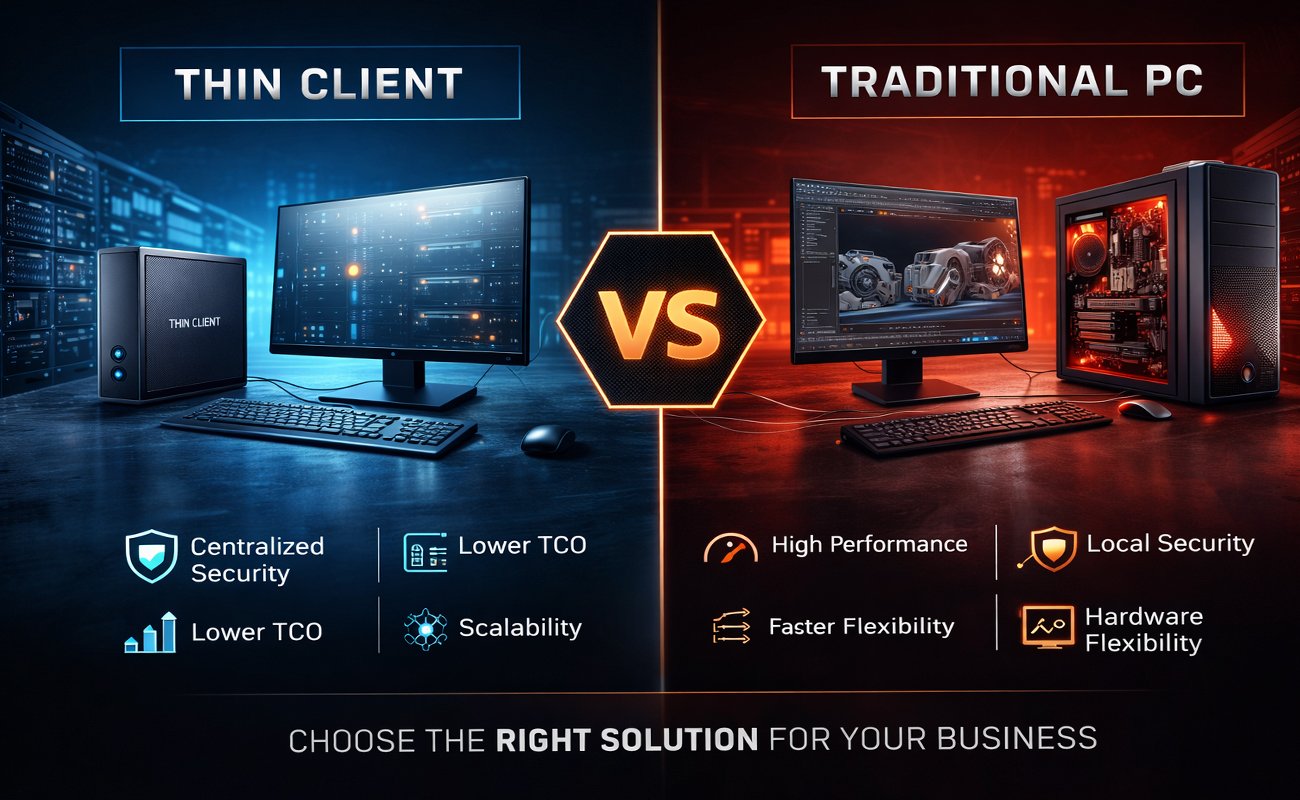
In today’s rapidly evolving digital landscape, organizations must make strategic decisions about the technologies that power their workforce. One of the most significant hardware decisions for modern businesses is whether to use thin clients or traditional PCs. While traditional desktops have been the backbone of corporate IT for decades, thin-client architectures—powered by technologies such as VMware Horizon, Citrix Virtual Apps and Desktops, and Microsoft Azure Virtual Desktop—have grown rapidly in enterprise environments.
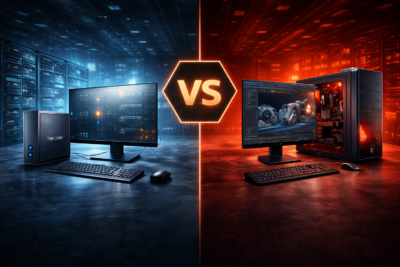
Choosing the right device type effects:
-
Productivity
-
IT management
-
Security
-
Business continuity
-
Total cost of ownership (TCO)
-
Long-term scalability
This detailed 3000+ word guide compares thin clients and traditional PCs from every angle so you can choose the right solution for your business.
1. What Is a Thin Client?
Is a lightweight computing device designed to connect to a centralized server or virtual desktop infrastructure (VDI). Unlike traditional PCs, thin clients rely on backend servers to run applications, store data, and perform processing.
Popular enterprise thin-client manufacturers include:
However, the device itself is only half the system. work in combination with server-hosted platforms such as:
-
Cisco for networking
-
VMware Horizon for virtual desktops
-
Citrix Virtual Apps and Desktops for application delivery
1.1 Key Features of Thin Clients
-
Low-power hardware
-
Cloud or server-dependent
-
Simplified OS
-
Enhanced security measures
-
Minimal local storage
-
Long lifespan (5–10+ years)
1.2 Where Thin Clients Are Commonly Used
-
Call centers
-
Banking and finance
-
Healthcare environments
-
Education and labs
-
Remote workforce deployments
-
Manufacturing floors
Thrive where centralized management and predictable workflows matter.
2. What Is a Traditional PC?
A traditional PC—desktop or laptop—is a fully independent computing device with its own:
-
CPU
-
RAM
-
Storage
-
Operating system
-
Graphical capabilities
Popular examples include:
-
Apple Mac desktops and laptops
-
Dell OptiPlex and Latitude lines
-
Lenovo ThinkCentre and ThinkPad lines
2.1 Key Features of Traditional PCs
-
Full processing independence
-
High performance configurations
-
Local storage
-
More hardware expandability
-
Familiar OS environments
2.2 Where Traditional PCs Excel
-
Graphic design
-
3D modeling
-
Video production
-
Engineering (CAD/CAM)
-
Software development
-
Power-user workflows
They are ideal when the workload needs powerful local hardware.
3. Performance Comparison: Thin Client vs Traditional PC
Performance is often the first metric decision-makers consider.
3.1 Processing Power
Traditional PCs clearly outperform in raw local processing.
High-end desktops can contain:
-
Multi-core CPUs
-
Discrete GPUs
-
NVMe storage
Meanwhile, offload processing to servers. Their performance depends on:
-
VDI server CPU
-
RAM allocation
-
Network quality
If your workloads include video editing, engineering design, or intensive multitasking, a powerful traditional PC may still be the better choice.
4. Security: A Major Reason Businesses Choose Thin Clients
Security is one of the strongest advantages of thin-client infrastructures.
4.1 Why Thin Clients Are More Secure
-
Data resides on the server, not locally
-
Encrypted communication channels
-
No local storage means reduced theft impact
-
Centralized patching and updates
-
Limited OS reduces vulnerabilities
Thin-client environments supported by:
-
VMware Horizon
-
Citrix Virtual Apps and Desktops
-
Microsoft Azure Virtual Desktop
offer enterprise-grade security controls.
4.2 Security Strengths of Traditional PCs
Traditional PCs can also be secure, provided that:
-
OS patches are updated
-
Endpoint protection is deployed
-
Disk encryption (BitLocker, File Vault) is enabled
However, decentralized management makes this more time-consuming and error prone.
5. Cost Analysis: Upfront Cost vs Long-Term TCO
5.1 Thin Clients
Pros:
-
Low device cost
-
Lower energy consumption
-
Longer lifespan
-
Minimal maintenance
-
Centralized management reduces IT labor
-
Reduced hardware failure rates
Cons:
-
Requires investment in VDI infrastructure
-
Higher upfront server and licensing costs
5.2 Traditional PCs
Pros:
-
Lower upfront investment (without VDI back-end)
-
No dependency on server hardware
-
Works offline
Cons:
-
Higher maintenance
-
Higher electricity usage
-
More hardware failures
-
Shorter lifecycle
5.3 Total Cost of Ownership (TCO)
Most large enterprises find thin clients cheaper over a 5–7year period, especially at scale.
Smaller businesses (under 20–50 employees) may find traditional PCs less expensive due to lower infrastructure needs.
6. IT Management and Maintenance
6.1 Thin Clients
Centralized control means:
-
Rapid deployment
-
Easy updates
-
Remote troubleshooting
-
Lower downtime
-
Unified security policies
This is particularly beneficial for companies with:
-
Multiple branches
-
Remote employees
-
Small IT teams
6.2 Traditional PCs
Managing local devices requires:
-
Manual updates
-
Distributed patching
-
More frequent failures
-
Higher support workload
Large fleets of traditional PCs can generate significant IT labor costs.
7. Reliability and Hardware Lifespan
Thin clients typically last longer because they lack:
-
Fans
-
Hard drives
-
Complex motherboards
Traditional PCs, especially those using HDDs, GPUs, and power-hungry CPUs, have shorter lifespans and more failure points.
8. User Experience Comparison
8.1 Thin Client UX
User experience depends on:
-
Server performance
-
Network latency
-
VDI software optimization
High-quality deployments feel almost identical to local desktops.
8.2 Traditional PC UX
Traditional PCs provide:
-
Full-speed local performance
-
Zero dependency on external servers
-
Rich multimedia support
For creative work, traditional PCs still dominate.
9. Network Dependency
Require:
-
Stable, low-latency network
-
Sufficient bandwidth
-
Reliable server availability
Traditional PCs can work offline, giving them a big advantage in:
-
Remote locations
-
Field work
-
Unreliable network environments
10. Scalability: Thin Clients Win for Large Organizations
Thin-client ecosystems scale very efficiently.
You can rapidly:
-
Provision new employees
-
Deploy standardized environments
-
Duplicate virtual desktops
-
Add new branches
Traditional PCs require more hands-on installation time.
11. Security Compliance and Industry Regulations
Industries like:
-
Healthcare
-
Banking
-
Government
-
Call centers
often prefer thin clients because they support compliance standards like:
-
HIPAA
-
PCI-DSS
-
GDPR
Centralization makes audit control easier.
12. Energy Efficiency and Environmental Impact
Thin clients consume 8–20 watts, while traditional PCs may consume 150–400 watts depending on load.
At scale, energy savings are huge.
13. Remote Work and Hybrid Workforces
Thin clients pair perfectly with remote work infrastructures such as:
-
Microsoft Azure Virtual Desktop
-
VMware Horizon
Traditional PCs require VPNs and distributed security management, which increases IT complexity.
14. Use Case Scenarios: Which Should Your Business Choose?
14.1 Choose Thin Clients If…
-
Your workers use standardized applications
-
You have strict security or compliance needs
-
You prefer centralized IT management
-
You run multiple offices
-
Your workforce is remote or hybrid
-
You want lower long-term TCO
14.2 Choose Traditional PCs If…
-
You have power users
-
Workloads demand high performance (video editing, CAD)
-
Applications require local installation
-
You have unreliable internet infrastructure
15. Mixed Environments: The Best of Both Worlds
Many organizations use a hybrid approach, for example:
-
Thin clients for administrative roles
-
Full PCs for designers or developers
This is often the most cost-efficient and performance-efficient strategy.
16. Future Trends: Will Thin Clients Replace Desktop PCs?
With the rise of:
-
Cloud computing
-
Virtual desktops
-
Edge processing
-
AI-driven resource management
-
5G connectivity
Thin clients are becoming more capable.
However, traditional PCs will remain essential for hardware-intensive workflows.
The future is likely a balanced hybrid environment.
17. Final Verdict: Which Is Right for Your Business?
There is no one-size-fits-all answer, but here is the simplified conclusion:
| Business Size | Best Option | Why |
|---|---|---|
| Small business (1–20 users) | Traditional PCs | Lower startup cost |
| Medium company (20–200 users) | Thin clients or mixed | better management, lower TCO |
| Large enterprise (200+ users) | Thin clients | Scalability, security, centralized IT |
| Creative / engineering business | Traditional PCs | High performance needs |
| Multi-site organization | thin clients’ | Easy remote management |
When choosing between thin clients and traditional PCs, also explore how Dell Storage Solutions for Business Backup and Archiving can support your data security and long-term storage needs.
Shop now
Sold out

Sold out
Sold out


Sold out
Sold out
Sold out
Related posts
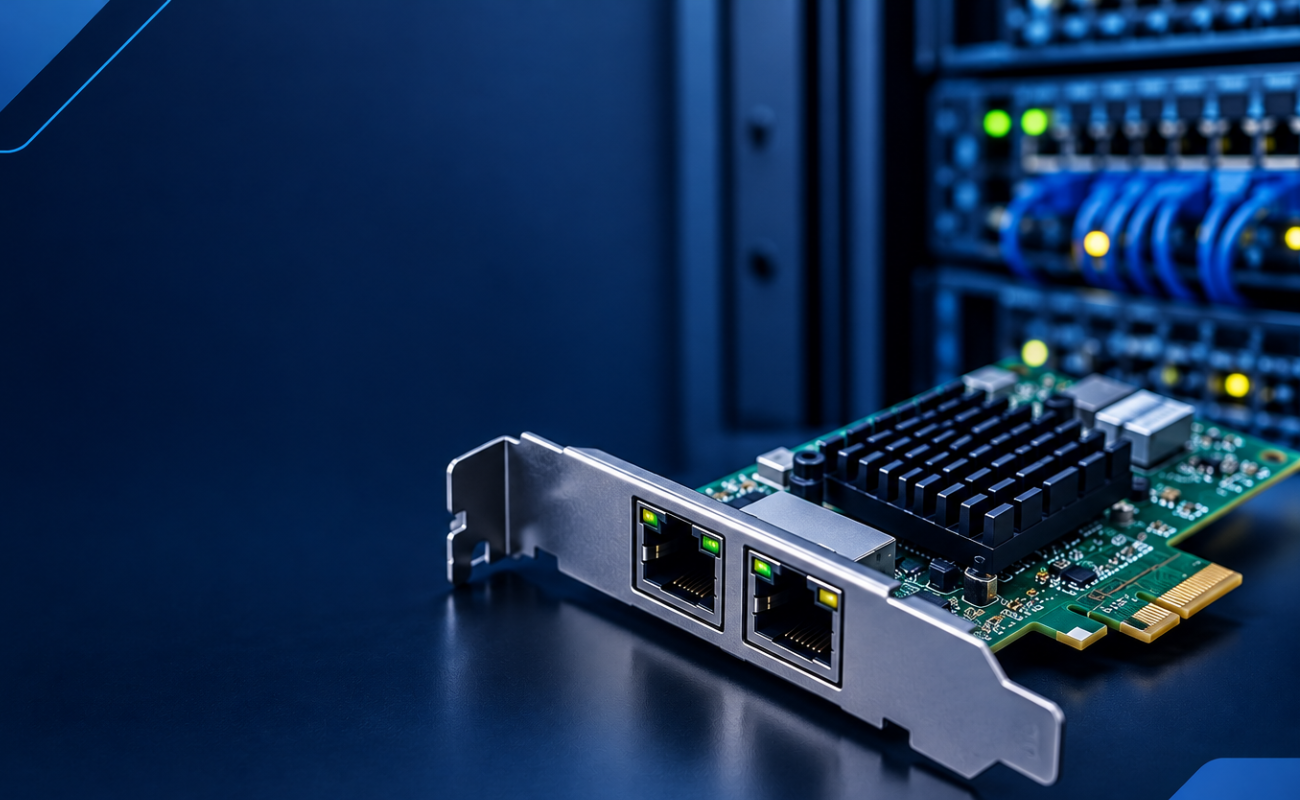
What Is a Network Card and When to Upgrade It?

What Is a Network Card and When to Upgrade It?
In modern business networks, fast and reliable communication between computers, se...
How VLANs Work on Managed Switches: 7 Key Benefits for Business Networks

Introduction
As business networks continue to grow, connecting more devices to the same physical infrastructure can create signif...

How to Choose the Right Firewall for Your Business in 7 Steps

Introduction
Cybersecurity has become a major priority for businesses of every size. From small offices to large enterprises, org...

Hardware Firewall vs Cloud Firewall: 7 Key Differences for Businesses
Choosing the right firewall is an important decision for businesses that want to protect ...
Next-Generation Firewall vs Traditional Firewall: 9 Comparison Points
Network security has changed dramatically as businesses rely ...
Hardware Firewall vs Software Firewall: 7 Differences Explained
A firewall is one of the most important security tools for protecting business networks, devices, and sensitive data. It monitors ...
HPE Z Series Workstations: Designed for Professionals
HPE Z Series Workstations: Designed for Professionals
Professionals working with demanding applications need more than a standard...
10 Signs It’s Time to Upgrade Your Network Switch
A reliable network is essential for businesses that depend on computers, servers, cloud applications, wireless access points, IP c...
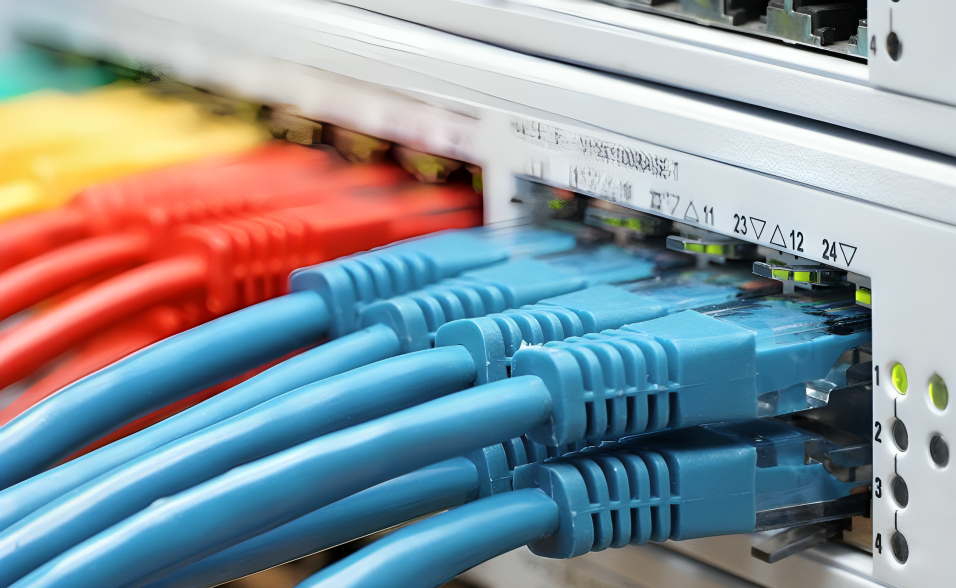
Gigabit vs 10 Gigabit Switches: 6 Performance Differences Compared
Choosing the right network infrastructure is essential for businesses that depend on fast, stable, and reliable connectivity. One ...
HDD vs SSD: 8 Key Differences Every Business Should Know
Choosing the right 8 Key Differences Every Business is one of the most important decisions when building or upgrading a business I...
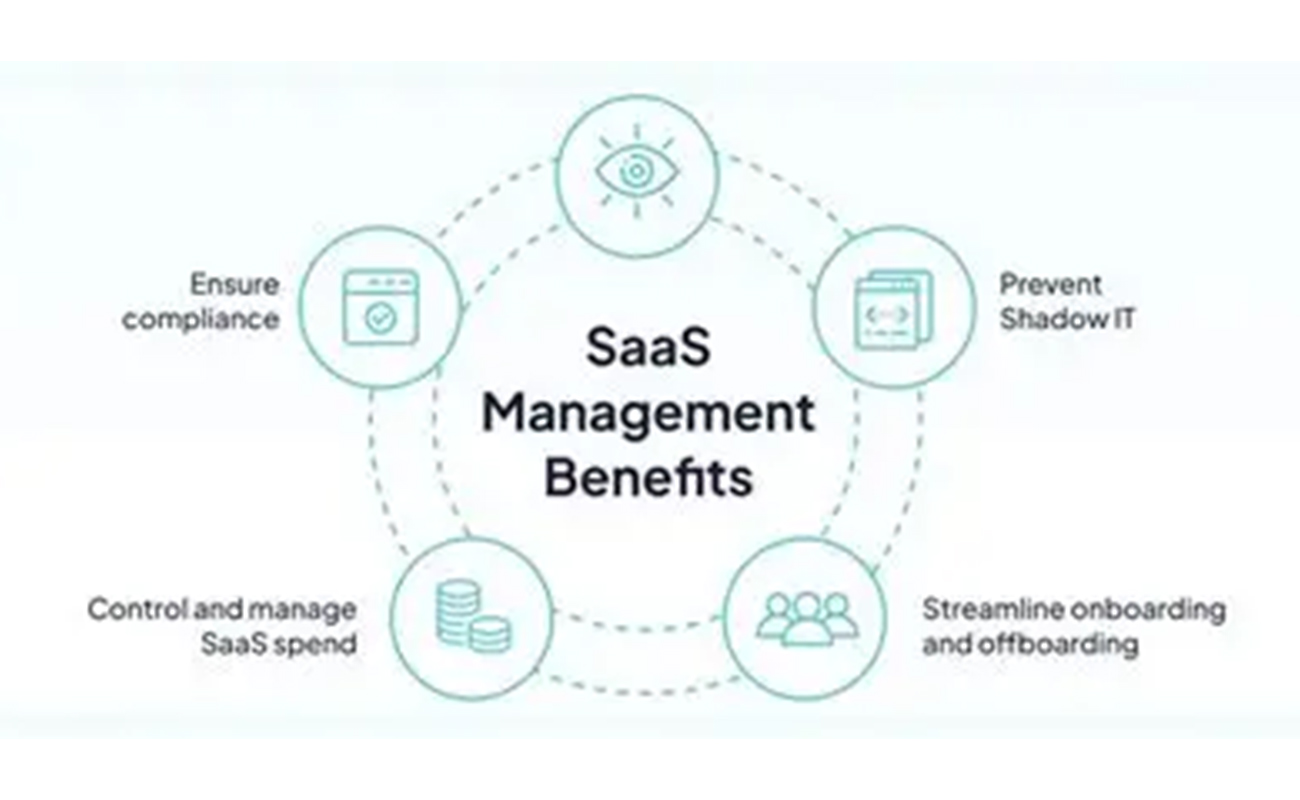
10 Smart Benefits of SAS Points Plus for Seamless IT Management
Managing IT infrastructure can become challenging as businesses grow. From servers and storage systems to networking equipment and...
How to Choose the Right Server for Your Office in 7 Steps
How to Choose the Right Server for Your Office in 7 Steps
Choosing the right server for an office is an important decision for bu...
