







































Choosing the right switch is one of the most critical decisions IT professionals make when designing or upgrading network infrastructure. A well-selected switch ensures high performance, secure connectivity, and long-term scalability, while the wrong choice can lead to bottlenecks, downtime, and increased operational costs.
This Network Switch Buying Guide for IT Professionals provides a complete roadmap to help you evaluate, compare, and select the best switch for your business needs in 2026. With the rise of cloud computing, virtualization, and high-bandwidth applications, modern networks require switches that deliver performance, flexibility, and advanced security.
Understanding Your Network Requirements
Before purchasing any switch, IT professionals must evaluate their network environment carefully, using a comprehensive Network Switch Buying Guide for IT Professionals.
Key factors to consider include:
- Number of users and connected devices
- Types of applications and workloads
- Data traffic volume and peak usage
- Future growth and scalability requirements
Understanding these elements ensures that the selected switch aligns with both current and future business needs.
Types of Switches in a Network Switch Buying Guide for IT Professionals
Unmanaged Switches
Unmanaged switches are simple plug-and-play devices with no configuration required. They are ideal for small setups but lack advanced features.
Managed Switches
Managed switches provide full control over network traffic, VLAN configuration, and security policies. These are essential for enterprise environments.
Layer 2 vs Layer 3 Switches
Layer 2 switches handle basic data forwarding, while Layer 3 switches add routing capabilities, improving network efficiency and segmentation.
For most enterprise environments, Layer 3 switches are highly recommended.
Network Switch Buying Guide for IT Professionals: Key Factors
Performance and Throughput
High performance is essential for modern networks. IT professionals should evaluate switching capacity, forwarding rate, and latency to ensure smooth data flow.
Port Density and Speed
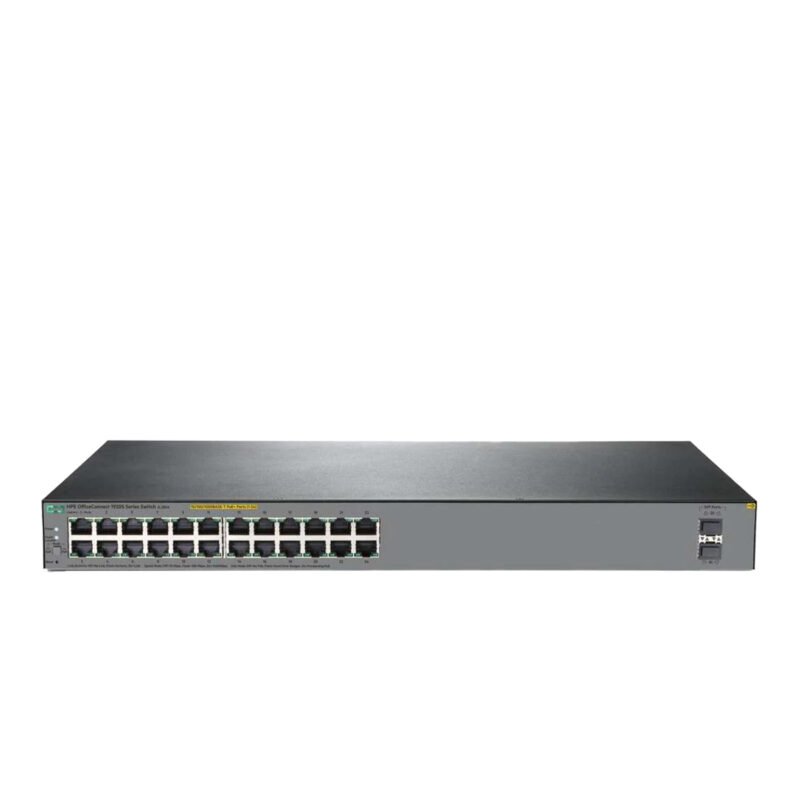
Choosing the right number of ports is critical. Common configurations include 24-port and 48-port switches with support for Gigabit, 10G, 25G, or higher speeds.
Scalability
Scalable switches allow businesses to expand without replacing hardware. Features like stacking and modular design are essential for future growth.
Power over Ethernet (PoE)
PoE enables switches to power devices such as IP phones, wireless access points, and security cameras through Ethernet cables, simplifying deployment.
Security Features
Security is a key factor in any network switch buying decision. Important features include VLAN segmentation, access control lists, MACsec encryption, and network access control.
How to Choose Between Managed and Unmanaged Switches
One of the most common decisions IT professionals face is choosing between managed and unmanaged switches. While unmanaged switches are simple and cost-effective, they lack the flexibility required for growing networks. Managed switches, on the other hand, offer advanced configuration options, monitoring capabilities, and enhanced security features, making a Network Switch Buying Guide for IT Professionals an essential resource when making this choice.
For businesses planning long-term growth, managed switches provide better control over traffic, improved troubleshooting, and the ability to implement network policies. This makes them the preferred choice for most professional environments.
Advanced Considerations for IT Professionals
Network Management and Automation
Modern switches support centralized management, cloud-based monitoring, and automation tools that improve efficiency and reduce manual work.
Reliability and Redundancy
High availability is critical. Look for switches with redundant power supplies, failover capabilities, and high uptime guarantees.
Compatibility and Integration
Ensure the switch integrates seamlessly with your existing infrastructure, including servers, storage systems, firewalls, and routers.
Enterprise Switch Comparison
When evaluating network switches, IT professionals often compare leading vendors.
Cisco
Cisco offers industry-leading performance, advanced security, and strong enterprise support. It is ideal for large organizations and data centers.
Aruba Networks
Aruba focuses on cloud-managed networking and strong wireless integration, making it suitable for modern digital workplaces.
Lenovo
Lenovo provides cost-effective and scalable solutions, making it a good choice for small and medium-sized businesses.
Importance of Vendor Support and Warranty
When selecting a network switch, vendor support plays a crucial role in ensuring long-term reliability. Choosing a trusted provider like Cisco or Aruba Networks ensures access to firmware updates, technical assistance, and replacement services when needed.
Strong vendor support reduces downtime, improves troubleshooting efficiency, and guarantees that your network infrastructure remains stable and secure over time.
Comparison Table
Network Switch Security in 2026
Security has become a top priority in modern networks. Switches now act as a first line of defense against cyber threats.
Key security features include:
- Network Access Control (NAC)
- MACsec encryption
- Micro-segmentation
- Threat detection and monitoring
Implementing these features helps protect sensitive data and maintain network integrity.
Network Architecture Overview
Traditional Three-Tier Architecture
- Access Layer
- Distribution Layer
- Core Layer
This model is widely used in enterprise networks to ensure scalability and performance.
Modern Spine-Leaf Architecture
- Designed for data centers
- Reduces latency
- Improves performance and scalability
Choosing the right architecture is essential for optimizing network efficiency.
Real-World Deployment Tips
IT professionals should follow best practices during deployment:
- Test configurations before full deployment
- Plan redundancy to avoid downtime
- Use monitoring tools for performance tracking
- Keep firmware updated
These steps ensure a stable and efficient network environment.
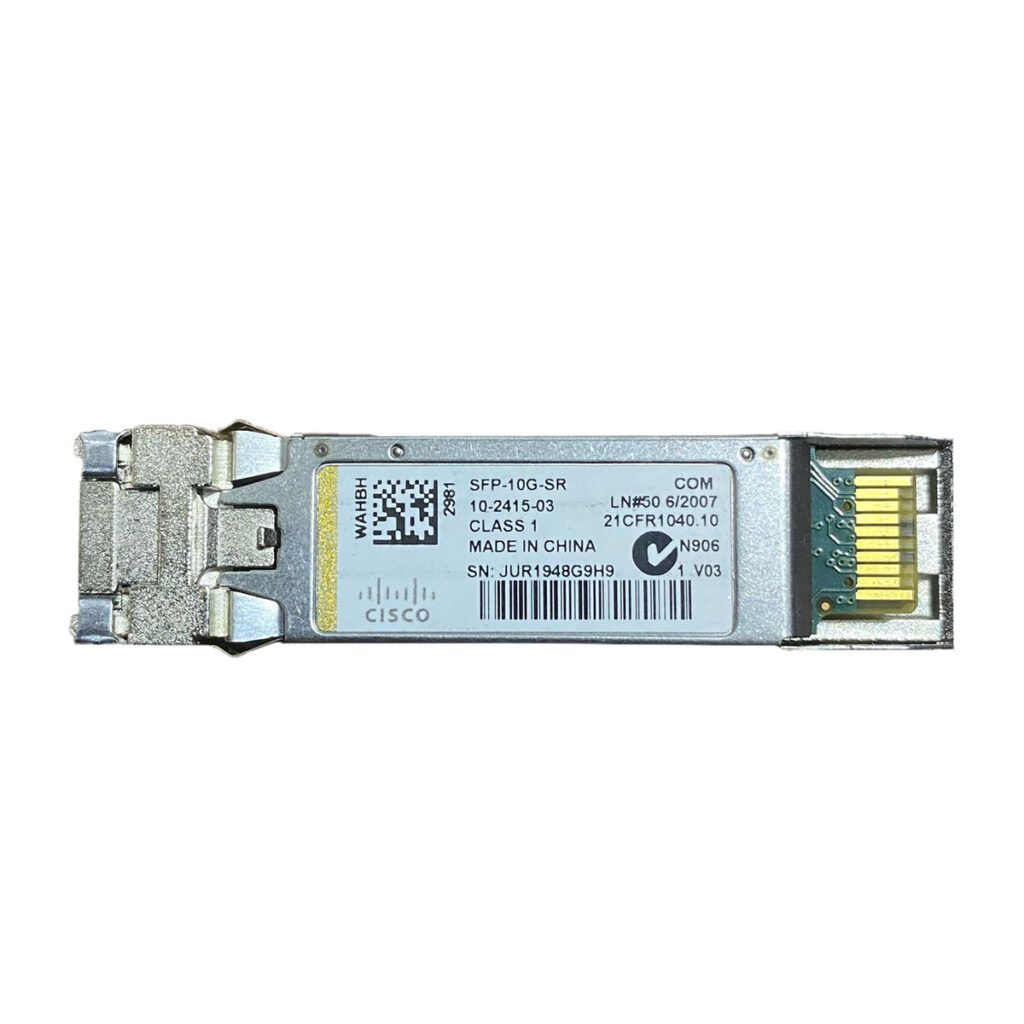
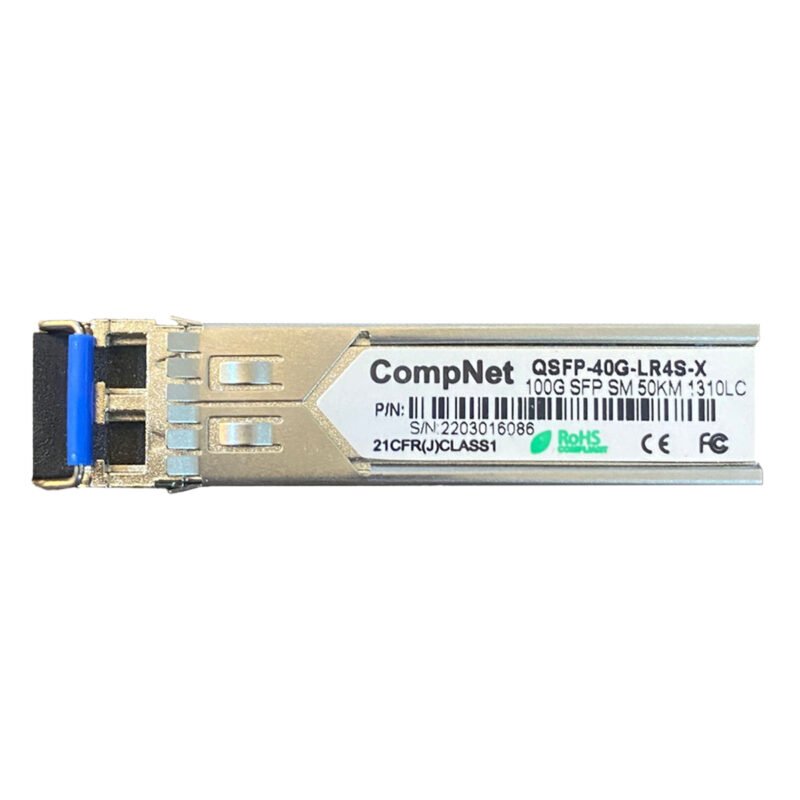
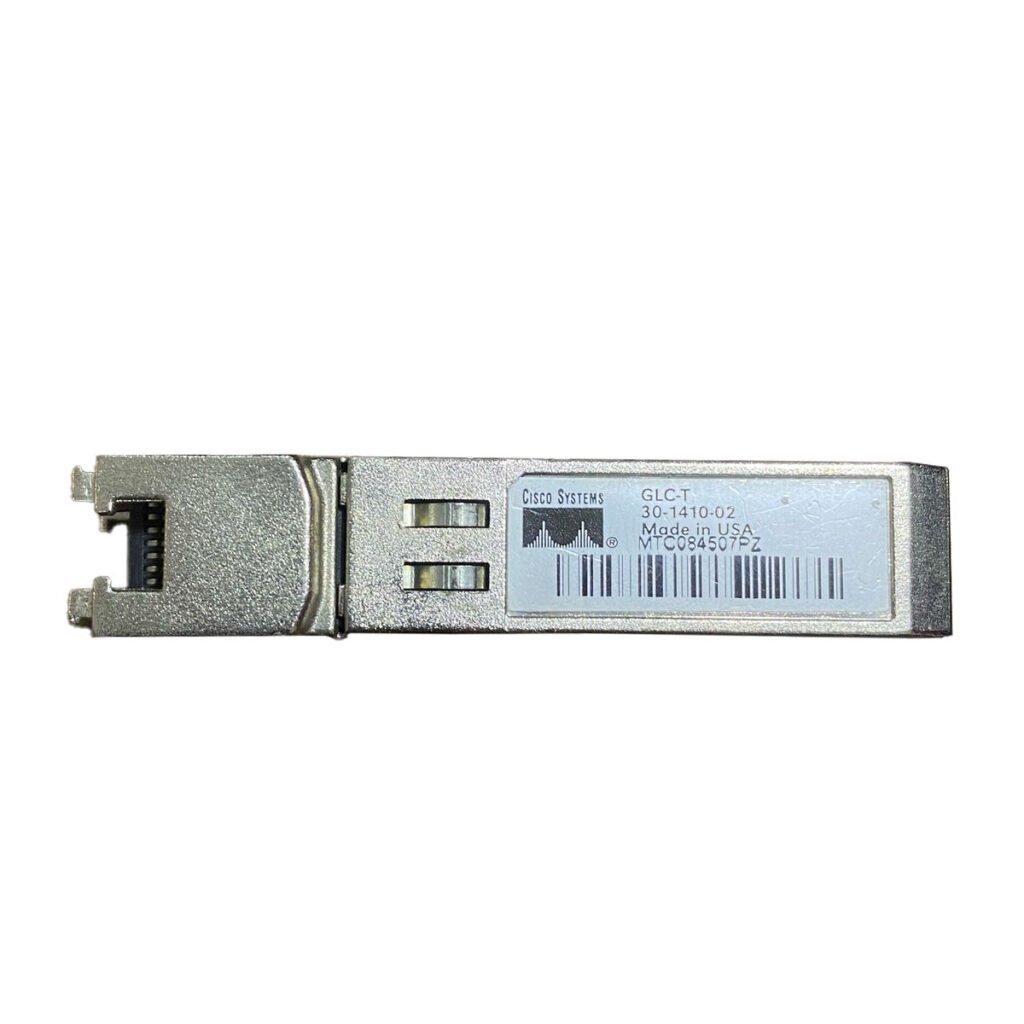
Role of Transceivers (GBIC and SFP)
Transceivers are essential components in modern networking. They affect speed, compatibility, and connection distance.
Key considerations include:
- Compatibility with switch models
- Speed requirements (1G, 10G, 25G, etc.)
- Fiber vs copper connections
Choosing the right transceivers ensures optimal network performance.
Cost vs Value Strategy
High-quality switches provide:
- Better performance
- Longer lifespan
- Lower maintenance costs
- Improved security
Investing in reliable hardware ensures better return on investment over time.
Future Trends in Network Switch Buying Guide for IT Professionals
Networking continues to evolve rapidly. Key trends include:
- AI-driven network management
- Cloud-based switching solutions
- Software-defined networking (SDN)
- Increased adoption of high-speed connectivity (100G and beyond)
Staying updated with these trends helps IT professionals make future-proof decisions.
FAQ
What is the most important factor when buying a network switch?
Performance, scalability, and security are the most important factors.
Should IT professionals choose managed switches?
Yes, managed switches provide better control, monitoring, and security.
What speed should a network switch support in 2026?
At least 10G for enterprise networks, while data centers may require higher speeds.
Are PoE switches necessary?
PoE switches are highly recommended for powering devices like access points and IP cameras.
Checklist Before Buying a Network Switch
- Confirm port count and speed requirements
- Ensure compatibility with existing infrastructure
- Verify security features and management capabilities
- Plan for future scalability
- Check warranty and vendor support
Following this checklist ensures that your network switch investment aligns with both current needs and future expansion plans.
Conclusion
This Network Switch Buying Guide for IT Professionals provides a comprehensive overview of how to select the right switch for modern networks. From performance and scalability to security and future trends, every factor plays a critical role in building a reliable infrastructure.
Choosing the right switch is not just a technical decision—it is a strategic investment that supports business growth, improves efficiency, and ensures long-term success.
Start upgrading your network today with high-performance, enterprise-grade switching solutions designed for modern IT environments.
If you want to explore the latest switch capabilities, read our guide on Top Features to Look for in a Network Switch in 2026 to understand what truly matters in modern networking.
Shop now
Sold out

Sold out

Sold out
Sold out
Sold out
Related posts
VPN Firewall vs Standard Firewall: 7 Key Differences

Businesses need reliable network security to protect sensitive information, prevent unauthorized access, and maintain secure commu...
Rack Server vs Tower Server: 6 Key Differences Explained

Rack Server vs Tower Server: 6 Key Differences Explained
Choosing between a rack server and a tower server is an important decisi...
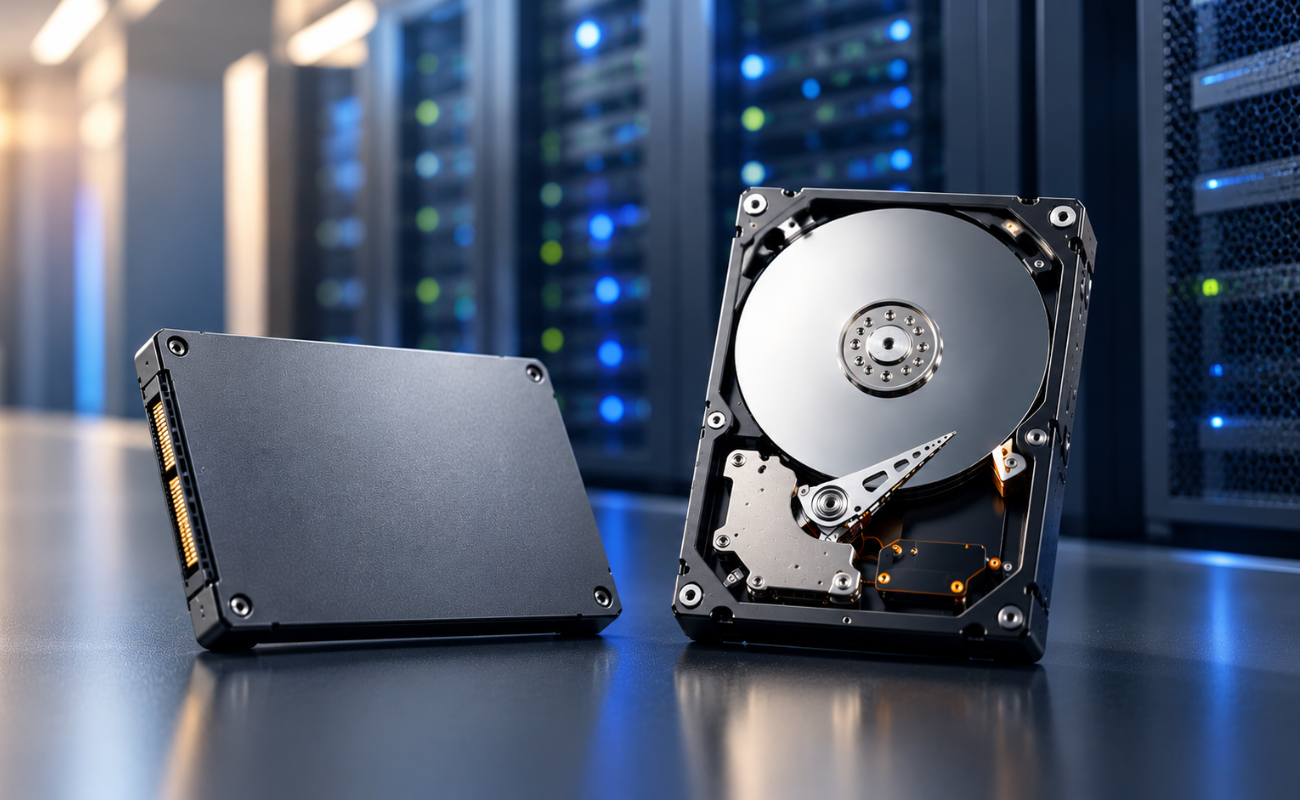
SSD vs HDD Storage: 8 Key Differences Every Business Should Know
SSD vs HDD Storage: 8 Key Differences Every Business Should Know
Choosing the right storage technology is essential for businesse...
Router Performance Explained: 7 Factors That Affect Your Internet Speed

Router performance plays a critical role in determining how efficiently a business network handles daily operations. From cloud-ba...
10 Router Security Features That Help Protect Business Networks
Business networks are constantly exposed to security risks, from unauthorized access and malicious traffic to compromised devices ...

Stateful Firewall vs Next-Generation Firewall: 8 Major Differences
Firewalls play a critical role in protecting business networks from unauthorized access, suspicious traffic, and cyber threats. Ho...

7 Firewall NGFW Types Compared for Business Network Security
Choosing the right NGFW firewall is an important part of protecting business networks fro...
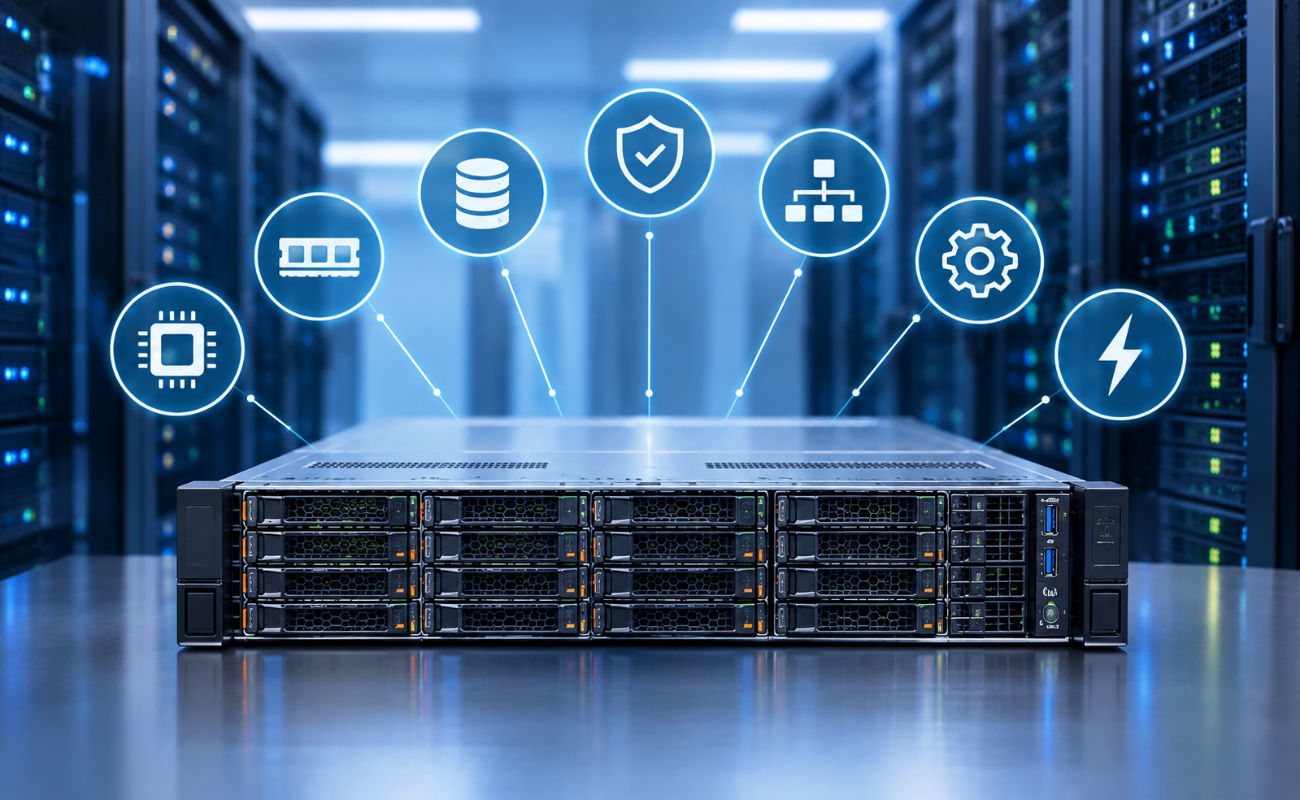
11 Server Features Every IT Manager Should Look For
11 Server Features Every IT Manager Should Look For
Choosing the right server is an important decision for any organization. Serv...
Best RAM Options for Performance Workstations
Best RAM Options for Performance Workstations
Modern performance workstations are built for demanding workloads such as 3D render...

Dual-WAN vs Single-WAN Routers: 6 Key Differences Compared
Modern businesses rely heavily on stable Internet connectivity for cloud applications, communication, online platforms, remote acc...
Wi-Fi Router vs Wired Router: 8 Differences Every Business Should Know
Choosing the right networking equipment is an important decision for any business. As organizations become increasingly dependent ...

Storage Buying Guide: 7 Things to Consider Before You Choose
Storage Buying Guide: 7 Things to Consider Before You Choose
Modern businesses generate and manage large amounts of data every da...
