

























































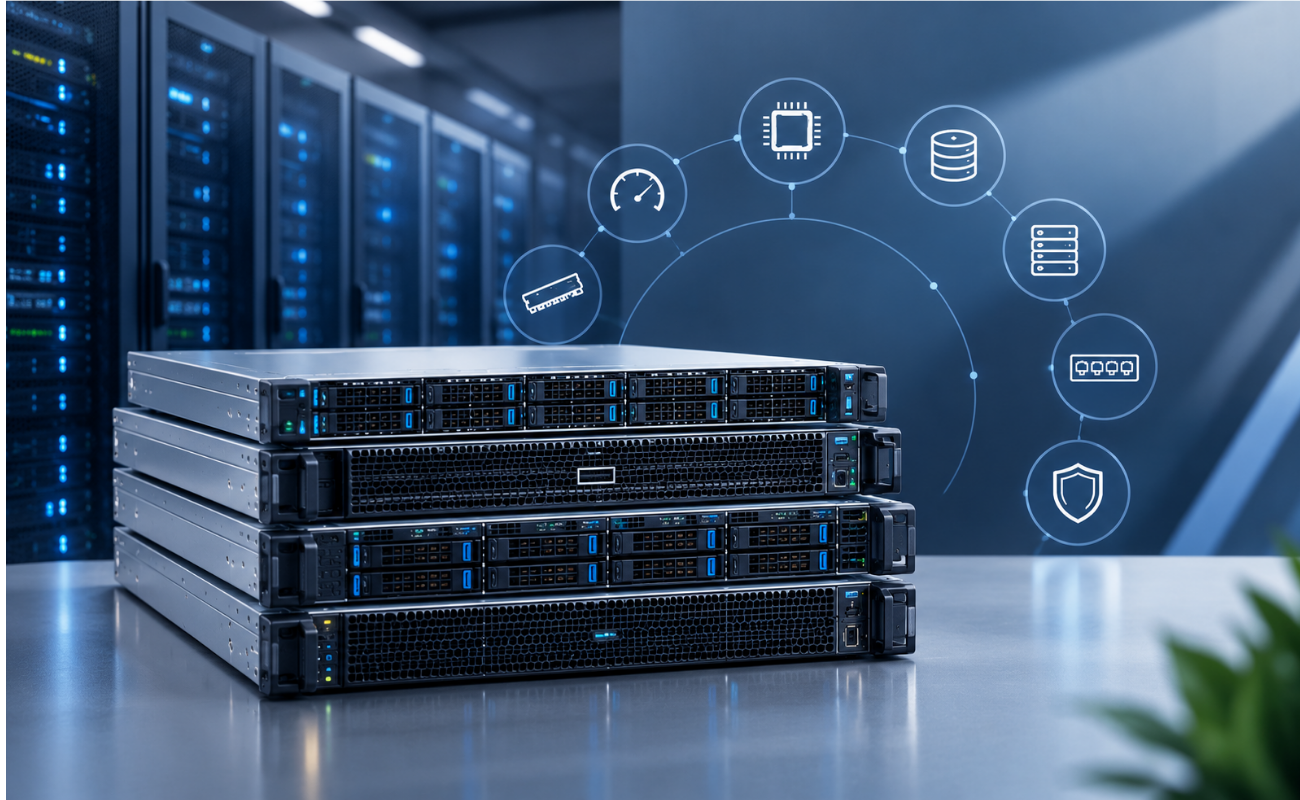
8 Server Specifications You Should Understand Before Buying
Choosing the right server is an important decision for any business that depends on reliable IT infrastructure. Whether you need a server for virtualization, databases, file sharing, business applications, or data storage, understanding the hardware specifications helps you select a configuration that matches your workload and budget. Before investing in new or refurbished equipment, it is essential to know which components have the greatest impact on performance, reliability, and future expansion.
Understanding 8 Server Specifications You Should Understand Before Buying can help IT managers, business owners, and system administrators compare different server models more effectively. Rather than focusing only on the processor or price, buyers should evaluate the complete configuration, including memory, storage, RAID controllers, networking, power supplies, and management features.
This guide explains eight important server specifications to review before making a purchase and shows how each one affects your IT environment.
1. Processor (CPU)
The processor is one of the most important components to evaluate when comparing server configurations. It handles instructions, calculations, and application workloads, making it essential for determining how effectively a server performs under different conditions.
When reviewing a server’s CPU, consider the following specifications:
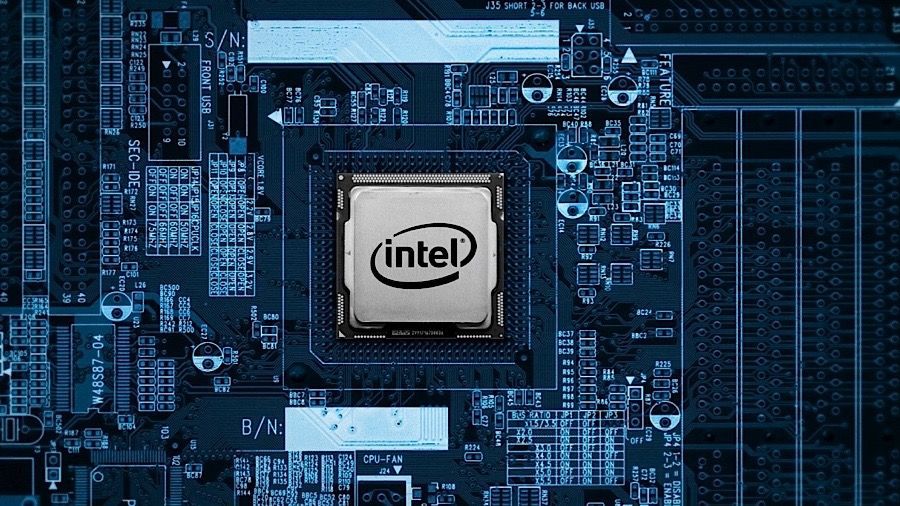
- Processor model: Identifies the exact CPU generation and capabilities.
- Core count: Indicates how many physical processing cores are available.
- Thread count: Shows how many processing threads the CPU can handle.
- Clock speed: Represents the processor’s operating frequency.
- Cache size: Provides fast-access memory for frequently used data.
- Processor generation: Influences supported technologies, performance, and compatibility.
For example, a server equipped with Intel Xeon processors may be suitable for enterprise applications, virtualization, and database workloads. However, the best processor depends on the software being used and its licensing requirements.
A dual-processor server does not automatically outperform every single-processor system. The exact CPU models, core counts, clock speeds, memory configuration, and workload all influence performance.
When reviewing 8 Server Specifications You Should Understand Before Buying, always check the exact processor model rather than relying only on the number of CPUs or cores advertised.
2. Random Access Memory (RAM)
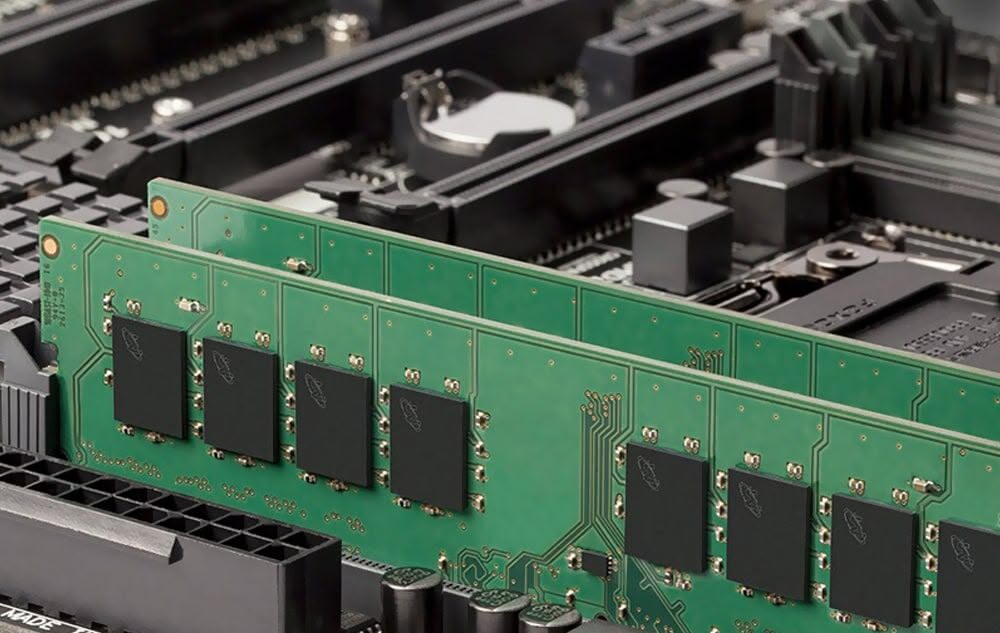
RAM temporarily stores the data and instructions that applications need to access quickly. Having sufficient memory helps prevent performance bottlenecks, particularly when multiple applications or virtual machines run simultaneously.
Before purchasing a server, review these memory specifications:
 Installed capacity: The total amount of RAM currently available.
- Maximum supported capacity: The amount of memory the server platform can support.
- Memory type: Such as DDR4 or DDR5, depending on the server generation.
- Memory speed: The supported operating speed of the installed modules.
- DIMM slots: The number of memory slots available for expansion.
- Memory configuration: How modules are distributed across processors and memory channels.
 Installed capacity: The total amount of RAM currently available.
A server used for basic file sharing may require less memory than a virtualization host running multiple virtual machines. Database servers and memory-intensive applications may also need larger capacities, depending on their workloads.
It is important to confirm that memory modules are compatible with the server model and processor configuration. Mixing unsupported memory types or using an unsuitable module arrangement can prevent the system from operating as expected.
When comparing 8 Server Specifications You Should Understand Before Buying, consider both the installed RAM and the room available for future upgrades. A server with 32GB of RAM may meet current requirements, but a system with a practical upgrade path could be a better long-term investment.
3. Storage Capacity and Drive Type
Storage determines how much data a server can hold and influences application responsiveness, data access, and workload performance. Buyers should evaluate both the type of drives installed and the total usable capacity.
Common enterprise storage options include:
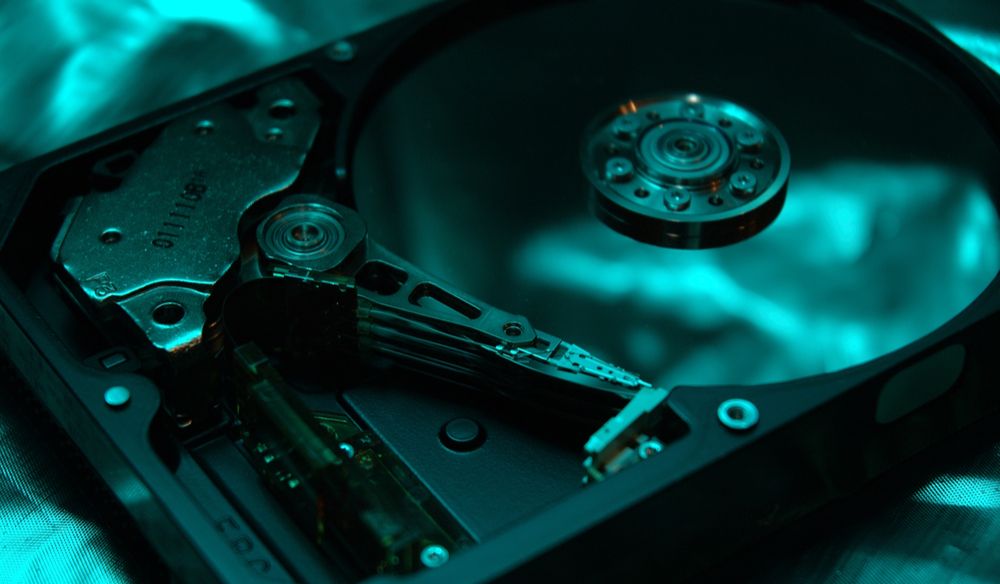
- SAS HDDs: Commonly used in enterprise environments that need substantial storage capacity.
- SATA HDDs: Often selected for cost-effective bulk storage, depending on workload requirements.
- SATA SSDs: Provide solid-state storage with no moving mechanical parts.
- NVMe SSDs: Offer high-speed storage through supported interfaces and protocols.
 SAS HDDs: Commonly used in enterprise environments that need substantial storage capacity.
The right option depends on whether the server will handle databases, virtual machines, file storage, backups, or other applications.
For example, workloads that require frequent random data access may benefit from SSD or NVMe storage, while large archival datasets may prioritize capacity and cost per terabyte.
You should also verify the drive form factor, such as 2.5-inch or 3.5-inch, the number of installed drives, available drive bays, and the server’s supported storage interfaces.
Remember that installed capacity is not always the same as usable capacity. RAID configuration, formatting, and system requirements can reduce the amount of space available to applications.
Storage is a key part of 8 Server Specifications You Should Understand Before Buying because an otherwise powerful server may still struggle if its storage configuration does not match the workload.
4. RAID Controller and Data Protection
A RAID controller manages supported drive configurations and can combine multiple drives into an array. Depending on the controller and RAID level, this can provide redundancy, improve performance, or achieve a combination of these benefits.
Common RAID levels include:
- RAID 0: Uses striping to improve performance and combine drive capacity, but provides no drive-failure protection.
- RAID 1: Mirrors data across drives, providing redundancy.
- RAID 5: Uses distributed parity and requires at least three drives.
- RAID 6: Uses double distributed parity and requires at least four drives.
- RAID 10: Combines mirroring and striping and requires at least four drives.
Each configuration has different capacity, performance, and fault-tolerance characteristics. The best option depends on the number of drives, application requirements, and acceptable risk.
Buyers should confirm the exact RAID controller model, supported drive interfaces, cache features, firmware compatibility, and whether required cables or battery and cache-protection components are included.
For example, enterprise servers may use controllers such as the Dell PERC H730 or H740P, or supported HPE Smart Array controllers. Compatibility depends on the specific server and controller configuration.
RAID should not be treated as a replacement for backups. Even a redundant array cannot protect against every cause of data loss, such as accidental deletion, malware, or major system failure.
Among 8 Server Specifications You Should Understand Before Buying, RAID and data protection deserve special attention because they influence how your server handles drive failures and protects business operations.
5. Network Connectivity
Network connectivity determines how a server communicates with users, applications, storage systems, and other infrastructure. An unsuitable network configuration can become a bottleneck even when the CPU, RAM, and storage are sufficient.
Review these networking specifications before purchasing:
- Port count: The number of physical network interfaces available.
- Port speed: Such as 1GbE, 10GbE, 25GbE, or higher, depending on the hardware.
- Network adapter model: Helps confirm supported features and compatibility.
- SFP and SFP+ support: Relevant when fiber or compatible transceivers are required.
- Redundancy: Multiple interfaces can support resilient network designs when configured appropriately.
- Expansion options: Available PCIe slots may allow additional network adapters to be installed.
A basic office server may work well with 1GbE connectivity, while virtualization hosts, high-traffic applications, and storage networks may require faster interfaces.
You should also check whether the server includes the network adapter you need or whether it must be purchased separately. Having an available PCIe slot does not guarantee that every adapter will fit, operate correctly, or be supported.
Network connectivity is another essential part of 8 Server Specifications You Should Understand Before Buying, particularly for businesses that transfer large files, host multiple virtual machines, or depend on fast communication between servers and storage systems.
6. Power Supply and Energy Efficiency
The power supply delivers electricity to the server’s internal components. Its capacity, efficiency, and redundancy options can affect system stability, operating costs, and maintenance planning.
Important specifications include:
- Wattage: The power supply’s rated output capacity.
- Redundancy: Some servers support multiple power supplies for improved availability.
- Hot-swap support: Certain systems allow a compatible power supply to be replaced without shutting down the server, subject to the system’s design and operating conditions.
- Efficiency rating: Indicates how effectively the power supply converts incoming electricity into usable power.
- Power input requirements: Must match the available electrical infrastructure.
For example, an enterprise server may include dual 750W or 1100W power supplies, depending on its configuration. These ratings do not mean the server continuously consumes that amount of power; actual consumption varies with workload and installed hardware.
Redundant power supplies can help maintain operation if one unit fails, but redundancy works only when the system is connected and configured appropriately. Connecting each supply to separate suitable power sources can also help reduce certain power-related risks.
When evaluating 8 Server Specifications You Should Understand Before Buying, consider the power requirements of the complete configuration, including processors, memory, drives, GPUs, and expansion cards.
Energy efficiency matters over the server’s entire operating life. A system that meets performance requirements without unnecessary power consumption may help reduce long-term operating expenses.
7. Expansion Slots and Upgradeability
A server should not only meet current requirements; it should also provide a practical way to accommodate future business needs.
Expansion capabilities determine whether you can add components such as network adapters, storage controllers, Fibre Channel host bus adapters, and supported accelerator cards.
Check the following details:
- PCIe slots: The number, physical size, and supported PCIe generation.
- Drive bays: The number of available internal or front-accessible drive positions.
- Memory slots: The number of unused DIMM slots and supported memory capacity.
- Processor support: Whether the platform supports one or multiple processors and which models are compatible.
- Expansion restrictions: Some configurations require specific risers, cables, power connections, or cooling components.
For example, a server intended for virtualization may need additional RAM and faster network adapters over time. A storage-focused server may need more drive bays or a supported storage controller as data grows.
However, an available slot alone does not guarantee compatibility. Buyers should verify card dimensions, power requirements, cooling needs, firmware support, and the server’s specific hardware limitations.
The upgrade path is an important consideration in 8 Server Specifications You Should Understand Before Buying because a lower initial purchase price may not represent the best value if the system cannot support expected future requirements.
8. Remote Management and Warranty
Remote management features help IT teams monitor, maintain, and troubleshoot servers without always needing physical access to the hardware.
Depending on the manufacturer and model, enterprise servers may include dedicated management platforms such as Dell iDRAC or HPE iLO. Supported capabilities can include hardware monitoring, system alerts, remote console access, and power control.
Before buying a server, confirm:
- Management controller: The supported remote-management platform.
- License level: Some advanced features may require a specific license.
- Firmware status: Check compatibility and available supported updates.
- Hardware health: Review reported errors and the condition of critical components.
- Warranty coverage: Understand the duration, exclusions, and service arrangements.
- Technical support: Confirm whether assistance is available if a component fails.
These details are particularly important when purchasing refurbished enterprise equipment. Buyers should ask whether the server has been tested, whether its components match the advertised configuration, and whether the warranty covers the hardware being supplied.
Remote management can simplify administration, but it should be configured securely. Change default credentials, restrict management access to trusted networks, and apply appropriate security updates.
Warranty and management features complete 8 Server Specifications You Should Understand Before Buying by helping buyers assess not only server performance but also maintainability, support, and operational risk.
How to Choose the Right Server Configuration
After reviewing the eight specifications, match the server configuration to your actual workload.
For virtualization, prioritize processor capabilities, sufficient RAM, fast storage, and reliable networking. For file sharing and bulk storage, evaluate drive bays, usable capacity, RAID options, and backup requirements. For business applications and databases, consider the software’s CPU and memory requirements alongside storage performance and network connectivity.
You should also check the server’s physical form factor, noise levels, cooling needs, and available installation space. A configuration that works well in a dedicated server room may not be suitable for an ordinary office.
When comparing prices, make sure the specifications are equivalent. A server with more memory, faster processors, enterprise SSDs, redundant power supplies, or a more capable RAID controller may have a higher price for good reason.
The purpose of 8 Server Specifications You Should Understand Before Buying is to help you make a decision based on practical requirements rather than choosing hardware by price or a single headline specification.
Should You Buy a New or Refurbished Server?
Both new and refurbished servers can be suitable, depending on your budget, support requirements, and workload.
New servers may offer newer hardware platforms, current manufacturer support options, and longer potential support lifecycles. Refurbished enterprise servers can provide access to proven hardware at a lower upfront cost, but their condition and remaining support options should be carefully evaluated.
Before purchasing a refurbished system, verify the exact CPU models, installed RAM, drive capacities and health, RAID controller, network adapters, power supplies, management features, and warranty terms. Confirm that the system can run the software and operating systems your business requires.
It is also important to check whether the advertised configuration includes all necessary components, such as drive trays, rails, power cables, or specific expansion accessories.
A well-matched refurbished server can be a cost-effective solution, but the right choice depends on the total configuration and the seller’s testing and support practices.
Final Thoughts
Understanding 8 Server Specifications You Should Understand Before Buying helps businesses select hardware that balances performance, reliability, expandability, and cost. The processor, RAM, storage, RAID controller, network connectivity, power supply, expansion options, and remote-management features all contribute to how effectively a server supports business operations.
Before placing an order, review the complete specification sheet, confirm hardware compatibility, and consider how your requirements may change over time. Avoid choosing a server based on processor speed or price alone; the entire configuration must suit the intended workload.
At SAS Points, businesses can explore enterprise server configurations from established manufacturers and compare hardware according to their needs. Whether you are looking for a rack server or a tower server, carefully checking the specifications helps you make a more informed purchasing decision and invest in infrastructure that supports your business goals.
Shop now


Sold out






Sold out







Sold out


Sold out

Sold out


Related posts
8 Server Specifications You Should Understand Before Buying

8 Server Specifications You Should Understand Before Buying
Choosing the right server is an important decision for any business t...

VPN Firewall vs Standard Firewall: 7 Key Differences

Businesses need reliable network security to protect sensitive information, prevent unauthorized access, and maintain secure commu...

Rack Server vs Tower Server: 6 Key Differences Explained
Rack Server vs Tower Server: 6 Key Differences Explained
Choosing between a rack server and a tower server is an important decisi...

SSD vs HDD Storage: 8 Key Differences Every Business Should Know
SSD vs HDD Storage: 8 Key Differences Every Business Should Know
Choosing the right storage technology is essential for businesse...

Router Performance Explained: 7 Factors That Affect Your Internet Speed

Router performance plays a critical role in determining how efficiently a business network handles daily operations. From cloud-ba...

10 Router Security Features That Help Protect Business Networks
Business networks are constantly exposed to security risks, from unauthorized access and malicious traffic to compromised devices ...

Stateful Firewall vs Next-Generation Firewall: 8 Major Differences
Firewalls play a critical role in protecting business networks from unauthorized access, suspicious traffic, and cyber threats. Ho...

7 Firewall NGFW Types Compared for Business Network Security
Choosing the right NGFW firewall is an important part of protecting business networks fro...

11 Server Features Every IT Manager Should Look For
11 Server Features Every IT Manager Should Look For
Choosing the right server is an important decision for any organization. Serv...

Best RAM Options for Performance Workstations
Best RAM Options for Performance Workstations
Modern performance workstations are built for demanding workloads such as 3D render...

Dual-WAN vs Single-WAN Routers: 6 Key Differences Compared
Modern businesses rely heavily on stable Internet connectivity for cloud applications, communication, online platforms, remote acc...

Wi-Fi Router vs Wired Router: 8 Differences Every Business Should Know
Choosing the right networking equipment is an important decision for any business. As organizations become increasingly dependent ...
