














































In modern IT environments, efficient management is just as important as performance and storage. Whether you’re running a small server room or a full-scale data center, choosing the right Power Distribution Unit (PDU) is critical for ensuring uptime, safety, and operational efficiency.
A poorly chosen PDU can lead to overloads, equipment failures, and costly downtime. On the other hand, the right PDU improves reliability, monitoring, and energy efficiency across your infrastructure.
In this guide, we’ll break down everything you need to know about selecting the right PDU for your racks.
What is a PDU?
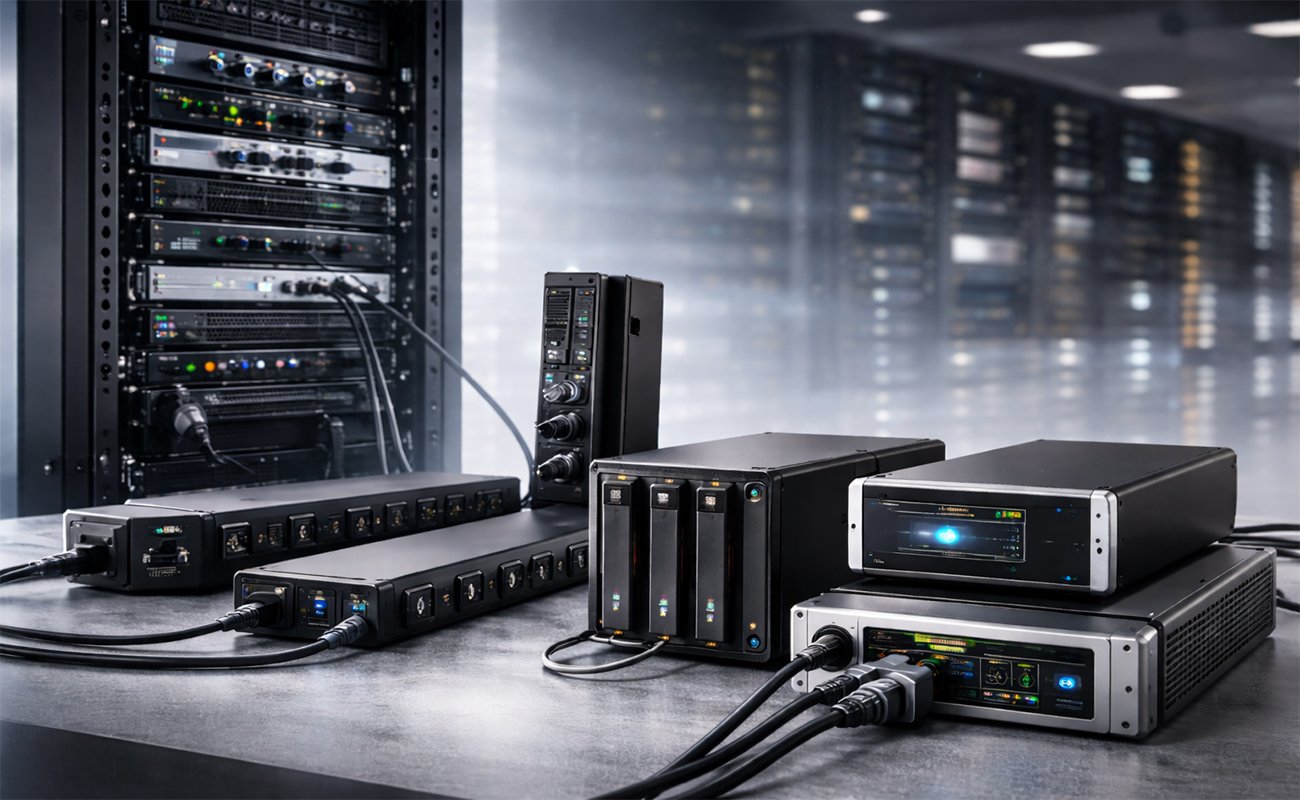
A Power Distribution Unit (PDU) is a device designed to distribute electric power to multiple devices within a rack, such as:
- Servers
- Storage systems
- Networking equipment
Think of it as a specialized strip built for professional IT environments—but much more advanced.
Why PDUs Are Essential for Rack Power Management
PDUs play a key role in:
1. Power Distribution
They ensure that all rack-mounted devices receive stable and consistent power.
2. Equipment Protection
Advanced PDUs protect against:
- Power surges
- Overloads
- Voltage fluctuations
3. Monitoring & Control
Modern PDUs allow:
- Real-time power monitoring
- Remote management
- Alerts for abnormal usage
4. Energy Efficiency
They help optimize power usage and reduce electricity costs.
Types of PDUs Explained
Understanding the different types of PDUs is the first step in making the right choice.
1. Basic PDUs


Basic PDUs are simple devices that distribute without additional features.
Best for:
- Small setups
- Non-critical environments
Pros:
- Affordable
- Easy to install
Cons:
- No monitoring or control
2. Metered PDUs


Metered PDUs provide real-time data on power usage.
Best for:
- Growing businesses
- tracking needs
Pros:
- Displays load levels
- Prevents overload
3. Monitored PDUs


These PDUs allow remote monitoring via network connection.
Best for:
- Remote IT management
- Data centers
Features:
- Web interface
- Alerts & notifications
4. Switched PDUs


Switched PDUs allow remote control of individual outlets.
Best for:
- Advanced IT environments
- Remote troubleshooting
Advantages:
- Reboot devices remotely
- Control per outlet
5. Intelligent (Smart) PDUs

Smart PDUs combine monitoring, control, and analytics.
Best for:
- Enterprise environments
- High-density racks
Features:
- Energy analytics
- Environmental sensors
- Integration with DCIM systems
Key Factors to Consider When Choosing a PDU
1. Power Capacity (Amps & Voltage)
Make sure the PDU can handle your total rack load.
- Common ratings: 16A, 32A
- Voltage: 120V, 230V, or higher
2. Number and Type of Outlets
Check compatibility with your devices:
- C13 outlets (standard servers)
- C19 outlets (high-power equipment)
3. Mounting Type
- Vertical (0U) – Saves rack space
- Horizontal (1U/2U) – Easy access
4. Redundancy Support
For critical systems, use dual PDUs:
- A/B setup
- Prevents downtime
5. Monitoring & Remote Access
If you manage multiple racks, choose:
- Network-enabled PDUs
- Remote dashboards
6. Environmental Monitoring
Some PDUs support sensors for:
- Temperature
- Humidity
This helps prevent overheating and equipment damage.
Common Mistakes to Avoid
❌ Overloading the PDU
Always leave headroom (20–30%) for safety.
❌ Ignoring Future Expansion
Choose scalable solutions.
❌ Buying Basic PDUs for Critical Systems
Invest in monitored or switched PDUs instead.
❌ Poor Cable Management
Messy racks increase risk and reduce efficiency.
Best Use Cases for Each PDU Type
| Use Case | Recommended PDU |
|---|---|
| Small Office Rack | Basic or Metered |
| Growing SMB | Metered or Monitored |
| Data Center | Switched or Smart |
| Remote Management | Switched PDU |
PDU vs UPS: What’s the Difference?
Many people confuse PDUs with UPS systems.
PDU:
- Distributes power
- No battery backup
UPS (Uninterruptible Power Supply):
- Provides backup power
- Protects during outages
👉 Best practice: Use together for full protection.
How PDUs Improve Business Continuity
A well-chosen PDU ensures:
- Continuous uptime
- Reduced downtime risk
- Better power visibility
- Faster troubleshooting
For SMBs, this means smoother operations and fewer costly disruptions.
Advanced PDU Features You Should Know
As IT infrastructure continues to evolve, PDUs are no longer just simple power distribution tools—they are intelligent systems that provide deep insights and control over your power environment.
1. Outlet-Level Monitoring
Advanced PDUs allow you to monitor power usage at each individual outlet.
This helps you:
- Identify high-power-consuming devices
- Optimize load distribution
- Reduce energy waste
2. Remote Reboot Capability
One of the most valuable features in modern PDUs.
Instead of sending someone onsite, you can:
- Remotely reboot servers
- Fix system crashes instantly
- Minimize downtime
3. Load Balancing
Proper load distribution is essential to avoid:
- Power overload
- Circuit failures
- Equipment damage
Smart PDUs can help automatically balance loads across outlets.
4. Integration with Data Center Tools
Modern PDUs integrate with:
- DCIM (Data Center Infrastructure Management) systems
- Monitoring platforms
- Cloud dashboards
This gives IT teams full visibility and control over power usage.
Rack Power Design Best Practices
Choosing the right PDU is only part of the solution—proper rack power design is equally important.
1. Use Dual Power Feeds
For critical environments:
- Use two PDUs (A & B setup)
- Connect each device to both sources
This ensures redundancy and continuous uptime.
2. Separate Critical and Non-Critical Loads
Not all equipment has the same priority.
- Critical: Servers, storage systems
- Non-critical: Secondary devices
Distribute them across different PDUs for better reliability.
3. Proper Cable Management
Good cable management is essential:
- Improves airflow
- Simplifies maintenance
- Enhances rack organization
4. Plan for Future Growth
Always think ahead:
- Leave extra capacity in your PDU
- Choose scalable solutions
How to Calculate Your Power Requirements
Before purchasing a PDU, you must understand your total needs.
Step 1: List All Devices
Include all rack-mounted equipment:
Step 2: Check Power Ratings
Each device has a rating in:
- Watts (W)
- Amps (A)
Step 3: Calculate Total Load
Add all device consumption together.
Then add a:
👉 20–30% safety margin
Step 4: Select the Right PDU
Choose a PDU that can comfortably handle the total load.
Common Rack Power Problems (and Solutions)
⚠️ Problem 1: Frequent Trips
Cause: Overloading
Solution: Use a metered or monitored PDU
⚠️ Problem 2: Uneven Distribution
Cause: Poor load balancing
Solution: Distribute devices properly across outlets
⚠️ Problem 3: Overheating
Cause: Poor airflow or cable clutter
Solution: Improve cooling and cable organization
⚠️ Problem 4: Downtime Due to Frozen Devices
Cause: No remote control
Solution: Use a switched PDU
PDU Security Considerations
Power infrastructure must also be secured.
1. Access Control
- Use strong passwords
- Assign user roles
2. Network Security
- Place PDUs on secure networks (VLANs)
- Avoid exposing them directly to the internet
3. Firmware Updates
- Keep firmware up to date
- Protect against vulnerabilities
Future Trends in PDU Technology
🔹 AI-Based Management
Using AI to analyze and optimize energy consumption
🔹 Green Energy Optimization
Reducing waste and environmental impact
🔹 Edge Computing Support
PDUs designed for edge environments and small deployments
🔹 IoT Integration
Connecting PDUs with smart monitoring systems
Why SMBs Should Invest in Quality PDUs
Many small businesses underestimate the importance of PDUs—but they are critical for long-term success.
A high-quality PDU provides:
- Equipment protection
- Reduced downtime
- Better visibility
- Lower operational costs
Final Expert Tips
✔ Always choose a PDU with higher capacity than your current needs
✔ Invest in monitoring features if you manage multiple devices
✔ Use redundant setups for critical systems
✔ Keep your rack clean and organized
✔ Regularly review your usage
Final Thoughts
Choosing the right PDU is not just about plugging in devices—it’s about building a reliable and scalable infrastructure.
Power your rack efficiently, then upgrade your network—discover the Most Popular Switches Models Available Now at SAS Points for a complete IT solution.
Shop now
Sold out

Sold out

Sold out
Sold out
Sold out
Related posts

VPN Firewall vs Standard Firewall: 7 Key Differences

Businesses need reliable network security to protect sensitive information, prevent unauthorized access, and maintain secure commu...
Rack Server vs Tower Server: 6 Key Differences Explained

Rack Server vs Tower Server: 6 Key Differences Explained
Choosing between a rack server and a tower server is an important decisi...
SSD vs HDD Storage: 8 Key Differences Every Business Should Know
SSD vs HDD Storage: 8 Key Differences Every Business Should Know
Choosing the right storage technology is essential for businesse...
Router Performance Explained: 7 Factors That Affect Your Internet Speed

Router performance plays a critical role in determining how efficiently a business network handles daily operations. From cloud-ba...
10 Router Security Features That Help Protect Business Networks
Business networks are constantly exposed to security risks, from unauthorized access and malicious traffic to compromised devices ...

Stateful Firewall vs Next-Generation Firewall: 8 Major Differences
Firewalls play a critical role in protecting business networks from unauthorized access, suspicious traffic, and cyber threats. Ho...

7 Firewall NGFW Types Compared for Business Network Security
Choosing the right NGFW firewall is an important part of protecting business networks fro...

11 Server Features Every IT Manager Should Look For
11 Server Features Every IT Manager Should Look For
Choosing the right server is an important decision for any organization. Serv...
Best RAM Options for Performance Workstations
Best RAM Options for Performance Workstations
Modern performance workstations are built for demanding workloads such as 3D render...

Dual-WAN vs Single-WAN Routers: 6 Key Differences Compared
Modern businesses rely heavily on stable Internet connectivity for cloud applications, communication, online platforms, remote acc...
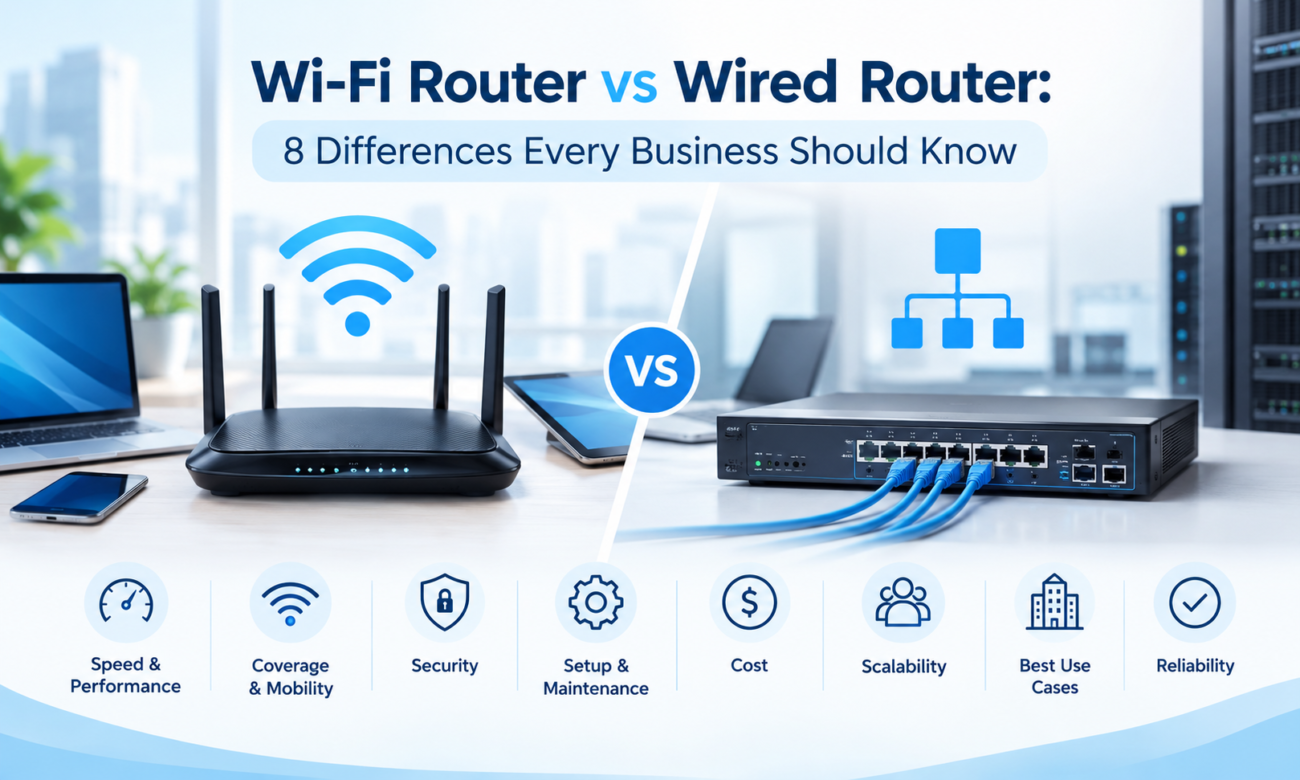
Wi-Fi Router vs Wired Router: 8 Differences Every Business Should Know
Choosing the right networking equipment is an important decision for any business. As organizations become increasingly dependent ...

Storage Buying Guide: 7 Things to Consider Before You Choose
Storage Buying Guide: 7 Things to Consider Before You Choose
Modern businesses generate and manage large amounts of data every da...
