





































Shop now
Sold out

Sold out
Sold out


Sold out
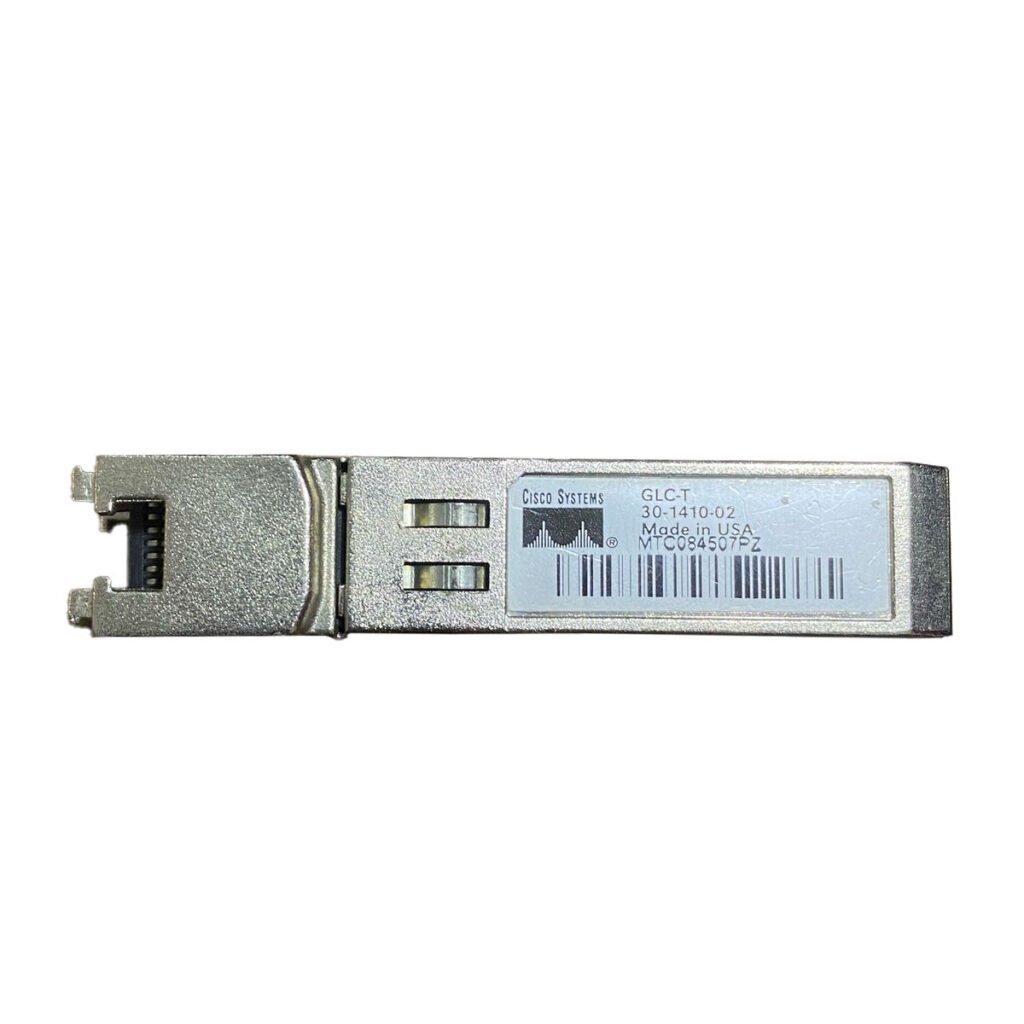
Sold out
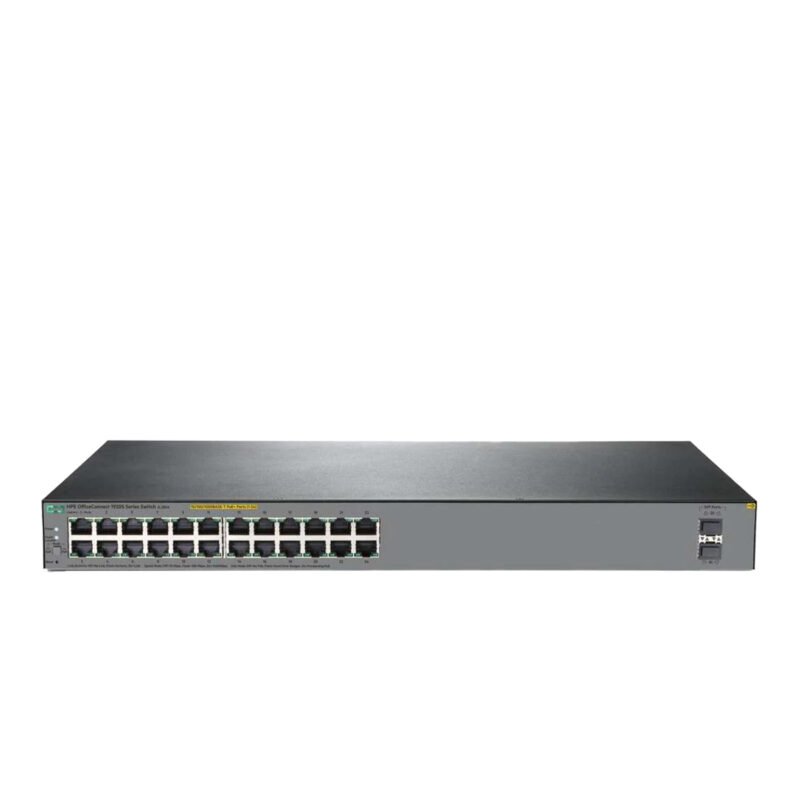
Sold out
Related posts
What Is a Network Card and When to Upgrade It?

What Is a Network Card and When to Upgrade It?
In modern business networks, fast and reliable communication between computers, se...
How VLANs Work on Managed Switches: 7 Key Benefits for Business Networks

Introduction
As business networks continue to grow, connecting more devices to the same physical infrastructure can create signif...

How to Choose the Right Firewall for Your Business in 7 Steps

Introduction
Cybersecurity has become a major priority for businesses of every size. From small offices to large enterprises, org...
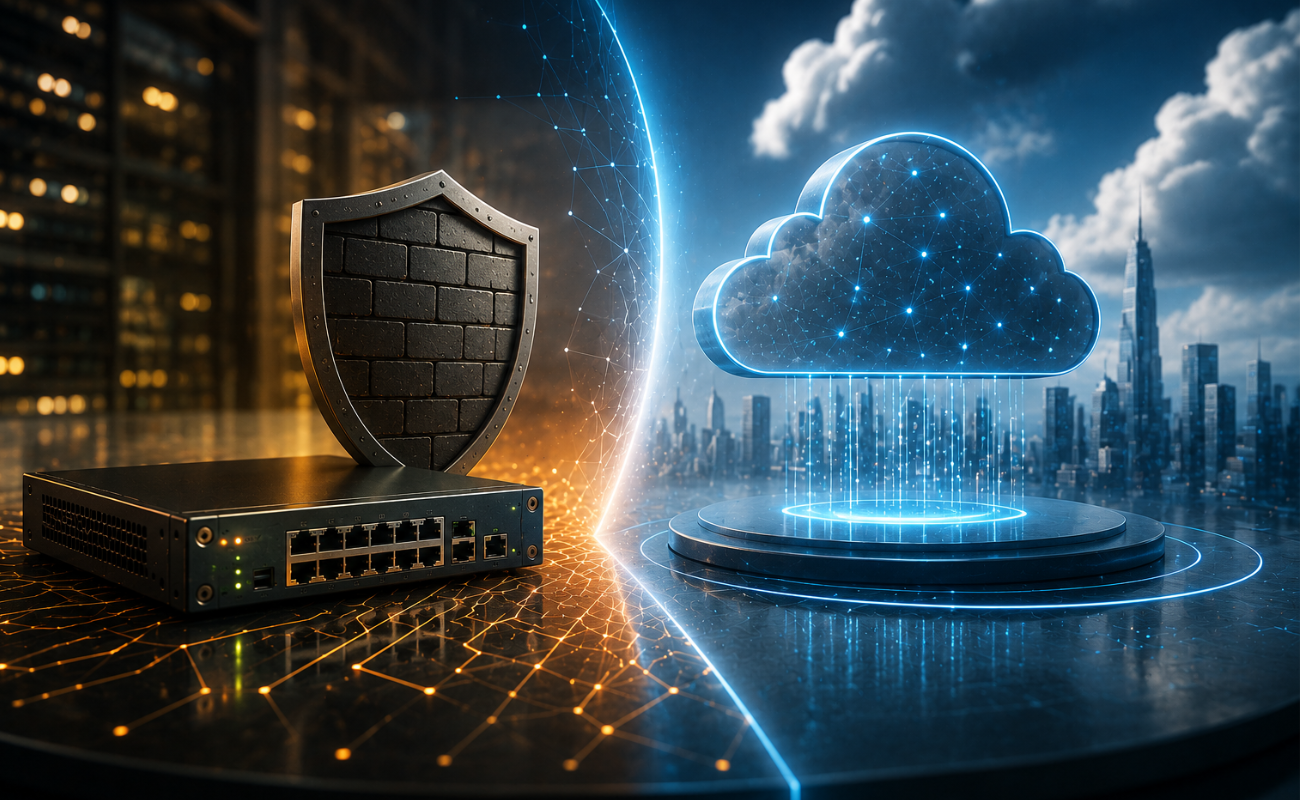
Hardware Firewall vs Cloud Firewall: 7 Key Differences for Businesses
Choosing the right firewall is an important decision for businesses that want to protect ...
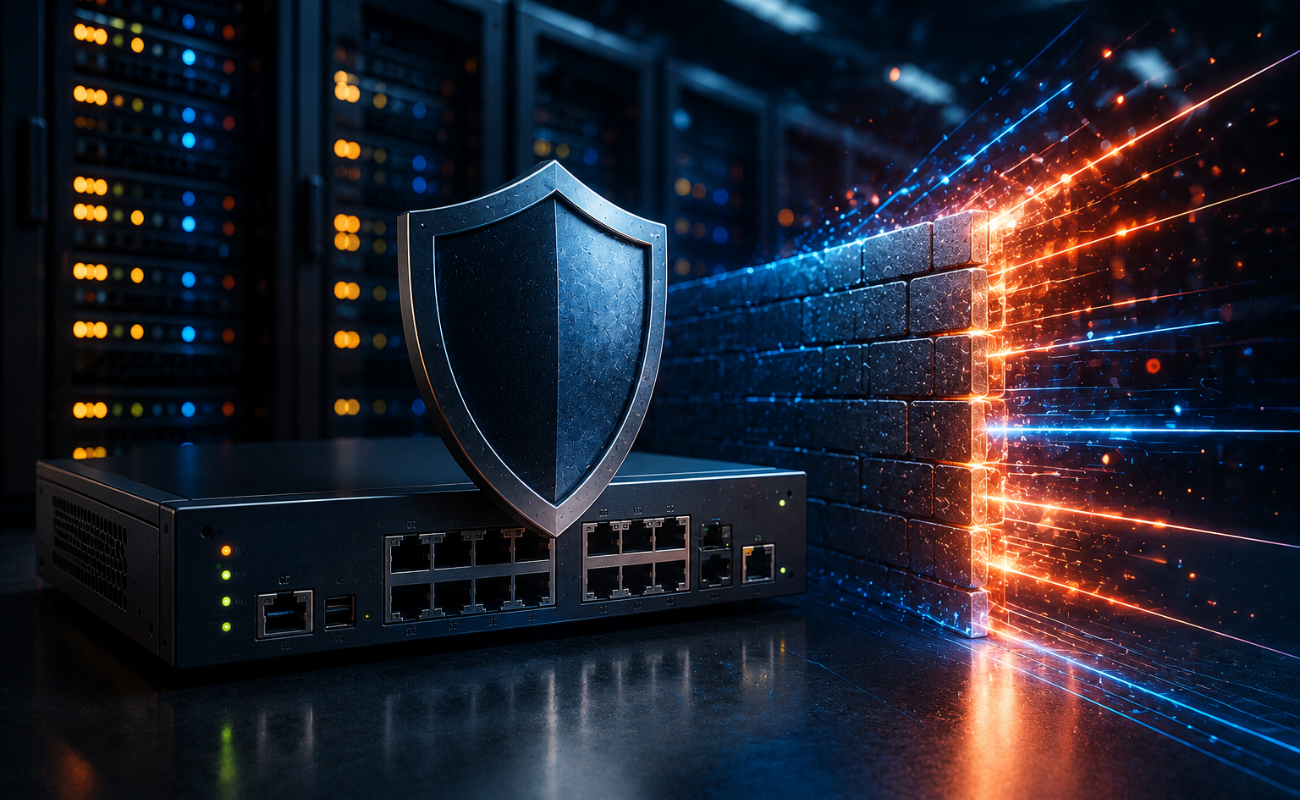
Next-Generation Firewall vs Traditional Firewall: 9 Comparison Points
Network security has changed dramatically as businesses rely ...
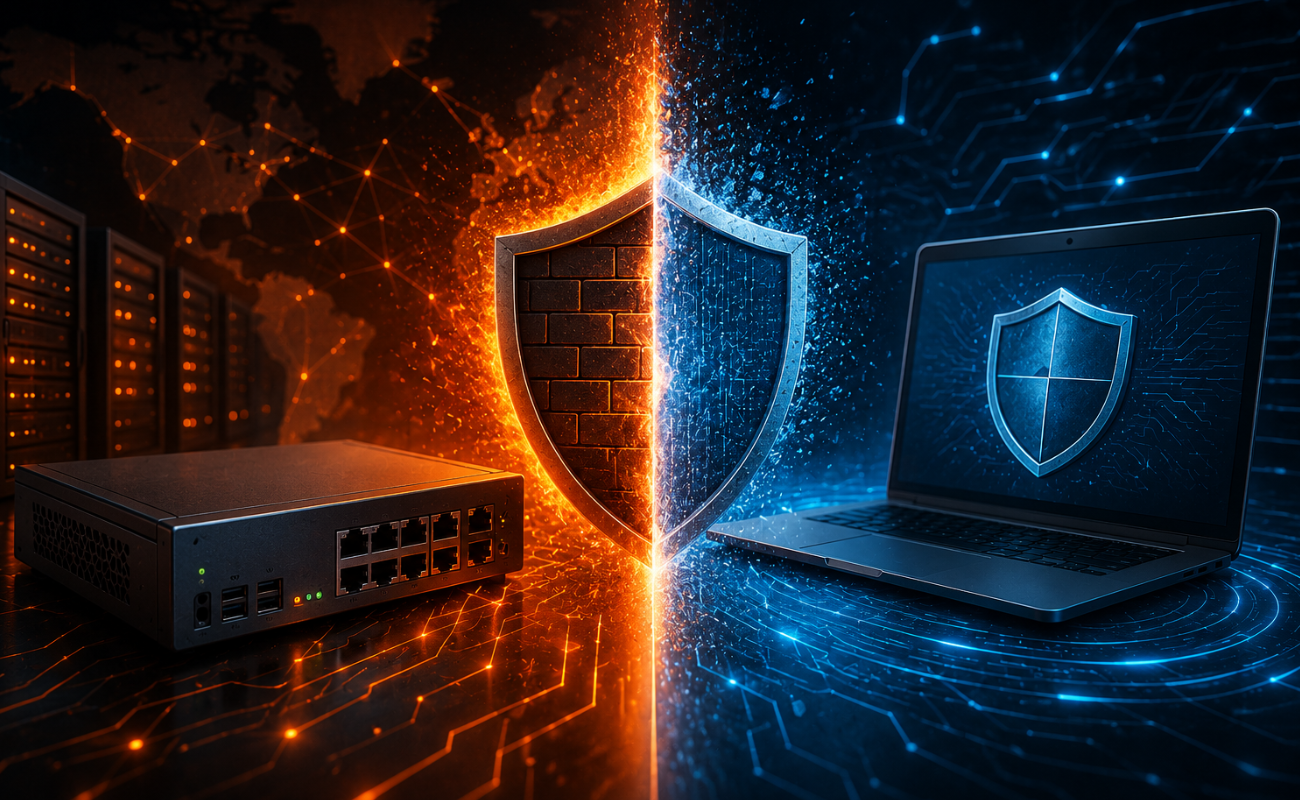
Hardware Firewall vs Software Firewall: 7 Differences Explained
A firewall is one of the most important security tools for protecting business networks, devices, and sensitive data. It monitors ...
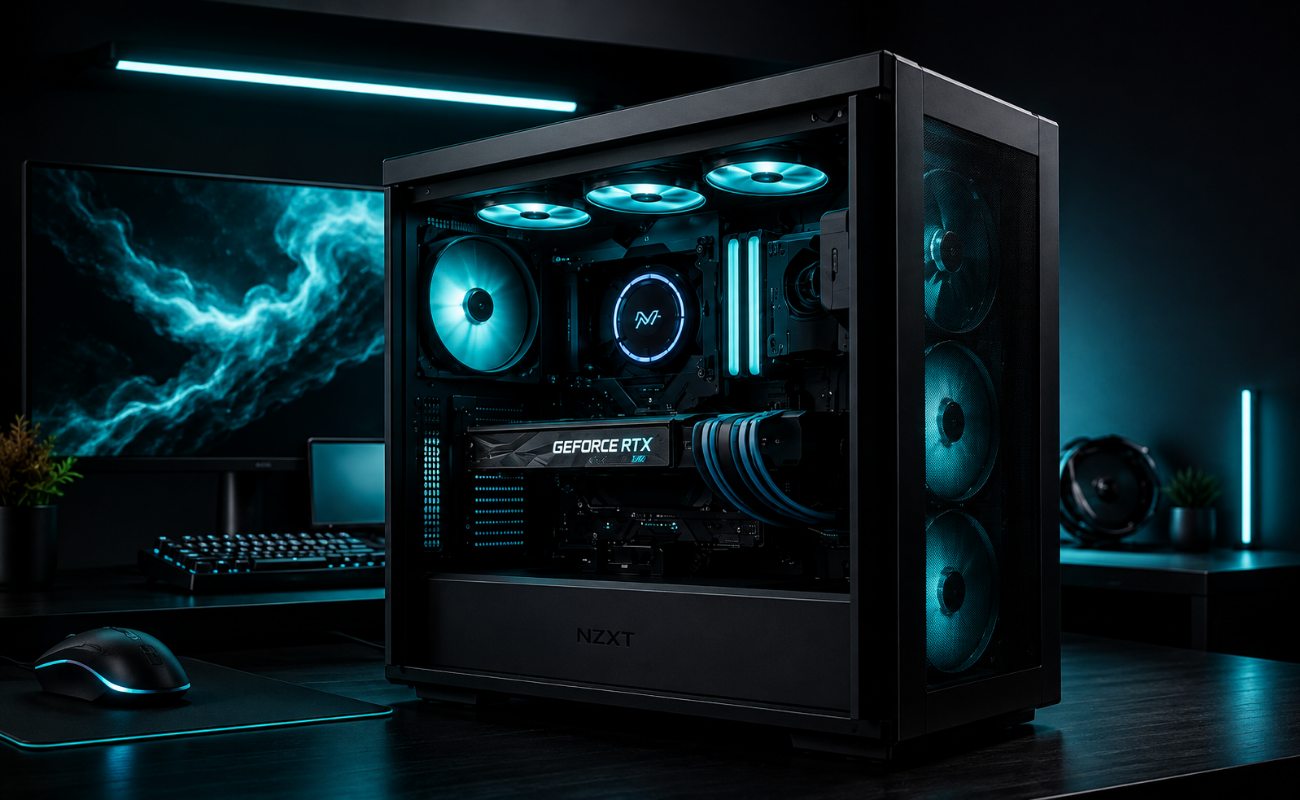
HPE Z Series Workstations: Designed for Professionals
HPE Z Series Workstations: Designed for Professionals
Professionals working with demanding applications need more than a standard...
10 Signs It’s Time to Upgrade Your Network Switch
A reliable network is essential for businesses that depend on computers, servers, cloud applications, wireless access points, IP c...
Gigabit vs 10 Gigabit Switches: 6 Performance Differences Compared
Choosing the right network infrastructure is essential for businesses that depend on fast, stable, and reliable connectivity. One ...
HDD vs SSD: 8 Key Differences Every Business Should Know
Choosing the right 8 Key Differences Every Business is one of the most important decisions when building or upgrading a business I...
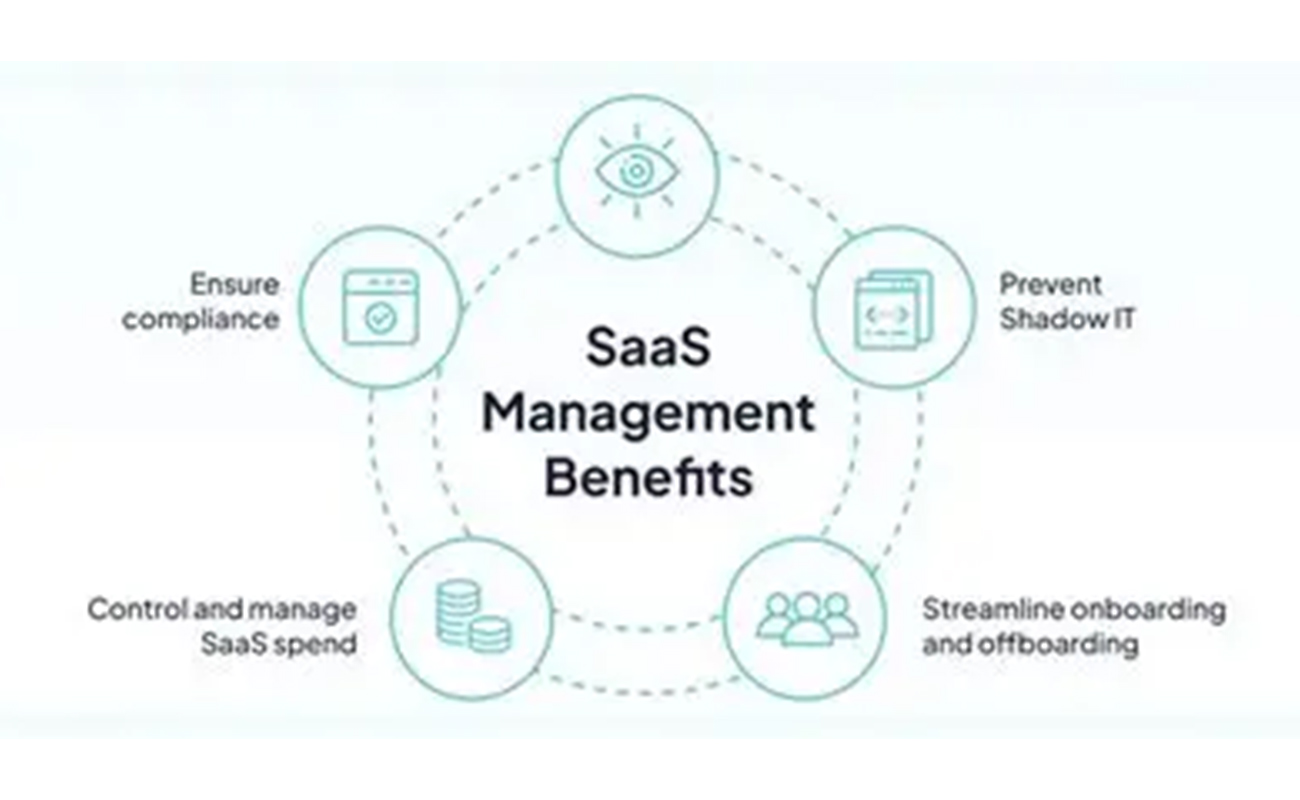
10 Smart Benefits of SAS Points Plus for Seamless IT Management
Managing IT infrastructure can become challenging as businesses grow. From servers and storage systems to networking equipment and...
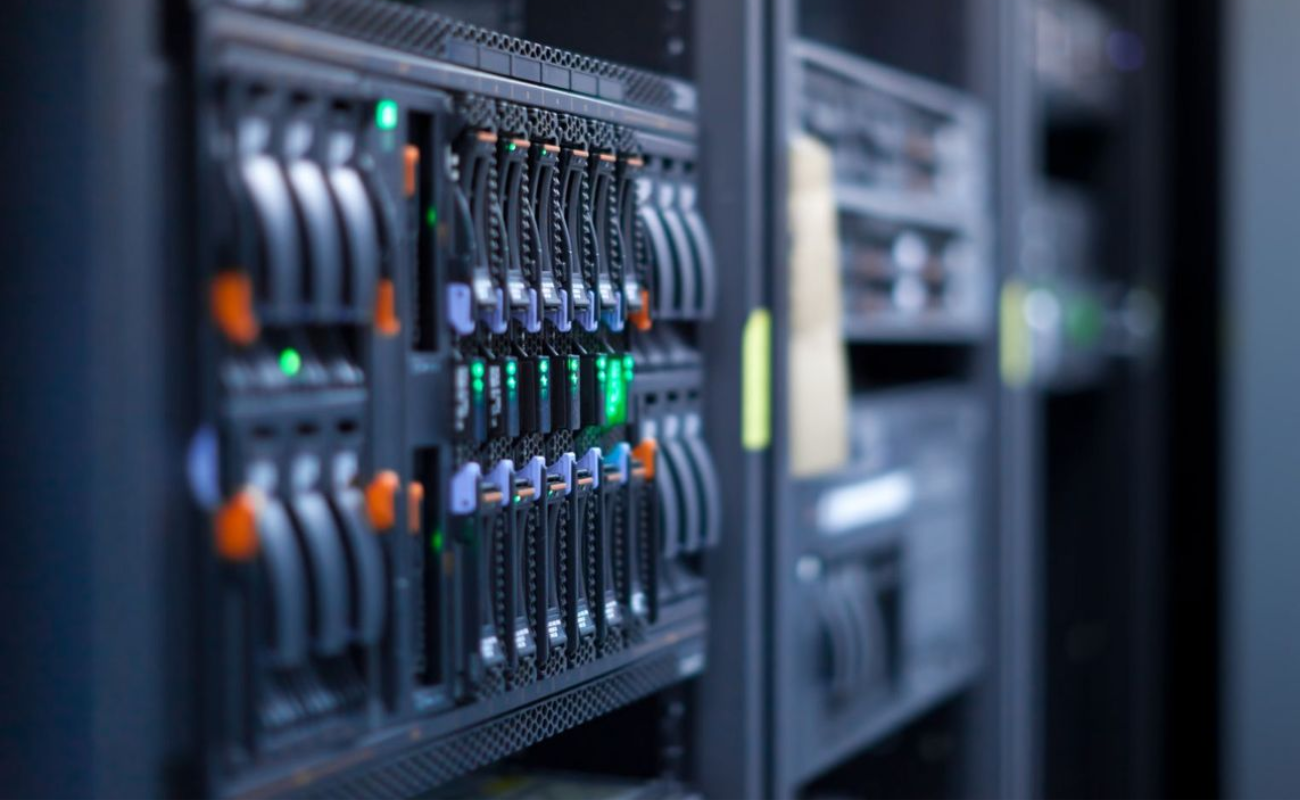
How to Choose the Right Server for Your Office in 7 Steps
How to Choose the Right Server for Your Office in 7 Steps
Choosing the right server for an office is an important decision for bu...
