

























































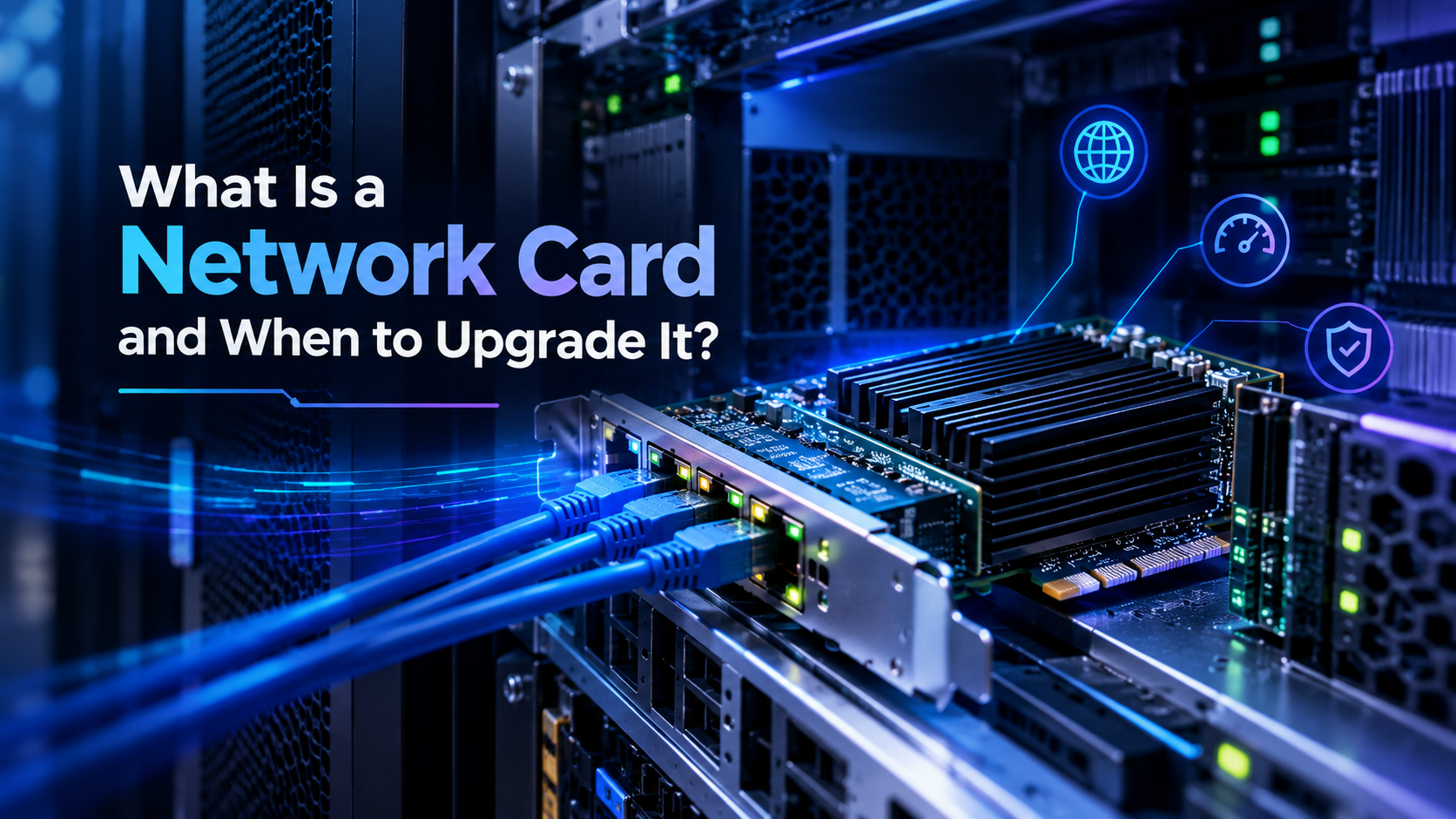
What Is a Network Card and When to Upgrade It?
In modern business networks, fast and reliable communication between computers, servers, storage systems, and network devices is essential. A Network Interface Card (NIC), commonly called a network card, is one of the key components responsible for connecting a device to a network.
Understanding What Is a Network Card and When to Upgrade It? can help businesses identify network bottlenecks, improve data transfer speeds, and choose the right networking hardware for growing workloads.
Whether you manage a small office, enterprise network, or data center, knowing What Is a Network Card and When to Upgrade It? makes it easier to determine when your current networking hardware is no longer enough.
What Is a Network Card?
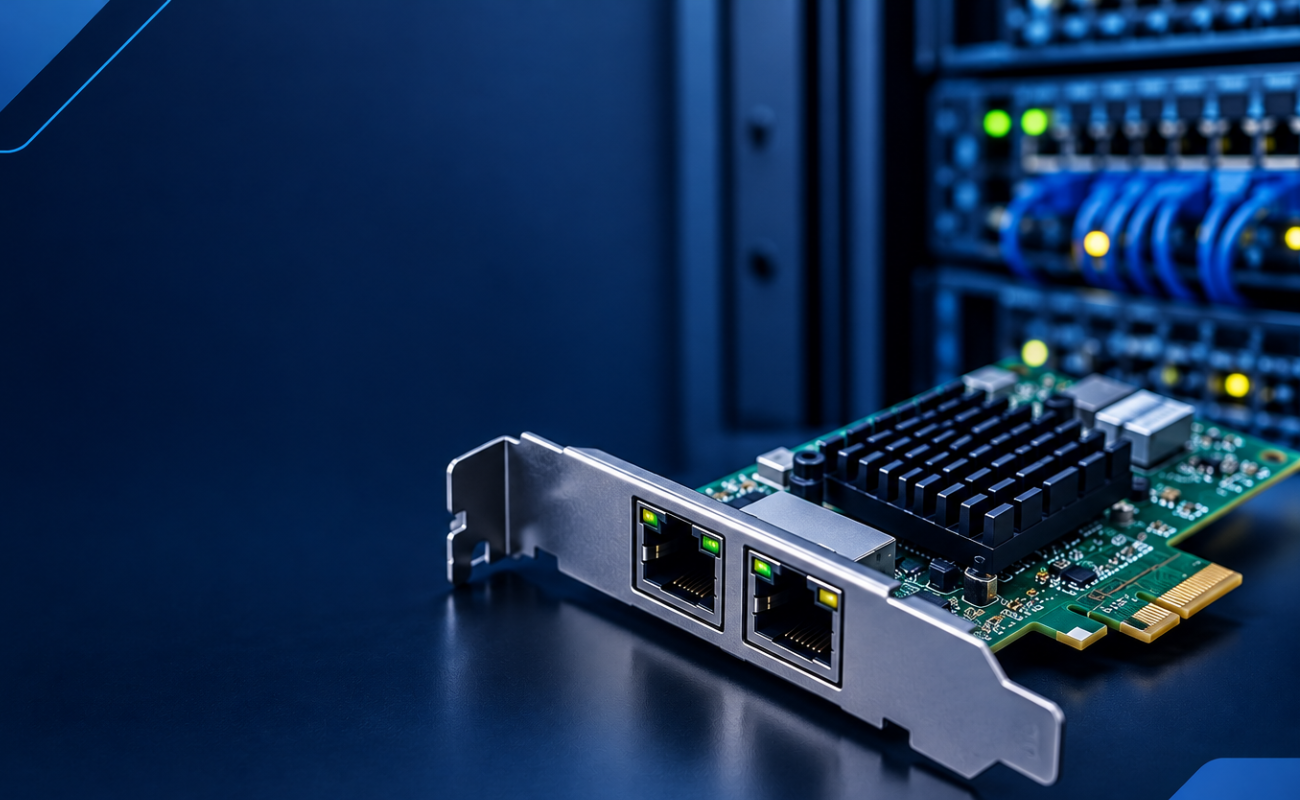
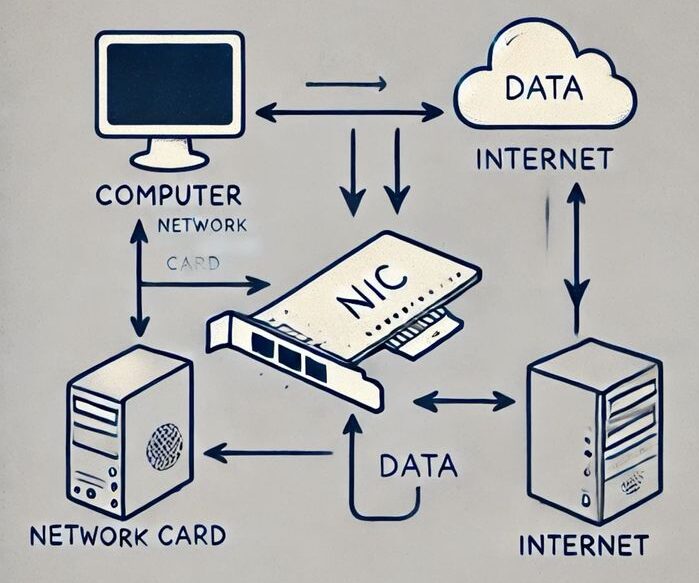
A network card is a hardware component that allows a computer, workstation, or server to communicate with other devices over a network. It provides the physical or wireless connection required to send and receive data.
Network cards can support different connection technologies, including Ethernet and fiber networking. Depending on the model, a network card may offer one or multiple ports with different speeds.
For businesses working with servers and large amounts of data, understanding What Is a Network Card and When to Upgrade It? is especially important because the network interface can directly affect overall system performance.
A network card does not replace a switch or router. Instead, it acts as the communication interface between the device and the network infrastructure.
How Does a Network Card Work?
A network card receives data from the computer or server and prepares it for transmission across the network. When data arrives from another device, the NIC receives the network packets and passes them to the operating system.
Most modern network cards include features designed to improve performance and reduce CPU usage. Some enterprise NICs also support technologies such as offloading, virtualization features, and advanced traffic management.
When considering What Is a Network Card and When to Upgrade It?, it is important to understand that network performance depends on more than just internet speed. Internal network traffic, server workloads, storage systems, and switch capabilities can all affect performance.
Common Types of Network Cards
Network cards are available in several configurations depending on the network infrastructure.
Ethernet Network Cards
Ethernet NICs are among the most common options for offices, servers, and data centers. They typically use copper Ethernet cables and are available in different speeds.
Common Ethernet speeds include:
- 1GbE
- 10GbE
- 25GbE
- 40GbE
- 100GbE
The appropriate speed depends on the workload and the capabilities of the connected switch and network infrastructure.
Fiber Network Cards
Fiber NICs are commonly used in data centers and enterprise environments where high bandwidth and longer-distance connections are required.
Fiber networking can provide high-speed communication between servers, switches, storage systems, and other infrastructure.
If your environment already uses fiber switches, understanding What Is a Network Card and When to Upgrade It? can help you select a compatible fiber NIC instead of installing hardware that does not match the existing infrastructure.
Multi-Port Network Cards
Some enterprise network cards include two, four, or more ports. Multi-port NICs can be useful for servers that need separate network connections for different workloads.
For example, one port may be used for management traffic while additional ports handle application, virtualization, or storage traffic.
Why Does Network Card Speed Matter?
Network speed determines how quickly data can move between connected devices. A server equipped with a 1GbE network card may become a bottleneck when connected to a modern 10GbE or 25GbE infrastructure.
This is one of the most important considerations when asking What Is a Network Card and When to Upgrade It?
For example, a business may have fast SSD storage and a powerful server processor, but if the server is connected through an outdated NIC, users may still experience slow file transfers and application performance.
Upgrading the network card can therefore help remove a major bottleneck without replacing the entire server.
Signs That You Need a Network Card Upgrade
Several signs can indicate that your current NIC is limiting network performance.
1. Slow Data Transfers
If transferring large files between servers takes longer than expected, the network card may be one of the bottlenecks.
This is particularly common in environments that work with large databases, backups, virtual machines, video files, or other data-intensive applications.
2. High Network Utilization
Consistently high network utilization can indicate that the current NIC is reaching its maximum capacity.
Monitoring network traffic can help determine whether the interface is operating close to its rated speed.
3. Upgrading Your Network Switch
If your company upgrades from 1GbE switches to 10GbE, 25GbE, or higher-speed equipment, the server’s network cards should also be reviewed.
Knowing What Is a Network Card and When to Upgrade It? becomes particularly useful when upgrading other parts of the network infrastructure.
A faster switch alone will not automatically make an older NIC faster.
4. Increasing Number of Users
As more employees, applications, and devices connect to a server, network traffic increases.
A network card that was sufficient for a small workload may eventually become a performance limitation.
5. Virtualization Workloads
Virtualized environments can generate significant network traffic because multiple virtual machines may share the same physical network interface.
For this reason, virtualization servers often benefit from higher-speed NICs and advanced networking features.
What Is a Network Card and When to Upgrade It for a Server?
Servers often require more advanced network cards than standard desktop computers.
A server NIC may need to support higher bandwidth, multiple ports, redundancy, virtualization, and advanced network management features.
When asking What Is a Network Card and When to Upgrade It? for a server, you should evaluate the complete environment rather than looking at the NIC alone.
Consider:
- Server model
- CPU performance
- RAM capacity
- Storage performance
- PCIe slots
- Switch speed
- Cable type
- Operating system
- Virtualization platform
- Network workload
A balanced configuration ensures that the network card does not become a bottleneck.
Network Cards and Virtualization
Virtualization environments can place significant demands on network connectivity.
A single physical server may host multiple virtual machines, each generating network traffic. A higher-speed NIC can provide additional bandwidth and better performance for these workloads.
Some enterprise NICs also support features designed specifically for virtualization, allowing network traffic to be managed more efficiently.
This is another reason why What Is a Network Card and When to Upgrade It? should be considered when expanding a virtualized server environment.
Network Cards and Storage Systems
Modern storage environments can also require high-speed network connectivity.
Network Attached Storage, backup servers, storage appliances, and distributed storage platforms may transfer large amounts of data between systems.
If storage performance is significantly higher than network bandwidth, the NIC may prevent the system from reaching its full potential.
Understanding What Is a Network Card and When to Upgrade It? can therefore help businesses identify whether the network or storage infrastructure is responsible for slow data transfers.
How to Choose the Right Network Card
Before purchasing a new NIC, several technical specifications should be checked.
Network Speed
Choose a speed appropriate for your workload. A 10GbE card may be enough for many businesses, while larger environments may require 25GbE, 40GbE, or 100GbE connectivity.
Port Type
Check whether the network uses copper Ethernet or fiber connections. The NIC must support the required connector and transceiver type.
Number of Ports
Dual-port and quad-port NICs can provide additional connectivity and flexibility for enterprise servers.
PCIe Compatibility
Make sure the network card is compatible with the server’s available PCIe slot and generation.
A physically compatible card may still require checking PCIe lanes and platform support before installation.
Operating System Support
Verify that drivers are available for your operating system and server platform.
This is especially important when working with older enterprise servers or specialized virtualization environments.
Server Compatibility
Not every NIC is suitable for every server. Check the server model, available slots, firmware requirements, and supported network adapters.
If you are researching What Is a Network Card and When to Upgrade It?, compatibility should always be part of the upgrade decision.
Do You Always Need to Upgrade Your Network Card?
Not necessarily.
If your current network card provides enough bandwidth for your workload and network traffic is not reaching its limits, an upgrade may not provide a noticeable improvement.
Before upgrading, monitor actual network utilization and identify the real source of the bottleneck.
Sometimes the problem may be caused by an old switch, poor cabling, storage limitations, configuration issues, or server resource constraints.
This is why What Is a Network Card and When to Upgrade It? should be answered based on actual performance requirements rather than simply choosing the fastest available NIC.
Benefits of Upgrading a Network Card
A properly selected network card upgrade can provide several advantages:
- Faster file transfers
- Better server response times
- Higher network bandwidth
- Improved virtualization performance
- Better storage connectivity
- Reduced network bottlenecks
- Support for modern high-speed switches
- Improved scalability
- Better handling of large workloads
For businesses planning future infrastructure upgrades, What Is a Network Card and When to Upgrade It? is an important question because networking requirements usually increase as workloads grow.
When Is the Best Time to Upgrade?
The best time to upgrade is before the existing NIC becomes a serious limitation.
If network utilization is consistently high, users are experiencing slow transfers, or a new high-speed switch has been installed, it may be time to evaluate the network cards.
Businesses should also review their NICs when upgrading servers, implementing virtualization, expanding storage, or increasing the number of users.
Knowing What Is a Network Card and When to Upgrade It? allows IT teams to plan these upgrades proactively instead of waiting for network performance problems to affect daily operations.
Final Thoughts
A network card is a critical component that connects servers, computers, workstations, and other devices to a network. Its speed, port configuration, interface type, and compatibility can have a significant impact on network performance.
Whether you are managing a small office or an enterprise data center, understanding What Is a Network Card and When to Upgrade It? can help you make better hardware decisions and avoid unnecessary network bottlenecks.
If your current NIC is limiting data transfers, struggling with increased traffic, or unable to support your modern switches and storage systems, upgrading to a suitable network card can provide a practical performance improvement.
Ultimately, What Is a Network Card and When to Upgrade It? is not simply about choosing the fastest adapter available. The right upgrade should match your server, workload, network infrastructure, and future business requirements.
Shop now


Sold out






Sold out








Sold out

Sold out

Sold out


Related posts

VPN Firewall vs Standard Firewall: 7 Key Differences

Businesses need reliable network security to protect sensitive information, prevent unauthorized access, and maintain secure commu...

Rack Server vs Tower Server: 6 Key Differences Explained

Rack Server vs Tower Server: 6 Key Differences Explained
Choosing between a rack server and a tower server is an important decisi...

SSD vs HDD Storage: 8 Key Differences Every Business Should Know
SSD vs HDD Storage: 8 Key Differences Every Business Should Know
Choosing the right storage technology is essential for businesse...

Router Performance Explained: 7 Factors That Affect Your Internet Speed

Router performance plays a critical role in determining how efficiently a business network handles daily operations. From cloud-ba...

10 Router Security Features That Help Protect Business Networks
Business networks are constantly exposed to security risks, from unauthorized access and malicious traffic to compromised devices ...

Stateful Firewall vs Next-Generation Firewall: 8 Major Differences
Firewalls play a critical role in protecting business networks from unauthorized access, suspicious traffic, and cyber threats. Ho...

7 Firewall NGFW Types Compared for Business Network Security
Choosing the right NGFW firewall is an important part of protecting business networks fro...

11 Server Features Every IT Manager Should Look For
11 Server Features Every IT Manager Should Look For
Choosing the right server is an important decision for any organization. Serv...

Best RAM Options for Performance Workstations
Best RAM Options for Performance Workstations
Modern performance workstations are built for demanding workloads such as 3D render...

Dual-WAN vs Single-WAN Routers: 6 Key Differences Compared
Modern businesses rely heavily on stable Internet connectivity for cloud applications, communication, online platforms, remote acc...

Wi-Fi Router vs Wired Router: 8 Differences Every Business Should Know
Choosing the right networking equipment is an important decision for any business. As organizations become increasingly dependent ...

Storage Buying Guide: 7 Things to Consider Before You Choose
Storage Buying Guide: 7 Things to Consider Before You Choose
Modern businesses generate and manage large amounts of data every da...
