



































In today’s data-driven world, small and medium businesses (SMBs) rely heavily on secure, scalable, and high-performance storage solutions. Whether you’re running a startup, managing a growing company, or handling enterprise-level data operations, choosing the right storage device is no longer optional—it’s critical.
From managing customer data and financial records to storing media files and backups, businesses need reliable storage systems that ensure data security, accessibility, and scalability.
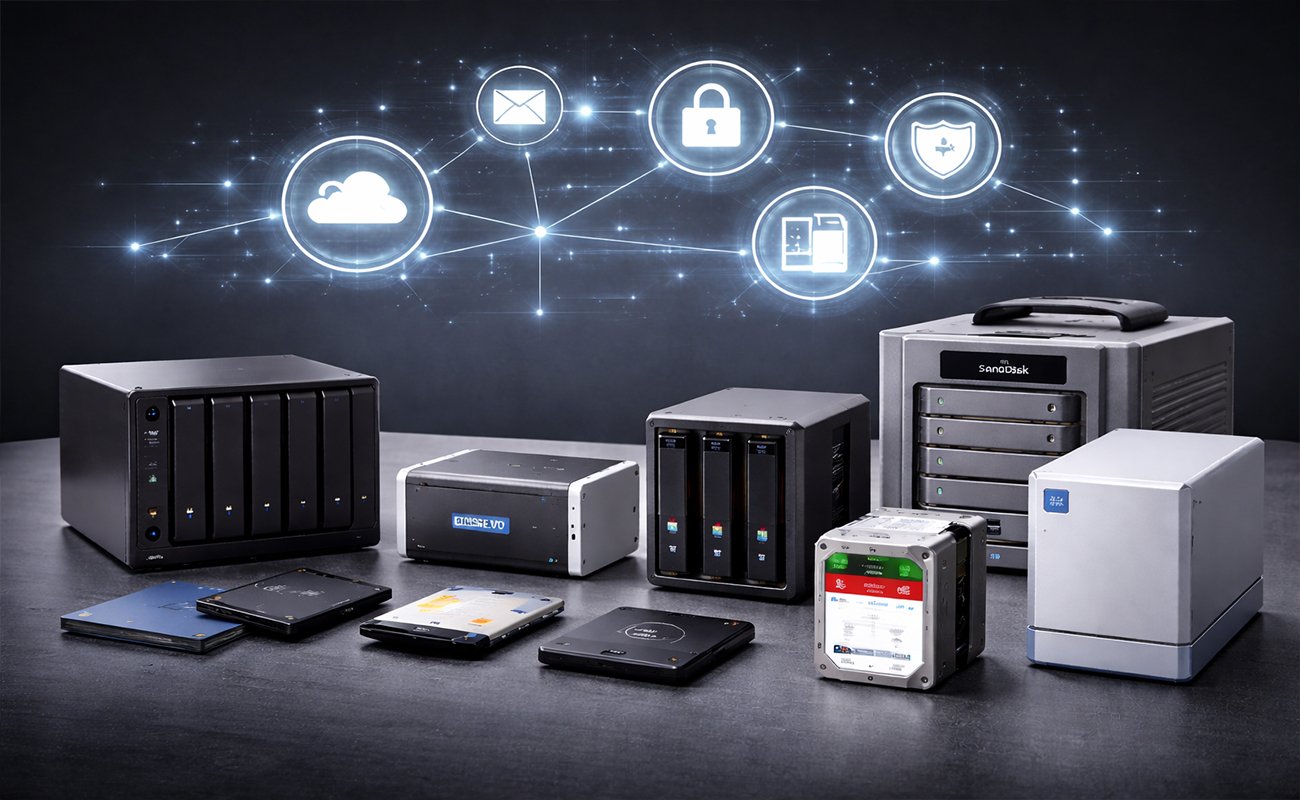
In this guide, we’ll explore 11 of the most reliable storage devices for SMBs, explain how they work, and help you choose the best solution for your business needs.
Why Storage Devices Matter for SMBs
Before diving into the list, it’s important to understand why storage devices are essential.
Modern businesses generate massive amounts of data daily. Without proper storage solutions, companies risk:
- Data loss
- Security breaches
- Slow performance
- Poor collaboration
One of the most popular solutions today is Network-Attached Storage (NAS).
A Network-Attached Storage system allows multiple users to store and access data over a network, making collaboration easier and more efficient. It acts as a centralized storage hub accessible from any connected device.
Key Factors to Consider Before Buying
When choosing a storage device, SMBs should evaluate:
1. Capacity
How much data do you currently store—and how fast is it growing?
2. Performance
SSD-based systems are faster, while HDDs offer larger capacity at lower cost.
3. Scalability
Can you expand storage later?
4. Security
Look for encryption, RAID support, and backup features.
5. Ease of Use
User-friendly systems save time and reduce IT costs.
1. Synology DiskStation DS920+ (Best Overall NAS)

The Synology DS920+ is widely regarded as one of the best reliable NAS devices for SMBs.
Key Features:
- 4-bay NAS system
- Intel processor for high performance
- Supports SSD caching
- Easy-to-use DSM software
Why It’s Great:
Perfect balance between performance, scalability, and price. Ideal for businesses needing reliable file sharing and backup.
2. QNAP TS-464 (High Performance & Multimedia)


QNAP devices are known for powerful reliable hardware and flexibility.
Key Features:
- Quad-core processor
- 2.5GbE connectivity
- HDMI output for direct display
- Virtualization support
Best For:
Businesses handling video editing, media storage, or virtualization.
3. WD My Cloud EX2 Ultra (Budget-Friendly NAS)


A cost-effective reliable solution for small businesses starting out.
Key Features:
- 2-bay storage
- Automatic backup
- Simple setup
- Cloud access
Why Choose It:
Affordable entry-level NAS with solid reliability.
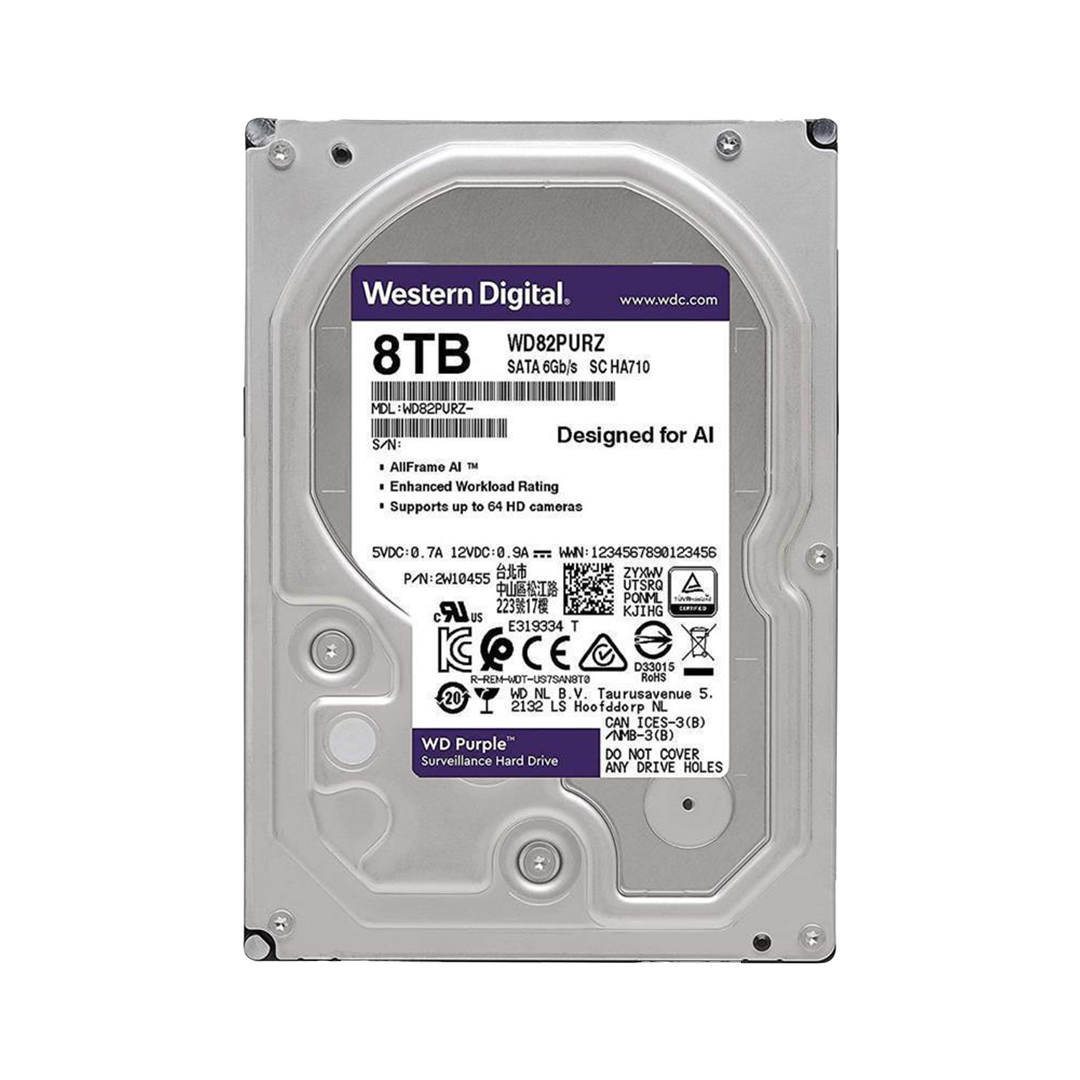
4. Seagate Iron Wolf Pro Drives (Best NAS HDDs)


Storage devices are only as good as their drives.
Key Features:
- Designed for NAS systems
- High durability
- Optimized for RAID environments
Best Use:
Ideal for businesses needing reliable long-term storage.
5. Samsung 870 EVO SSD (Best SSD Storage)


SSD storage dramatically improves speed.
Key Features:
- High read/write speeds
- Long lifespan
- Energy efficient
Best For:
High-performance workloads and fast data access.
6. Drobo 5N2 (Best for Simplicity)


Key Features:
- Automatic storage management
- Flexible drive expansion
- Minimal setup required
Ideal For:
Businesses without dedicated IT teams.
7. Buffalo Tera Station 3410DN (Enterprise-Level NAS)


A robust solution for professional environments.
Key Features:
- RAID support
- Advanced security
- Business-grade reliability
Best For:
SMBs needing enterprise-like features.
8. Net gear Ready NAS RN424 (Advanced Data Protection)


Net gear focuses heavily on data protection.
Key Features:
- Snapshot backups
- Cloud integration
- High-speed networking
Why It Stands Out:
Excellent for businesses prioritizing data security.
9. LaCie 2big RAID (Creative Professionals)

 Designed for designers and creatives.
Key Features:
- RAID 0/1 support
- Thunderbolt connectivity
- Sleek design
Best For:
Creative agencies and media production teams.
10. SanDisk Professional G-RAID Shuttle (High-Capacity RAID)


High-capacity storage for demanding workloads.
Key Features:
- Massive storage capacity
- RAID configurations
- High-speed transfers
Ideal For:
Video production and large-scale data storage.
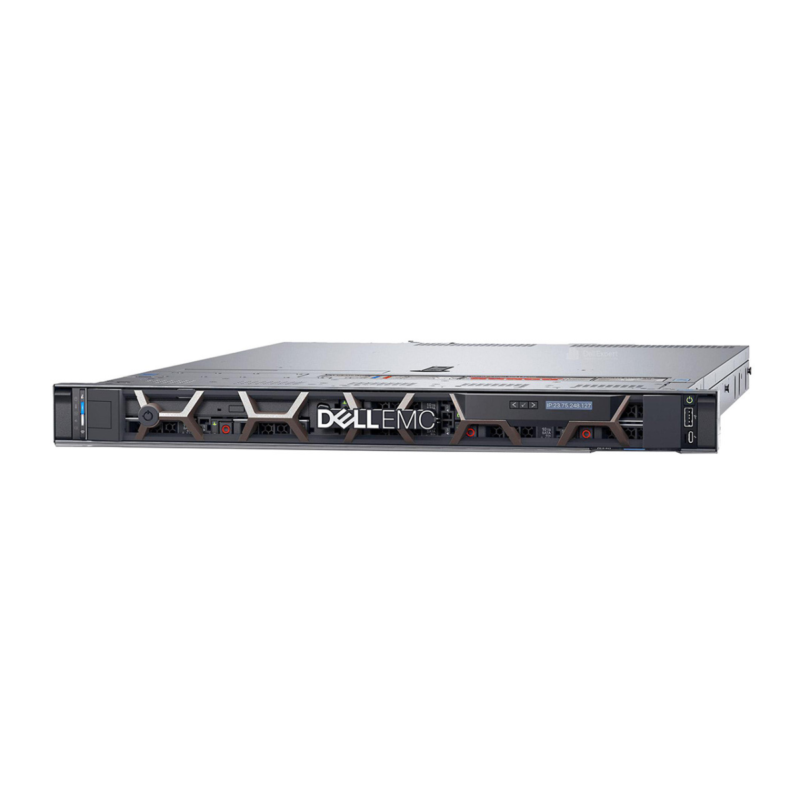
11. Dell EMC Power Vault ME5 (Enterprise Storage Solution)


A powerful enterprise-grade solution.
Key Features:
- High scalability
- Advanced data management
- Hybrid storage support
Best For:
Growing SMBs moving toward enterprise infrastructure.
NAS vs DAS vs SAN: What’s the Difference?
Understanding storage types helps you make better decisions.
NAS (Network Storage)
- File-based storage
- Easy to use
- Ideal for SMBs
DAS (Direct Attached Storage)
- Connected directly to a computer
- Limited sharing capabilities
SAN (Storage Area Network)
- High-speed enterprise storage
- Complex and expensive
NAS is often the best reliable option for SMBs because it balances cost, performance, and ease of use.
Benefits of Reliable Storage Devices
1. Centralized Data Management
All files are stored in one place for easy access.
2. Improved Collaboration
Teams can access files from anywhere.
3. Data Backup & Recovery
Protect against accidental deletion or system failure.
4. Scalability
Expand storage as your business grows.
5. Cost Efficiency
NAS systems are often more affordable than enterprise storage setups.
Common Use Cases for SMB Storage
Businesses use storage devices for:
- File sharing
- Backup and disaster recovery
- Hosting applications
- Media storage
- Virtual environments
NAS systems, in particular, support all these functions efficiently.
How to Choose the Right Storage Device
Here’s a simple guide:
Choose NAS if:
- You need file sharing
- You want easy setup
- You have a small to medium team
Choose SSD storage if:
- Speed is critical
- You run heavy applications
Choose RAID systems if:
- Data redundancy is important
- You want protection against drive failure
Final Thoughts
Choosing the right storage device can transform how your business handles data. From budget-friendly NAS devices to enterprise-level storage arrays, there’s a solution for every SMB.
“After exploring the best storage devices for SMBs, you can also check our guide on Best Storage Devices for Reliable Data Backup to keep your data fully protected.”
Shop now
Sold out

Sold out

Sold out
Sold out
Sold out
Related posts
VPN Firewall vs Standard Firewall: 7 Key Differences

Businesses need reliable network security to protect sensitive information, prevent unauthorized access, and maintain secure commu...
Rack Server vs Tower Server: 6 Key Differences Explained

Rack Server vs Tower Server: 6 Key Differences Explained
Choosing between a rack server and a tower server is an important decisi...
SSD vs HDD Storage: 8 Key Differences Every Business Should Know
SSD vs HDD Storage: 8 Key Differences Every Business Should Know
Choosing the right storage technology is essential for businesse...
Router Performance Explained: 7 Factors That Affect Your Internet Speed

Router performance plays a critical role in determining how efficiently a business network handles daily operations. From cloud-ba...
10 Router Security Features That Help Protect Business Networks
Business networks are constantly exposed to security risks, from unauthorized access and malicious traffic to compromised devices ...

Stateful Firewall vs Next-Generation Firewall: 8 Major Differences
Firewalls play a critical role in protecting business networks from unauthorized access, suspicious traffic, and cyber threats. Ho...

7 Firewall NGFW Types Compared for Business Network Security
Choosing the right NGFW firewall is an important part of protecting business networks fro...
11 Server Features Every IT Manager Should Look For
11 Server Features Every IT Manager Should Look For
Choosing the right server is an important decision for any organization. Serv...
Best RAM Options for Performance Workstations
Best RAM Options for Performance Workstations
Modern performance workstations are built for demanding workloads such as 3D render...

Dual-WAN vs Single-WAN Routers: 6 Key Differences Compared
Modern businesses rely heavily on stable Internet connectivity for cloud applications, communication, online platforms, remote acc...
Wi-Fi Router vs Wired Router: 8 Differences Every Business Should Know
Choosing the right networking equipment is an important decision for any business. As organizations become increasingly dependent ...

Storage Buying Guide: 7 Things to Consider Before You Choose
Storage Buying Guide: 7 Things to Consider Before You Choose
Modern businesses generate and manage large amounts of data every da...
