


























































Best RAM Options for Performance Workstations
Modern performance workstations are built for demanding workloads such as 3D rendering, CAD, video editing, engineering simulations, data analysis, virtualization, and professional content creation. While the CPU and GPU usually receive the most attention, RAM plays an equally important role in keeping these systems responsive and productive.
Choosing the Best RAM Options for Performance Workstations means looking beyond capacity alone. Memory generation, speed, ECC support, module type, channel configuration, and platform compatibility can all affect real-world workstation performance.
For professional workloads, 64GB is a common starting point, while 128GB or more can be appropriate for heavy rendering, large CAD projects, virtualization, and other memory-intensive tasks.
Why RAM Matters in a Performance Workstation
RAM provides the working space that applications use while they are running. When a workstation has enough memory, applications can keep more data readily available, reducing the need to rely on slower storage.
This becomes particularly important when working with:
- 3D models
- Large CAD assemblies
- High-resolution video
- Complex engineering simulations
- Virtual machines
- Large datasets
- Professional design applications
- Multiple demanding applications simultaneously
The Best RAM Options for Performance Workstations therefore depend heavily on the type of professional workload being performed.
A workstation used for basic office applications does not need the same memory configuration as a system designed for 3D rendering or scientific computing.
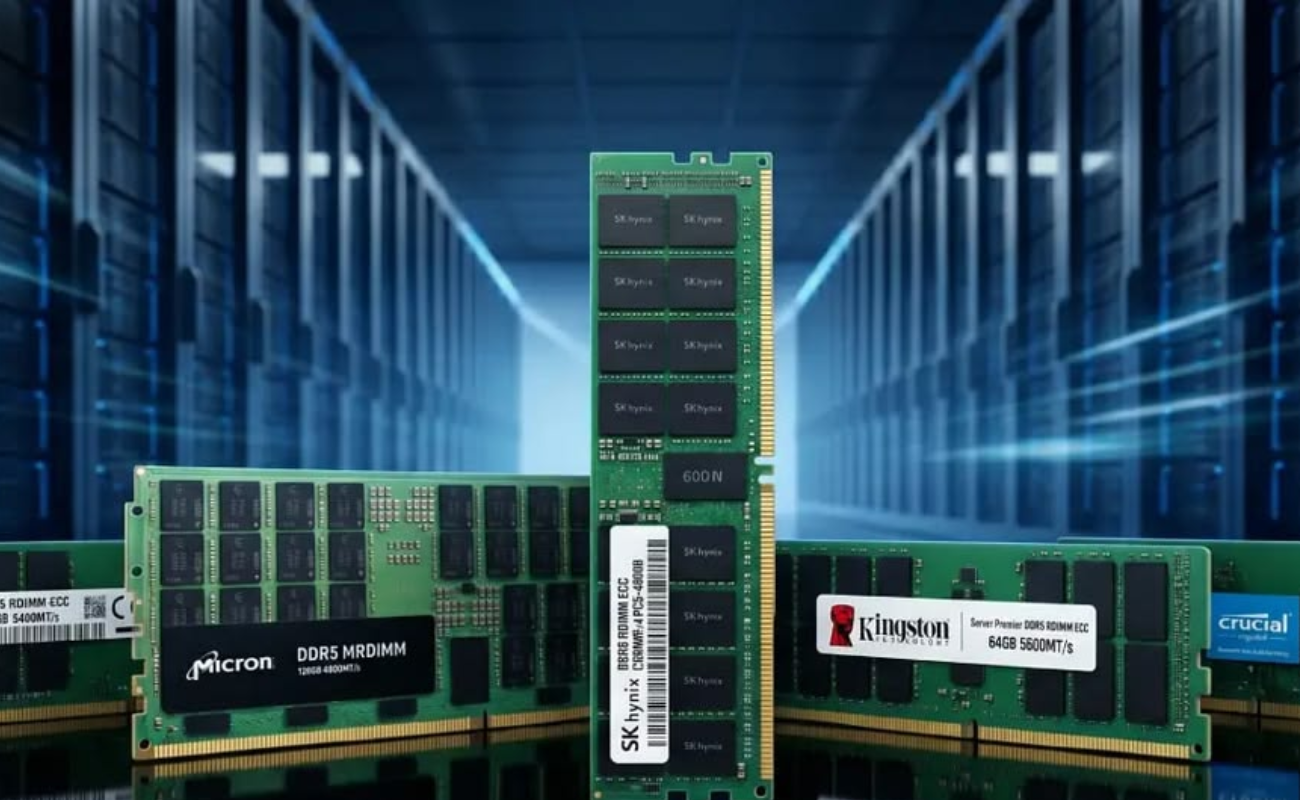
1. 64GB RAM for Professional Workloads
For many professional workstations, 64GB provides a strong balance between capacity and cost.
It can comfortably support demanding applications such as CAD, graphic design, development environments, and moderate 3D workloads while providing enough headroom for multitasking.
For users upgrading from 32GB, moving to 64GB can make a noticeable difference when applications regularly consume large amounts of memory.
Among the Best RAM Options for Performance Workstations, 64GB is often an excellent starting point for professionals who need more than a standard desktop configuration without immediately moving into very high-capacity memory.
2. 128GB RAM for Heavy Workloads
Users working with complex 3D scenes, large engineering projects, advanced video editing, virtualization, or large datasets may benefit from 128GB or more.
More memory allows demanding applications to keep larger projects and datasets available without constantly moving information between RAM and storage.
For example, a workstation used for professional rendering could simultaneously run a 3D application, rendering software, browser windows, texture tools, and other supporting applications.
In these situations, the Best RAM Options for Performance Workstations are often configurations with 128GB or higher capacity rather than simply choosing the fastest available memory.
3. DDR5 for New Workstations
DDR5 is now the standard memory generation for many new workstation platforms. Compared with DDR4, DDR5 offers higher memory bandwidth and newer memory architecture, making it suitable for modern systems and demanding workloads.
However, DDR5 is not automatically compatible with every workstation. The motherboard and CPU determine which memory generation can be installed.
DDR4 and DDR5 are physically and electrically different, so they cannot simply be mixed in the same system.
For a new workstation, DDR5 can be one of the Best RAM Options for Performance Workstations, provided the selected CPU and motherboard support it.
4. DDR4 Still Makes Sense for Existing Systems
DDR5 may be the preferred option for new builds, but DDR4 remains useful for upgrading existing professional workstations.
Many enterprise and professional systems continue to use DDR4, particularly platforms based on earlier Intel Xeon and AMD EPYC generations. Upgrading an existing workstation with compatible DDR4 memory can be more practical than replacing the entire platform.
The important point is to match the RAM to the system rather than choosing a generation simply because it is newer.
For organizations maintaining existing workstation fleets, compatible DDR4 ECC memory can still be among the Best RAM Options for Performance Workstations.
5. ECC RAM for Professional Reliability
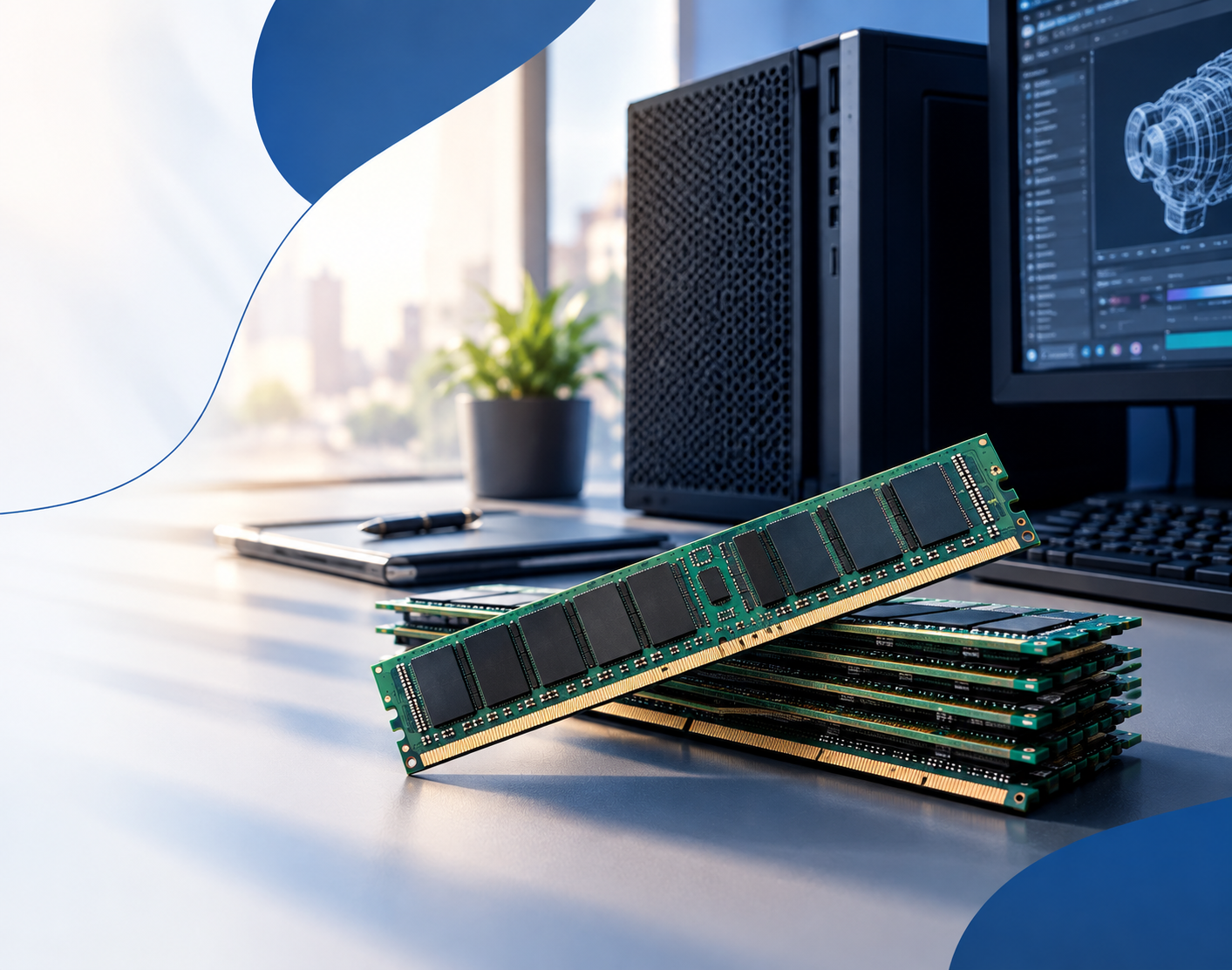
ECC, or Error-Correcting Code memory, is particularly valuable for professional workloads where memory errors could affect calculations, simulations, rendering jobs, or important data.
ECC memory is designed to detect and correct certain memory errors, helping improve system reliability during long-running workloads.
This can be particularly relevant for:
- Engineering simulations
- Scientific computing
- Financial calculations
- Professional rendering
- Large data processing
- Long-running workloads
- Workstations handling critical data
However, ECC support depends on the entire platform. The CPU, motherboard, and memory type must support the required ECC configuration.
Therefore, when evaluating the Best RAM Options for Performance Workstations, ECC should be considered according to the workstation platform rather than treated as a universal requirement.
6. RDIMM vs. UDIMM
Memory module type is another critical consideration.
UDIMM is common in conventional desktop systems and some workstations, while RDIMM, or Registered DIMM, is used extensively in professional and enterprise platforms designed for higher memory capacity and scalability.
Workstation platforms based on processors such as AMD Threadripper Pro and Intel Xeon W can require specific ECC RDIMM configurations. RDIMM and UDIMM are not interchangeable.
Before purchasing memory, check the motherboard and CPU documentation to determine the supported module type.
Choosing the wrong module type can result in incompatibility, meaning the workstation may fail to boot or may not operate as expected.
7. Memory Speed and Bandwidth
RAM speed is another factor to consider, particularly for workloads that move large amounts of data between memory and the processor.
DDR5 provides higher bandwidth than DDR4, but the fastest memory available is not necessarily the best choice for every workstation.
The CPU memory controller and motherboard determine supported speeds. Running memory beyond the platform’s supported specifications may require specific configurations or tuning.
For some modern workstation platforms, memory capacity and channel configuration can be more important than chasing extremely high memory speeds. Multi-channel memory architectures can provide substantial bandwidth for demanding workloads.
Therefore, the Best RAM Options for Performance Workstations should balance speed, capacity, compatibility, and stability.
8. Use the Correct Memory Configuration
Installing the correct number of modules can help the workstation take advantage of its available memory channels.
For example, installing matched modules in the recommended slots can provide better memory bandwidth than using an arbitrary configuration.
However, the ideal configuration varies between platforms. Workstation and server CPUs can support different numbers of memory channels, so the manufacturer’s installation guidelines should always be checked.
A properly configured 64GB or 128GB system can be more useful than simply purchasing a larger amount of RAM without considering memory channels.
9. Match RAM to Your CPU and Motherboard
One of the most important rules when selecting workstation memory is compatibility.
Before buying RAM, verify:
- DDR generation
- Maximum supported capacity
- Supported memory speed
- ECC or non-ECC support
- UDIMM or RDIMM requirement
- Number of memory channels
- Maximum capacity per slot
- Supported memory ranks
- Motherboard compatibility
The CPU and motherboard together determine many of these limitations.
This makes compatibility one of the most important considerations when searching for the Best RAM Options for Performance Workstations.
A 64GB memory kit that works perfectly in one workstation may be completely incompatible with another system, even if both systems use similar processors.
10. Choose RAM According to the Workload
There is no single RAM configuration that is ideal for every professional workstation.
A CAD workstation may prioritize sufficient capacity and reliability. A 3D rendering system may benefit from higher capacity when working with complex scenes. A virtualization workstation may require large amounts of RAM to assign memory to multiple virtual machines.
For example:
General professional work: 32GB–64GB
CAD and 3D design: 64GB–128GB
3D rendering and simulation: 64GB–128GB+
Heavy virtualization: 128GB+
Large datasets and specialized workloads: 128GB and above
These are general guidelines rather than universal requirements. Actual memory requirements depend on the applications, project sizes, operating system, and number of simultaneous workloads.
11. Consider Workstation Upgrades
If your existing workstation has free memory slots, adding compatible RAM may be a cost-effective upgrade.
However, memory should ideally be installed according to the manufacturer’s recommended configuration. Mixing different capacities, speeds, ranks, or memory types can sometimes reduce performance or create compatibility issues.
For older professional systems, it can also make sense to compare the cost of upgrading DDR4 memory against replacing the complete workstation with a newer DDR5-based platform.
This approach can help businesses get more value from existing hardware while avoiding unnecessary replacement costs.
How Much RAM Does a Performance Workstation Need?
The answer depends on the workload.
A workstation used for office productivity and light professional applications may work well with 32GB. For professional CAD, 3D design, and content creation, 64GB is often a more comfortable starting point.
Heavy rendering, virtualization, engineering simulation, and large datasets may justify 128GB or more.
The key is to monitor actual memory usage instead of buying the largest capacity available. If a workload consistently approaches the system’s memory limit, adding RAM can provide more benefit than investing in faster memory with the same capacity.
RAM Speed vs. Capacity
When choosing between more RAM and faster RAM, capacity should generally be prioritized when the system is running out of memory.
For example, upgrading from 32GB to 64GB can provide a greater practical benefit for a memory-heavy workstation than moving from one supported memory speed to a slightly faster one.
Once the workstation has enough capacity, memory speed and bandwidth can become more relevant depending on the workload.
This is why selecting the Best RAM Options for Performance Workstations requires looking at the complete workload instead of focusing on a single specification.
Final Thoughts
RAM is one of the most important components in a professional workstation. The right configuration can improve multitasking, application responsiveness, project handling, and overall system stability.
The Best RAM Options for Performance Workstations are not necessarily the most expensive or fastest modules available. The best choice depends on capacity, DDR generation, ECC support, module type, memory speed, channel configuration, and compatibility with the CPU and motherboard.
For many professional users, 64GB is a strong starting point, while demanding workloads may benefit from 128GB or more. New workstation platforms can take advantage of DDR5, while DDR4 remains a practical choice for compatible existing systems. ECC and RDIMM memory can also be important for professional and enterprise-class platforms where reliability and large memory capacity are priorities.
By matching memory capacity and specifications to the actual workload, businesses and professionals can build workstations that deliver reliable performance without spending unnecessarily on hardware that does not improve their workflow.
Ultimately, the Best RAM Options for Performance Workstations are the ones that provide the right balance of capacity, speed, reliability, compatibility, and long-term value for the specific professional applications being used.
Shop now


Sold out





Sold out

Sold out







Sold out




Sold out

Sold out
Related posts
Best RAM Options for Performance Workstations

Best RAM Options for Performance Workstations
Modern performance workstations are built for demanding workloads such as 3D render...

Dual-WAN vs Single-WAN Routers: 6 Key Differences Compared

Modern businesses rely heavily on stable Internet connectivity for cloud applications, communication, online platforms, remote acc...

Wi-Fi Router vs Wired Router: 8 Differences Every Business Should Know
Choosing the right networking equipment is an important decision for any business. As organizations become increasingly dependent ...

Storage Buying Guide: 7 Things to Consider Before You Choose
Storage Buying Guide: 7 Things to Consider Before You Choose
Modern businesses generate and manage large amounts of data every da...

Business Router vs Home Router: 7 Key Differences Explained
Introduction
Choosing the right router can have a major impact on how efficiently a network performs. While home routers are desi...
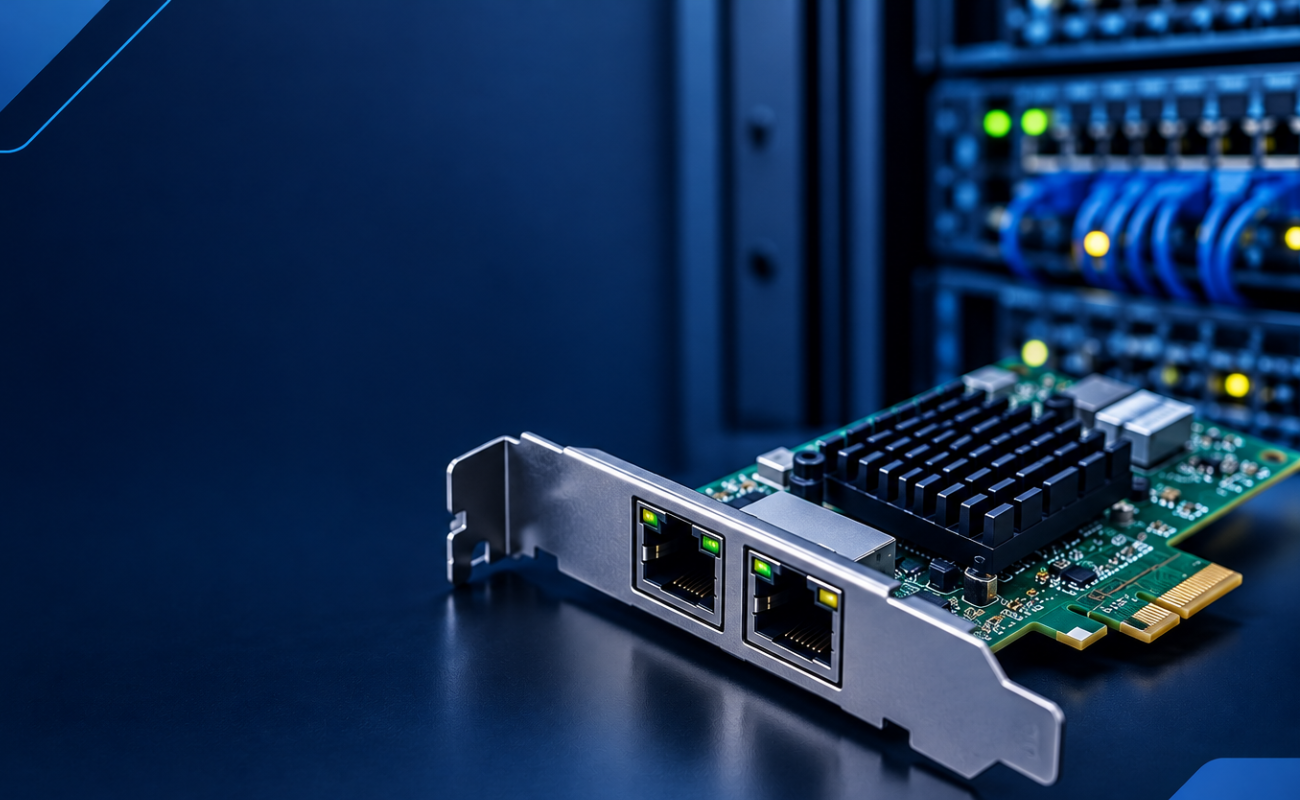
What Is a Network Card and When to Upgrade It?
What Is a Network Card and When to Upgrade It?
In modern business networks, fast and reliable communication between computers, se...

How VLANs Work on Managed Switches: 7 Key Benefits for Business Networks
Introduction
As business networks continue to grow, connecting more devices to the same physical infrastructure can create signif...

How to Choose the Right Firewall for Your Business in 7 Steps

Introduction
Cybersecurity has become a major priority for businesses of every size. From small offices to large enterprises, org...

Hardware Firewall vs Cloud Firewall: 7 Key Differences for Businesses
Choosing the right firewall is an important decision for businesses that want to protect ...

Next-Generation Firewall vs Traditional Firewall: 9 Comparison Points
Network security has changed dramatically as businesses rely ...

Hardware Firewall vs Software Firewall: 7 Differences Explained
A firewall is one of the most important security tools for protecting business networks, devices, and sensitive data. It monitors ...
HPE Z Series Workstations: Designed for Professionals
HPE Z Series Workstations: Designed for Professionals
Professionals working with demanding applications need more than a standard...
