

























































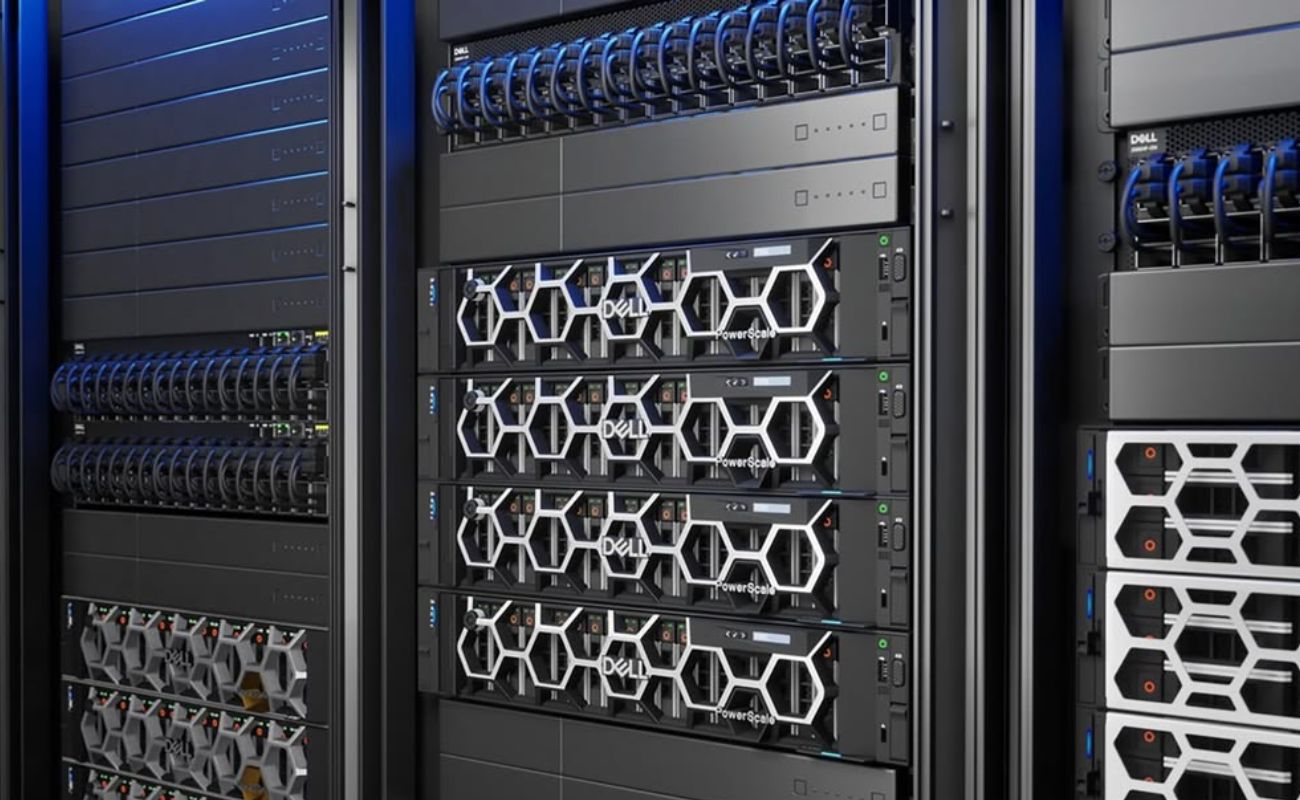
Server Scalability Explained: 7 Features That Support Future Growth
Server scalability is essential for businesses that expect their IT requirements to grow over time. As companies add employees, applications, customers, and data, their server infrastructure must handle increasing workloads without creating unnecessary performance bottlenecks or replacement costs. Understanding Server Scalability Explained: 7 Features That Support Future Growth helps IT managers choose hardware that can adapt to changing business needs.
A scalable server allows businesses to increase computing resources, expand storage, improve network performance, and support additional applications as demand grows. However, scalability is not determined by one component alone. It depends on the server’s architecture, available expansion options, compatibility, and the infrastructure supporting it.
In this guide, we explore Server Scalability Explained: 7 Features That Support Future Growth, including the hardware capabilities and planning decisions that help businesses build a flexible, cost-effective IT environment.
What Is Server Scalability?
Server scalability is the ability of a server or IT infrastructure to accommodate increasing workloads by adding resources or expanding capacity. This may involve upgrading an existing server or adding more servers to distribute workloads.
There are two common approaches:
- Vertical scaling: Increasing the resources of an existing server, such as CPU capacity, RAM, or storage.
- Horizontal scaling: Adding more servers or computing nodes to distribute workloads across multiple systems.
Vertical scaling can be suitable when an existing server has available upgrade options. Horizontal scaling may be more appropriate for applications designed to distribute workloads across multiple systems.
The best approach depends on application architecture, hardware limitations, budget, and availability requirements. These fundamentals provide the foundation for Server Scalability Explained: 7 Features That Support Future Growth.
1. Expandable CPU Performance
The processor plays a major role in determining how much computing work a server can handle. As application demands increase, businesses may need additional processing cores, higher performance per core, or support for more demanding workloads.
When evaluating CPU scalability, consider:
- Supported processor models and generations

- Number of CPU sockets
- Maximum supported core count
- Processor clock speed and cache
- Virtualization capabilities
- Compatibility with the existing motherboard and firmware
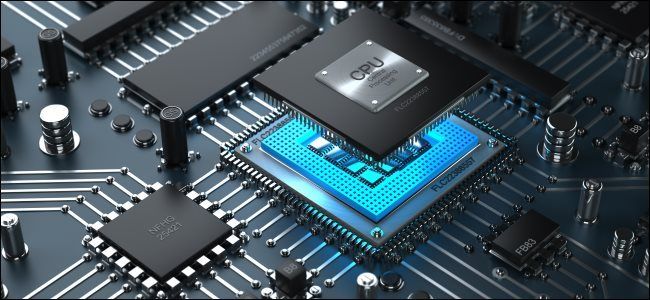
Some enterprise servers support two processors, while other platforms are designed for a single CPU. Certain high-end systems offer more extensive multi-processor architectures.
However, adding more cores does not automatically improve every application. The software must be able to use the additional processing resources effectively.
Businesses should also check whether an upgrade requires additional cooling, a different heatsink, or a power supply with sufficient capacity.
For long-term planning, Server Scalability Explained: 7 Features That Support Future Growth starts with selecting a processor platform that meets current workload requirements while providing a realistic path for future expansion.
2. High RAM Capacity and Memory Expansion
Memory is another essential factor in server scalability. Applications, databases, and virtual machines use RAM to store active data and execute tasks efficiently. As workloads increase, insufficient memory can limit performance even when the processor remains capable.
A scalable server should provide a suitable combination of installed memory, available DIMM slots, and supported maximum RAM capacity.
Before purchasing, review:
- Maximum supported memory
- Number of memory slots
- Supported DDR generation
- RDIMM or LRDIMM compatibility, where applicable
- Memory speed and channel configuration
- Processor-specific memory limitations
For example, a server initially configured with 64GB of RAM may support future upgrades to a much larger capacity, depending on the model and supported DIMMs. However, buyers should verify the manufacturer’s specifications rather than assuming every server supports the same memory limits.
Memory planning is particularly important for virtualization, databases, analytics, and applications that maintain large datasets in memory.
When considering Server Scalability Explained: 7 Features That Support Future Growth, evaluate both current RAM requirements and the cost and feasibility of increasing memory later.
3. Flexible Storage Expansion
Business data grows as organizations create more documents, maintain larger databases, retain backups, and deploy additional applications. A scalable server should provide enough storage capacity and flexibility to accommodate this growth.
Important storage features include:
- Available drive bays
- Support for 2.5-inch or 3.5-inch drives
- SAS, SATA, or NVMe compatibility
- Supported storage controller options
- Expansion shelves or external storage connectivity
- RAID configurations and redundancy requirements
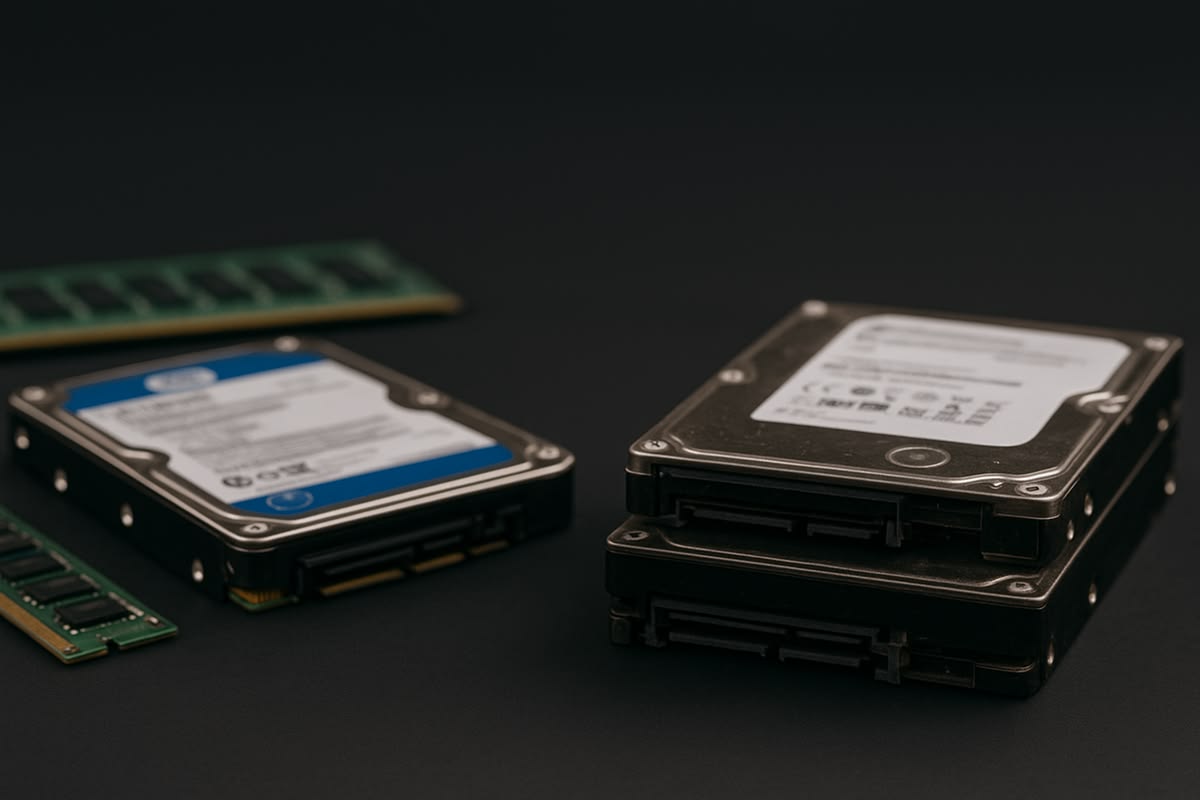 SAS, SATA, or NVMe compatibility
The best storage configuration depends on the workload. Databases and performance-sensitive applications may benefit from SSD or NVMe storage, while large file repositories may prioritize capacity and cost per terabyte.
Businesses can also consider external storage systems when internal drive bays are insufficient. Depending on the architecture, a dedicated storage system can allow capacity to expand without replacing the entire server.
Remember that usable capacity may be lower than raw drive capacity because of RAID, formatting, and system overhead. Storage expansion should also include a backup and recovery strategy.
Storage flexibility is a major part of Server Scalability Explained: 7 Features That Support Future Growth, because running out of capacity can force an unplanned upgrade or migration.
4. PCIe Slots and Hardware Upgrade Options
Expansion slots allow businesses to add supported hardware as requirements change. These slots may accommodate network adapters, storage controllers, Fibre Channel host bus adapters, and certain accelerator cards.
Before selecting a server, examine:
- Number of available PCIe slots
- PCIe generation and lane configuration
- Physical slot size
- Riser card requirements
- Power and cooling limitations
- Compatibility with the intended expansion card
A server with multiple available slots may offer more flexibility than a system whose expansion capacity is already fully occupied.
However, an available slot does not guarantee that every card will be compatible. Server manufacturers may impose restrictions related to supported devices, firmware, physical dimensions, power consumption, and cooling.
For example, a business expecting to introduce faster networking or connect external storage should check whether the server can accommodate the necessary adapters without removing other important components.
This is why Server Scalability Explained: 7 Features That Support Future Growth should include expansion planning before a purchase, not only after the server reaches its limits.
5. High-Speed and Redundant Networking
As a business grows, more users, applications, and systems may communicate with its servers. Network bandwidth and reliability can become important constraints, particularly in virtualization environments, data-intensive applications, and shared-storage deployments.
Consider these networking capabilities:
- Supported Ethernet speeds, such as 1GbE, 10GbE, or 25GbE
- Number of available network ports
- Network adapter expansion options
- Compatible SFP, SFP+, or other transceiver requirements
- Link aggregation support
- Network redundancy and switch compatibility
A server with sufficient CPU and RAM may still deliver poor results if its network connection cannot handle the traffic generated by its applications.
Multiple network interfaces can support traffic separation or redundancy when configured correctly. However, simply adding more ports does not guarantee higher throughput; network design, switch capacity, software configuration, and application behavior also matter.
Businesses should plan for the network infrastructure around the server, including switches, cabling, transceivers, and storage-network requirements.
Network flexibility is another important consideration in Server Scalability Explained: 7 Features That Support Future Growth, especially when infrastructure must support more users or higher data-transfer demands.
6. Modular Power and Cooling Capacity
Server upgrades can increase power consumption and heat output. Additional processors, memory modules, drives, and expansion cards may require more electrical capacity and effective cooling.
When assessing scalability, review:
- Supported power supply configurations
- Available power capacity
- Redundant power supply support
- Cooling and fan requirements
- Rack power distribution capacity
- Data-center or server-room cooling
Redundant power supplies can improve resilience when configured appropriately, but redundancy does not eliminate the need to calculate actual power requirements.
Similarly, a server that supports additional drives or expansion cards may require specific fan configurations or other cooling components before those upgrades can be installed safely.
Businesses should consider both the server and its operating environment. A configuration that fits within the chassis may still be unsuitable if the available electrical supply or cooling system cannot support it.
Planning these requirements helps organizations avoid unexpected infrastructure costs as they expand.
7. Remote Management and Multi-Server Expansion
Scalability involves more than adding hardware. As organizations deploy additional servers, they also need practical ways to monitor, configure, and maintain their growing infrastructure.
Enterprise management platforms such as Dell iDRAC and HPE iLO provide supported capabilities for remote monitoring and administration, depending on the server model, license, and configuration.
Useful management features include:
- Hardware health monitoring
- System event logs and alerts
- Remote console access
- Remote power control
- Firmware management
- Integration with supported infrastructure management tools
When a business moves from one server to several, centralized monitoring and consistent configuration practices become increasingly valuable.
Organizations may also need load balancing, virtualization management, clustering, or orchestration tools, depending on their applications and availability requirements. These capabilities are not provided by hardware alone; they require compatible software and appropriate configuration.
Remote management can simplify administration, but management interfaces should be secured with strong credentials, access restrictions, and supported security updates.
The final feature in Server Scalability Explained: 7 Features That Support Future Growth is therefore the ability to manage expanding infrastructure efficiently, not just increase raw hardware capacity.
How to Choose a Scalable Server for Your Business
Choosing the right server begins with understanding your current workload and estimating future requirements. Start by identifying the applications the server will run, the number of users it must support, expected data growth, and any performance or uptime requirements.
Then compare candidate servers based on CPU support, maximum RAM, drive bays, storage interfaces, PCIe expansion, networking, and power requirements.
It is also useful to compare the cost of upgrading the existing server with the cost of adding another system. Vertical scaling may be simpler for a single application, while horizontal scaling can be more appropriate when workloads can be distributed across multiple servers.
For additional guidance, read our article on 8 Server Specifications You Should Understand Before Buying to learn how processor, memory, storage, and other specifications influence a purchasing decision.
You can also explore the available server configurations at SAS Points to compare enterprise hardware options and identify a configuration that matches your requirements.
New vs. Refurbished Servers for Future Growth
Both new and refurbished enterprise servers can support business growth. The right choice depends on your budget, workload, support expectations, and required upgrade path.
New servers may offer newer architectures and longer potential support lifecycles. Refurbished servers can provide access to established enterprise platforms at a lower initial cost, but their remaining capacity and condition should be verified carefully.
Before purchasing refurbished equipment, confirm the exact processor models, installed RAM, maximum supported memory, drive-bay configuration, RAID controller, network adapters, power supplies, and warranty terms.
It is also important to check whether the required upgrades are available and compatible. A server may support additional memory or storage in theory, but the cost and availability of compatible components can affect whether the upgrade is practical.
To understand SAS Points’ equipment and configuration options, visit our Frequently Asked Questions page.
Signs Your Business Needs a More Scalable Server
Recognizing the signs of limited server capacity can help businesses plan upgrades before performance problems affect daily operations. Slow application response times, frequent resource utilization spikes, insufficient storage, and delays during peak workloads may indicate that the existing infrastructure needs attention.
Other warning signs include limited memory for new virtual machines, network congestion, and a lack of available expansion slots for additional hardware. However, these symptoms do not always mean that a new server is necessary. IT teams should review monitoring data, identify bottlenecks, and confirm whether the problem is caused by CPU, RAM, storage, networking, or software configuration.
Understanding Server Scalability Explained: 7 Features That Support Future Growth helps businesses distinguish between a temporary performance issue and a genuine need for additional infrastructure capacity. A planned upgrade based on measured demand is often more cost-effective than replacing hardware without identifying the underlying problem.
Vertical Scaling vs. Horizontal Scaling
Businesses can expand their server infrastructure through vertical scaling or horizontal scaling. Understanding the difference helps organizations choose an approach that matches their applications and budget.
Vertical scaling involves upgrading an existing server with additional RAM, a more capable supported processor, or expanded storage. This approach may be practical when the server has available capacity and compatible upgrades. However, every server has hardware limits, and some upgrades may require downtime or significant expense.
Horizontal scaling involves adding servers and distributing workloads across multiple systems. This approach can improve capacity and, when applications are designed appropriately, help increase availability. It may also introduce additional requirements for load balancing, monitoring, networking, licensing, and infrastructure management.
For example, a business running a small internal application may benefit from upgrading its existing server. An organization operating a high-traffic web application may instead use multiple servers behind a load balancer.
When evaluating Server Scalability Explained: 7 Features That Support Future Growth, consider the application’s architecture before deciding which scaling method to use. The best solution is the one that addresses the actual bottleneck without adding unnecessary complexity.
Virtualization and Server Scalability
Virtualization allows a physical server to run multiple virtual machines, each with allocated computing resources. This makes it possible to consolidate workloads and use available hardware more efficiently.
A virtualization host needs sufficient CPU capacity, RAM, storage performance, and network bandwidth to support its virtual machines. As workloads increase, administrators may allocate additional resources to existing virtual machines, create new ones, or add another host to the environment.
However, virtualization does not remove the physical limits of the underlying hardware. Too many virtual machines competing for the same resources can lead to performance problems. Businesses should monitor CPU utilization, memory pressure, storage latency, and network throughput to understand when additional capacity is needed.
A scalable virtualization environment may also benefit from shared storage, compatible networking, centralized management, and suitable backup procedures. These requirements depend on the hypervisor and the organization’s availability goals.
Considering virtualization is an important part of Server Scalability Explained: 7 Features That Support Future Growth, particularly for companies that expect to run more applications without deploying a separate physical server for every workload.
Planning a Server Upgrade Without Unnecessary Costs
A successful server upgrade begins with a clear understanding of current performance and future demand. Instead of purchasing the largest available configuration, businesses should identify the resources that are actually limiting their workloads.
Start by reviewing performance metrics over a representative period, including peak usage. Check whether the CPU is consistently overloaded, memory is insufficient, storage is approaching capacity, or network traffic is reaching practical limits.
Next, compare the cost of upgrading the existing server with the cost of deploying a replacement or adding another system. Include compatible components, installation, potential downtime, power consumption, support, and future maintenance in the comparison.
Compatibility is equally important. Processor upgrades must be supported by the server platform, memory must meet the system’s requirements, and expansion cards must fit the available slots and power budget. Storage upgrades may also require additional drive trays, cables, or a compatible controller.
These planning steps make Server Scalability Explained: 7 Features That Support Future Growth more practical for IT managers who need to balance performance improvements with budget constraints.
Server Scalability and Business Continuity
As organizations grow, the impact of server downtime can become more significant. A scalable infrastructure should therefore be planned alongside backup, recovery, and availability requirements.
Businesses can improve resilience by identifying critical applications, maintaining tested backups, monitoring hardware health, and establishing a recovery plan. Depending on operational needs, they may also use redundant network connections, supported redundant power supplies, clustering, or multiple servers.
It is important to distinguish scalability from high availability. Scalability helps an environment accommodate increasing workloads, while high availability aims to reduce service interruptions. Some technologies support both goals, but neither is guaranteed simply by adding hardware.
For example, adding a second server may increase processing capacity, but it will not automatically provide failover. Applications, data synchronization, networking, and management software must be configured to support the intended outcome.
When applying Server Scalability Explained: 7 Features That Support Future Growth, businesses should evaluate how infrastructure expansion affects recovery procedures, service continuity, and the complexity of managing their systems.
Creating a Long-Term Server Scalability Strategy
A long-term server strategy should connect hardware decisions with business objectives. IT teams should estimate expected growth in users, data, applications, and computing demand, then review whether the current infrastructure can support those projections.
It is useful to establish a regular review schedule for hardware utilization, available storage, memory capacity, network performance, firmware support, and warranty status. These reviews help organizations identify upcoming limitations before they become urgent problems.
Businesses should also document their server configurations, compatible upgrade options, software dependencies, and replacement plans. This information makes future purchasing decisions more consistent and reduces the risk of selecting incompatible hardware.
Finally, evaluate the total cost of ownership rather than the initial purchase price alone. Power, cooling, support, maintenance, licensing, and migration can all affect the cost of expanding an IT environment.
By combining performance monitoring with practical upgrade planning, organizations can build an infrastructure that adapts to changing requirements without investing in unnecessary capacity. This is the central objective of Server Scalability Explained: 7 Features That Support Future Growth.
Final Thoughts
Understanding Server Scalability Explained: 7 Features That Support Future Growth helps businesses make informed hardware decisions and avoid infrastructure limitations as workloads increase.
Expandable CPU performance, higher RAM capacity, flexible storage, PCIe slots, faster networking, sufficient power and cooling, and effective remote management all contribute to a server’s ability to adapt over time.
The best server is not necessarily the one with the highest specifications today. It is the one that meets current business requirements, supports realistic future upgrades, and offers a sensible total cost of ownership.
At SAS Points, businesses can explore enterprise server configurations and compare available hardware based on their computing, storage, and networking requirements. Evaluate the complete configuration, verify compatibility, and plan for future growth before making your investment.
Shop now




















Related posts
Server Scalability Explained: 7 Features That Support Future Growth

Server Scalability Explained: 7 Features That Support Future Growth
Server scalability is essential for businesses that expect th...
8 Server Specifications You Should Understand Before Buying
8 Server Specifications You Should Understand Before Buying
Choosing the right server is an important decision for any business t...

VPN Firewall vs Standard Firewall: 7 Key Differences

Businesses need reliable network security to protect sensitive information, prevent unauthorized access, and maintain secure commu...

Rack Server vs Tower Server: 6 Key Differences Explained
Rack Server vs Tower Server: 6 Key Differences Explained
Choosing between a rack server and a tower server is an important decisi...

SSD vs HDD Storage: 8 Key Differences Every Business Should Know
SSD vs HDD Storage: 8 Key Differences Every Business Should Know
Choosing the right storage technology is essential for businesse...

Router Performance Explained: 7 Factors That Affect Your Internet Speed

Router performance plays a critical role in determining how efficiently a business network handles daily operations. From cloud-ba...

10 Router Security Features That Help Protect Business Networks
Business networks are constantly exposed to security risks, from unauthorized access and malicious traffic to compromised devices ...

Stateful Firewall vs Next-Generation Firewall: 8 Major Differences
Firewalls play a critical role in protecting business networks from unauthorized access, suspicious traffic, and cyber threats. Ho...

7 Firewall NGFW Types Compared for Business Network Security
Choosing the right NGFW firewall is an important part of protecting business networks fro...

11 Server Features Every IT Manager Should Look For
11 Server Features Every IT Manager Should Look For
Choosing the right server is an important decision for any organization. Serv...

Best RAM Options for Performance Workstations
Best RAM Options for Performance Workstations
Modern performance workstations are built for demanding workloads such as 3D render...

Dual-WAN vs Single-WAN Routers: 6 Key Differences Compared
Modern businesses rely heavily on stable Internet connectivity for cloud applications, communication, online platforms, remote acc...
