


























































Rack Server vs Tower Server: 6 Key Differences Explained
Choosing between a rack server and a tower server is an important decision for businesses planning to build or upgrade their IT infrastructure. Understanding Rack Server vs Tower Server: 6 Key Differences Explained helps IT managers compare server designs, space requirements, scalability, cooling, costs, and maintenance before investing in the right hardware.
Both rack servers and tower servers provide reliable computing resources for business applications, databases, virtualization, file sharing, and enterprise workloads. However, each design serves different operational needs. This guide explores Rack Server vs Tower Server: 6 Key Differences Explained to help businesses identify which server type best fits their environment, budget, and long-term IT strategy.
1. Physical Design and Form Factor
The first difference in Rack Server vs Tower Server: 6 Key Differences Explained is the physical design.
What Is a Rack Server?
A rack server is designed to be installed horizontally inside a standard server rack. Rack servers are commonly measured i
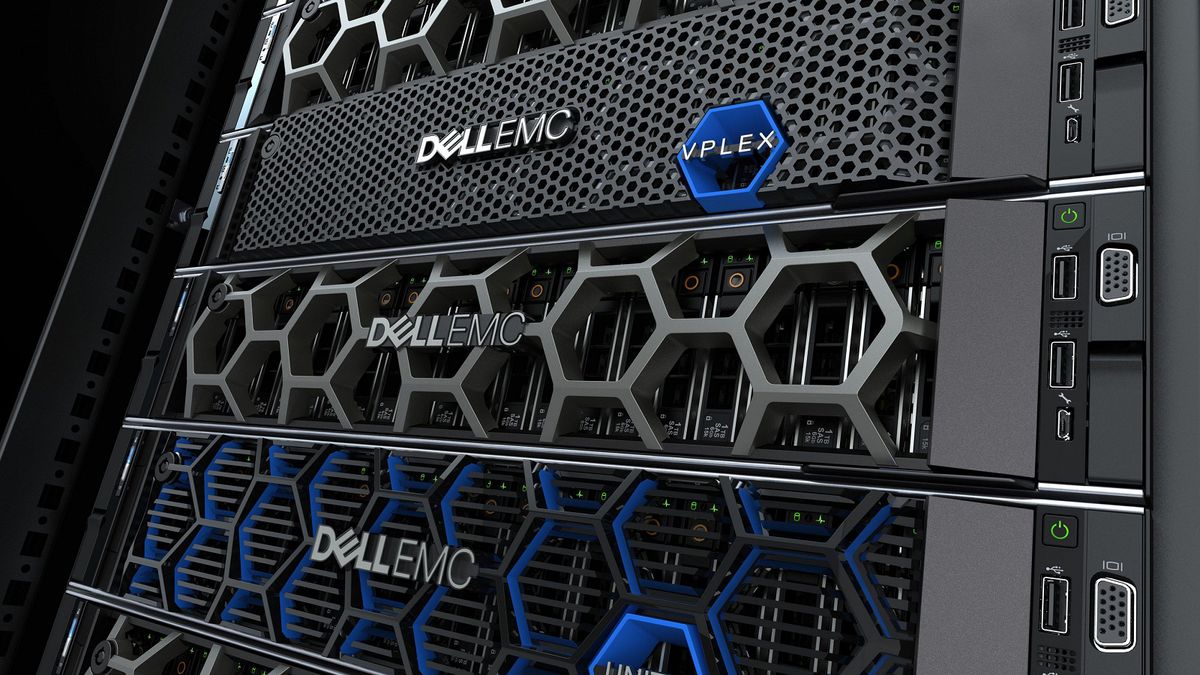
n rack units (U), such as 1U, 2U, or 4U. This standardized design allows multiple servers to be installed in a single rack alongside switches, storage systems, and other networking equipment.
Popular rack server models include the Dell PowerEdge R640, Dell PowerEdge R740, HPE ProLiant DL360 Gen10, and HPE ProLiant DL380 Gen10.
Rack servers are widely used in data centers, enterprise IT environments, and businesses that require centralized infrastructure management.
What Is a Tower Server?
A tower server resembles a traditional desktop computer tower but is designed for business workloads and continuous operation. It typically stands independently on the floor or a suitable surface and does not require a dedicated server rack.
Examples include the Dell PowerEdge T440, Dell PowerEdge T640, and HPE ProLiant ML350 Gen10.
Tower servers are suitable for small and medium-sized businesses, branch offices, and organizations that need dedicated server resources without building a full rack infrastructure.
Understanding these design differences is the first step in Rack Server vs Tower Server: 6 Key Differences Explained, especially for businesses planning their first server deployment.
2. Space Requirements and Installation
Space requirements are another major consideration when comparing rack and tower servers.
Rack Server Space Requirements
Rack servers use vertical rack space efficiently because several units can be installed in one rack. Businesses can organize servers, network switches, patch panels, and storage equipment in a centralized location.
However, rack servers usually require additional infrastructure, including a compatible rack cabinet, appropriate power distribution, cable management, and suitable cooling.
For organizations operating multiple servers, this arrangement can simplify equipment organization and future expansion.
Tower Server Space Requirements
Tower servers can operate without a dedicated rack cabinet, making installation simpler for offices with limited IT infrastructure. They may be placed in a designated equipment room or office area, provided the environment offers adequate ventilation, power, and physical security.
A tower server can be a practical option for businesses that need one or two servers and want to avoid the initial cost of rack installation.
When evaluating Rack Server vs Tower Server: 6 Key Differences Explained, businesses should consider not only the server’s physical dimensions but also the available installation space and the infrastructure required to operate it reliably.
3. Scalability and Expansion
Scalability is essential for businesses expecting increases in users, applications, storage requirements, or processing workloads.
Rack Server Scalability
Rack servers are well suited to environments where IT infrastructure must grow over time. Organizations can add compatible servers to an existing rack, expand storage capacity, and integrate additional networking equipment within a centralized environment.
Many rack server models support multiple processors, substantial memory capacity, RAID controllers, high-speed network adapters, and various drive configurations. Actual capabilities depend on the server generation and specific configuration.
For example, a business may begin with a Dell PowerEdge R640 and later add other rack servers to support virtualization, database applications, or additional business services.
Tower Server Scalability
Tower servers can also provide substantial expansion capabilities. Depending on the model, they may support additional memory, internal drives, PCIe expansion cards, and multiple processors.
Some enterprise tower servers offer considerable internal storage capacity and expansion options, making them suitable for growing businesses that do not need a rack-based deployment.
However, expanding a large tower-server environment may require more physical floor space and can make equipment organization more complicated.
In Rack Server vs Tower Server: 6 Key Differences Explained, scalability is not simply about which server supports more hardware. It also depends on how easily the complete IT environment can expand, connect, and be managed.
4. Cooling, Noise, and Operating Environment
Cooling and noise levels can influence where a server can be installed and how comfortably it operates.
Rack Server Cooling
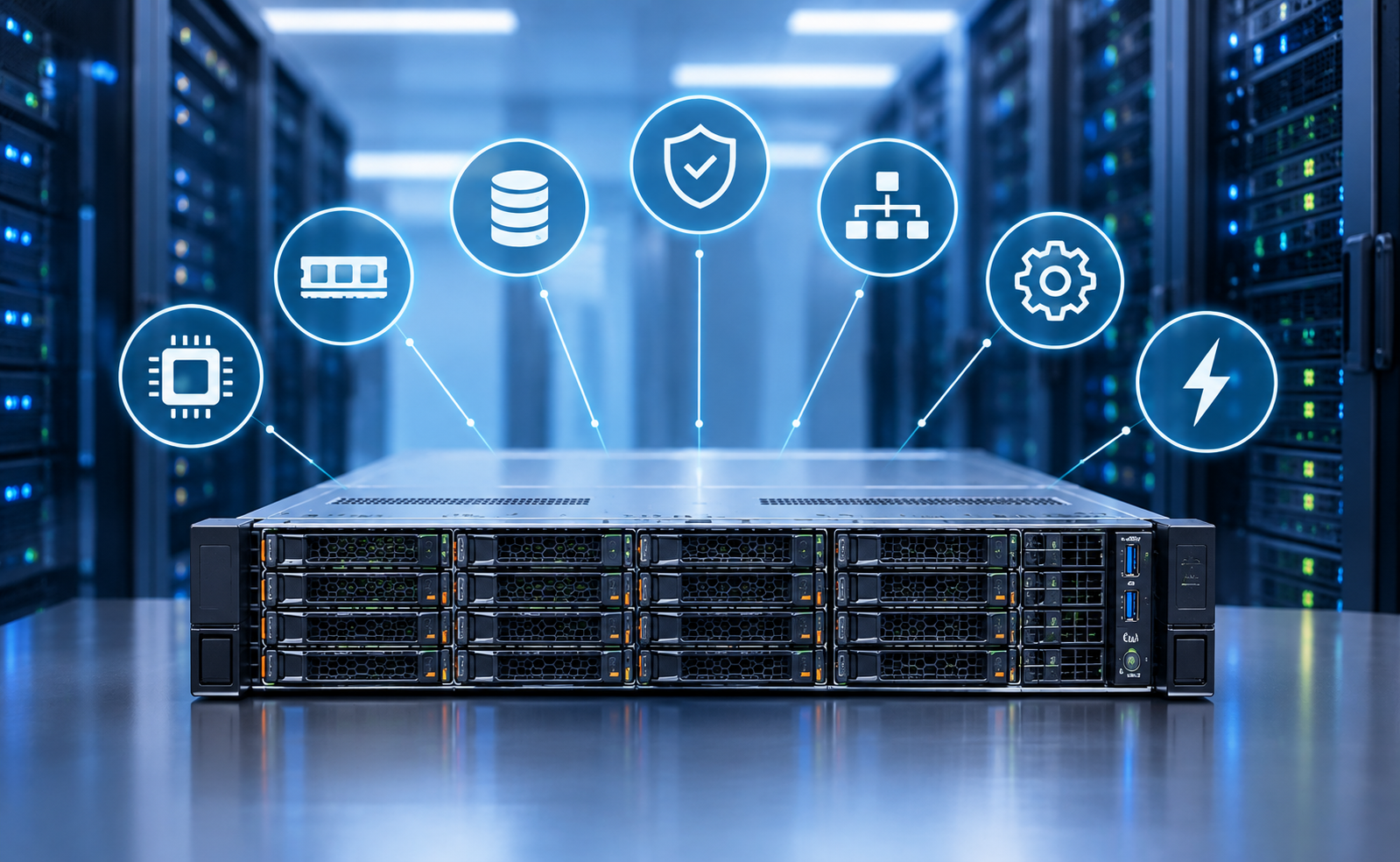
Rack servers are designed for installation in environments where airflow and cooling are carefully managed. Their compact chassis often use high-speed fans to move air through densely packed internal components.
When several servers operate in one rack, heat output can become significant. Businesses should consider airflow direction, rack layout, room temperature, and cooling capacity when planning a deployment.
Rack servers are therefore commonly installed in dedicated server rooms or data centers, although smaller deployments may be suitable for other properly designed environments.
Tower Server Cooling
Tower servers generally have a larger standalone chassis, which provides a different internal layout for fans and components. However, a tower server still requires adequate ventilation and can generate considerable heat and noise under demanding workloads.
Tower servers are not automatically silent or suitable for every office environment. Noise levels depend on the model, installed components, workload, and cooling system.
For businesses choosing between these designs, Rack Server vs Tower Server: 6 Key Differences Explained highlights the importance of evaluating the complete operating environment rather than assuming that one form factor always offers better cooling.
5. Cost and Total Cost of Ownership
Budget is another important factor when selecting server hardware. The total investment includes more than the initial server purchase price.
Rack Server Costs
Rack servers may require additional spending on rack cabinets, power distribution units, cable management, and cooling infrastructure. Businesses deploying multiple servers must also account for electricity consumption, maintenance, and equipment replacement over time.
However, organizations that already operate a server rack can add compatible rack servers without purchasing an entirely new installation setup. Centralized infrastructure may also simplify physical organization as the environment grows.
Tower Server Costs
Tower servers can reduce initial deployment costs because they do not necessarily require a dedicated rack cabinet. For a small business operating a single server, this can make installation more straightforward.
Nevertheless, costs vary according to processor specifications, memory, storage, RAID configuration, power supplies, warranty, and other components. A high-capacity tower server may cost more than a basic rack server, depending on the selected configurations.
Businesses should compare similar hardware specifications and calculate the expected cost of operation over the server’s useful life.
The financial comparison in Rack Server vs Tower Server: 6 Key Differences Explained should include both the hardware price and the infrastructure needed to support the server.
6. Management, Maintenance, and Deployment
Server management becomes increasingly important as an organization adds more systems and business applications.
Rack Server Management
Rack servers are commonly used in centralized IT environments where administrators manage several servers, networking devices, and storage systems from one location.
Many enterprise rack servers offer remote management capabilities, such as Dell iDRAC or HPE iLO, depending on the model and configuration. These tools can help administrators monitor system health, review hardware alerts, perform remote troubleshooting, and manage supported power and maintenance operations.
A standardized rack installation can also simplify cabling and physical access when multiple servers are deployed.
Tower Server Management
Tower servers can offer similar enterprise management features when supported by the hardware platform. They can be practical for businesses with a small IT team or a limited number of servers.
Because tower servers operate independently, installation and maintenance may be straightforward for smaller environments. However, managing many standalone systems across different locations can require additional planning.
When reviewing Rack Server vs Tower Server: 6 Key Differences Explained, businesses should assess their existing IT skills, remote-management requirements, maintenance procedures, and plans for future deployment.
Rack Server vs Tower Server: Which One Should You Choose?
The right choice depends on your business requirements, available infrastructure, and expected growth.
Choose a Rack Server If:
- Your business operates multiple servers or plans to expand its IT infrastructure.
- You need centralized equipment organization and rack-based deployment.
- You operate virtualization platforms, enterprise applications, or demanding workloads.
- Your IT environment already includes compatible rack cabinets and cooling infrastructure.
- You need to organize servers, networking equipment, and storage systems in one location.
Choose a Tower Server If:
- Your business needs one or a few dedicated servers.
- You do not have a server rack or dedicated data center.
- You prefer a standalone installation with fewer infrastructure requirements.
- Your available space supports a tower chassis with sufficient ventilation.
- Your workloads can be handled by the available tower-server configuration.
Before making a final decision, compare processor performance, RAM capacity, drive bays, RAID support, network connectivity, power supplies, remote-management features, and warranty coverage.
Popular Rack and Tower Server Options
Businesses comparing Rack Server vs Tower Server: 6 Key Differences Explained can start by evaluating established enterprise server families.
Rack server options:
- Dell PowerEdge R640: A compact rack server suitable for a range of enterprise workloads.
- Dell PowerEdge R740: A versatile rack platform for applications requiring flexible computing and storage configurations.
- Dell PowerEdge R740xd: Designed for configurations that prioritize storage capacity and flexibility.
- HPE ProLiant DL360 Gen10: A compact rack server for space-conscious deployments.
- HPE ProLiant DL380 Gen10: A versatile enterprise platform with multiple configuration options.
Tower server options:
- Dell PowerEdge T440: A tower platform for businesses needing expandable server resources.
- Dell PowerEdge T640: A larger tower platform with options for substantial computing and storage capacity.
- HPE ProLiant ML350 Gen10: An enterprise tower server designed for a range of business applications.
The precise processor support, memory limits, drive-bay options, and expansion capabilities depend on the exact model, generation, and installed configuration. Always verify the specifications before purchasing.
Can a Tower Server Replace a Rack Server?
In some situations, yes. A tower server can replace a rack server when its computing power, storage capacity, connectivity, and management features meet the business requirements.
For example, a small office may use a tower server for file sharing, business applications, or a small virtualization environment without needing a rack cabinet.
However, organizations operating many servers or requiring dense centralized infrastructure may find rack servers easier to organize and expand.
The decision in Rack Server vs Tower Server: 6 Key Differences Explained should therefore be based on workload requirements and long-term infrastructure plans rather than form factor alone.
New vs. Refurbished Rack and Tower Servers
Businesses can also compare new and professionally refurbished server hardware to manage their budgets.
Refurbished enterprise servers may offer access to established hardware platforms at lower initial prices. They can be suitable for businesses that need reliable computing resources while managing capital expenditure, provided the equipment is properly tested and its condition is clearly documented.
Before purchasing a refurbished server, review its processor configuration, installed memory, drive condition, RAID controller, network adapters, power supplies, firmware status, and warranty terms.
It is also important to confirm that the selected server supports the operating systems, applications, and workload requirements of your business.
Whether you select a rack server or a tower server, the best investment is a configuration that meets your current needs while leaving enough room for future growth.
When evaluating Rack Server vs Tower Server: 6 Key Differences Explained, businesses should also consider compatibility with existing IT infrastructure, future hardware upgrades, and ongoing technical support. A well-selected server should provide sufficient processing power, memory, storage capacity, and network connectivity without creating unnecessary operating costs. Comparing rack and tower server configurations carefully helps IT managers choose a practical solution that supports current workloads and future business expansion.
Final Thoughts
Understanding Rack Server vs Tower Server: 6 Key Differences Explained helps businesses make a more informed decision when selecting enterprise server hardware. Rack servers are often the preferred choice for centralized infrastructure, high-density deployments, and environments expected to scale. Tower servers can be an excellent fit for smaller businesses that need capable hardware without investing in a dedicated server rack.
Neither design is universally better. The right option depends on your workload, budget, available space, cooling requirements, expansion plans, and management needs.
At SAS Points, businesses can explore enterprise server options from leading manufacturers and compare configurations based on their operational requirements. Review the available specifications, confirm hardware compatibility, and choose a server platform that supports your business today and as it grows.
Shop now


Sold out





Sold out

Sold out







Sold out


Sold out

Sold out


Related posts
Rack Server vs Tower Server: 6 Key Differences Explained

Rack Server vs Tower Server: 6 Key Differences Explained
Choosing between a rack server and a tower server is an important decisi...

SSD vs HDD Storage: 8 Key Differences Every Business Should Know

SSD vs HDD Storage: 8 Key Differences Every Business Should Know
Choosing the right storage technology is essential for businesse...

Router Performance Explained: 7 Factors That Affect Your Internet Speed

Router performance plays a critical role in determining how efficiently a business network handles daily operations. From cloud-ba...

10 Router Security Features That Help Protect Business Networks
Business networks are constantly exposed to security risks, from unauthorized access and malicious traffic to compromised devices ...

Stateful Firewall vs Next-Generation Firewall: 8 Major Differences
Firewalls play a critical role in protecting business networks from unauthorized access, suspicious traffic, and cyber threats. Ho...

7 Firewall NGFW Types Compared for Business Network Security
Choosing the right NGFW firewall is an important part of protecting business networks fro...

11 Server Features Every IT Manager Should Look For
11 Server Features Every IT Manager Should Look For
Choosing the right server is an important decision for any organization. Serv...

Best RAM Options for Performance Workstations
Best RAM Options for Performance Workstations
Modern performance workstations are built for demanding workloads such as 3D render...

Dual-WAN vs Single-WAN Routers: 6 Key Differences Compared
Modern businesses rely heavily on stable Internet connectivity for cloud applications, communication, online platforms, remote acc...

Wi-Fi Router vs Wired Router: 8 Differences Every Business Should Know
Choosing the right networking equipment is an important decision for any business. As organizations become increasingly dependent ...

Storage Buying Guide: 7 Things to Consider Before You Choose
Storage Buying Guide: 7 Things to Consider Before You Choose
Modern businesses generate and manage large amounts of data every da...
Business Router vs Home Router: 7 Key Differences Explained
Introduction
Choosing the right router can have a major impact on how efficiently a network performs. While home routers are desi...
