

























































Switch
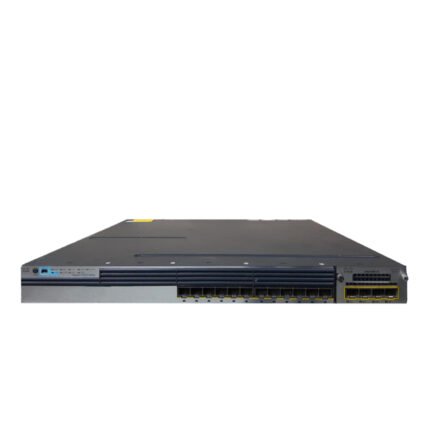
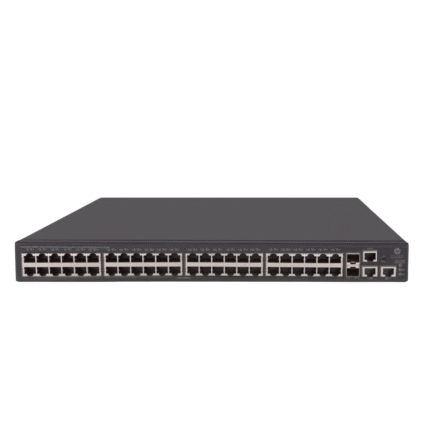
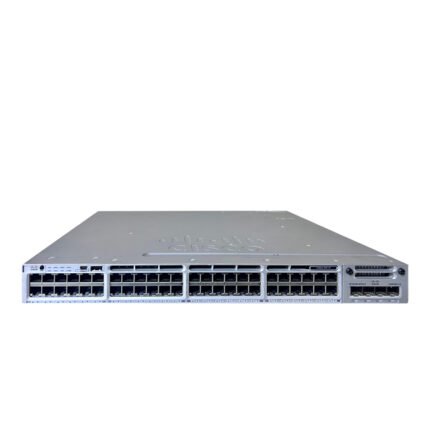
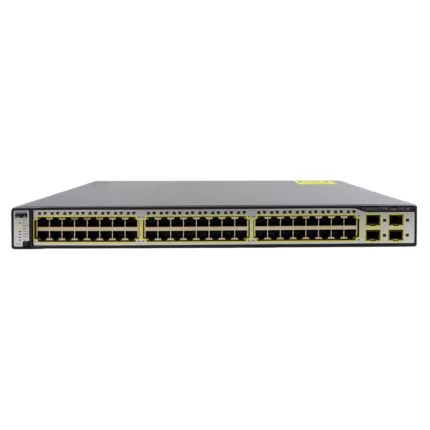
Network switches are essential for fast, secure, and reliable connectivity. At SAS Points, we offer managed and unmanaged switches, PoE and non-PoE models, and Layer 2 and Layer 3 solutions for businesses, offices, and data centers, delivering dependable performance and scalable networking.

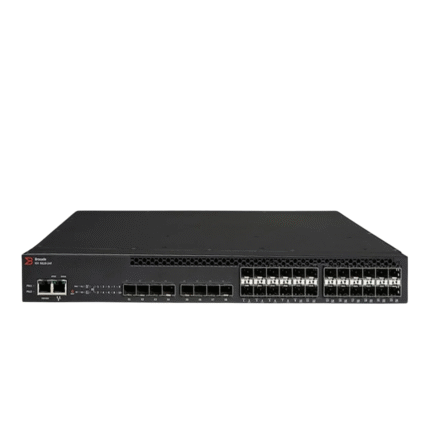
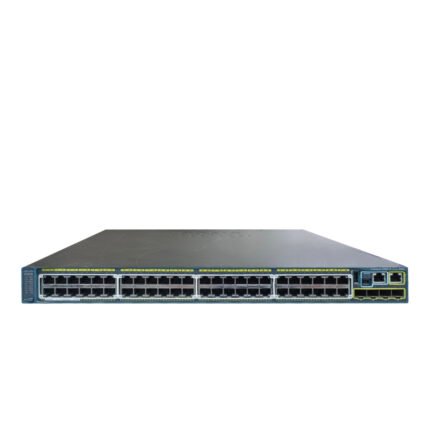
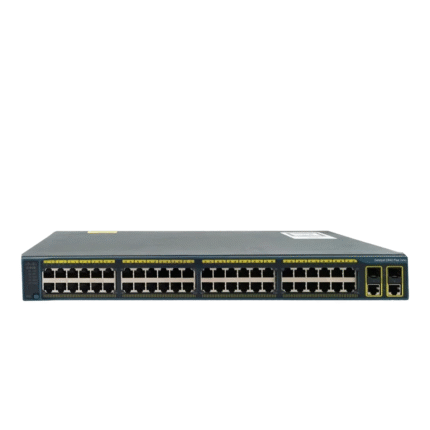
(FAQ)
1. What is a network switch?
A network switch is a networking device that connects multiple devices within a Local Area Network (LAN) and intelligently forwards data to the correct destination. It improves communication speed, network efficiency, and overall performance.
2. What is the difference between a managed and an unmanaged switch?
Managed switches offer advanced configuration, monitoring, security, VLANs, QoS, and traffic management features. Unmanaged switches are plug-and-play devices that require no configuration and are ideal for smaller or simpler networks.
3. What is a PoE switch?
A Power over Ethernet (PoE) switch delivers both electrical power and data through a single Ethernet cable, allowing devices such as IP cameras, wireless access points, and VoIP phones to operate without separate power adapters.
4. How do I choose the right network switch?
Consider factors such as the number of required ports, network speed, PoE support, management features, Layer 2 or Layer 3 functionality, uplink requirements, scalability, and future business growth before selecting a switch.
5. What is the difference between Layer 2 and Layer 3 switches?
Layer 2 switches forward traffic using MAC addresses and are commonly used within local networks. Layer 3 switches add routing capabilities using IP addresses, making them suitable for larger and more complex network environments.
6. Which devices can be connected to a network switch?
Network switches can connect servers, desktop computers, laptops, printers, storage systems, wireless access points, IP phones, surveillance cameras, routers, and many other Ethernet-enabled devices.
7. Why are Gigabit and 10 Gigabit switches important?
Gigabit and 10 Gigabit switches provide significantly higher data transfer speeds, reducing bottlenecks and improving performance for cloud applications, virtualization, large file transfers, video conferencing, and data center operations.
8. Can I expand my network by adding more switches?
Yes. Many network switches support expansion through uplink ports or stacking technologies, allowing businesses to increase network capacity without replacing their existing infrastructure.
9. Which industries use network switches?
Network switches are widely used in enterprise offices, data centers, healthcare facilities, educational institutions, retail businesses, manufacturing environments, government organizations, and hospitality sectors.
10. Why buy network switches from SAS Points?
SAS Points offers a wide range of high-quality networking solutions from trusted brands, helping businesses build reliable, scalable, and efficient network infrastructures. Our team is committed to assisting customers in selecting switching solutions that match their technical requirements and long-term business goals.
