

























































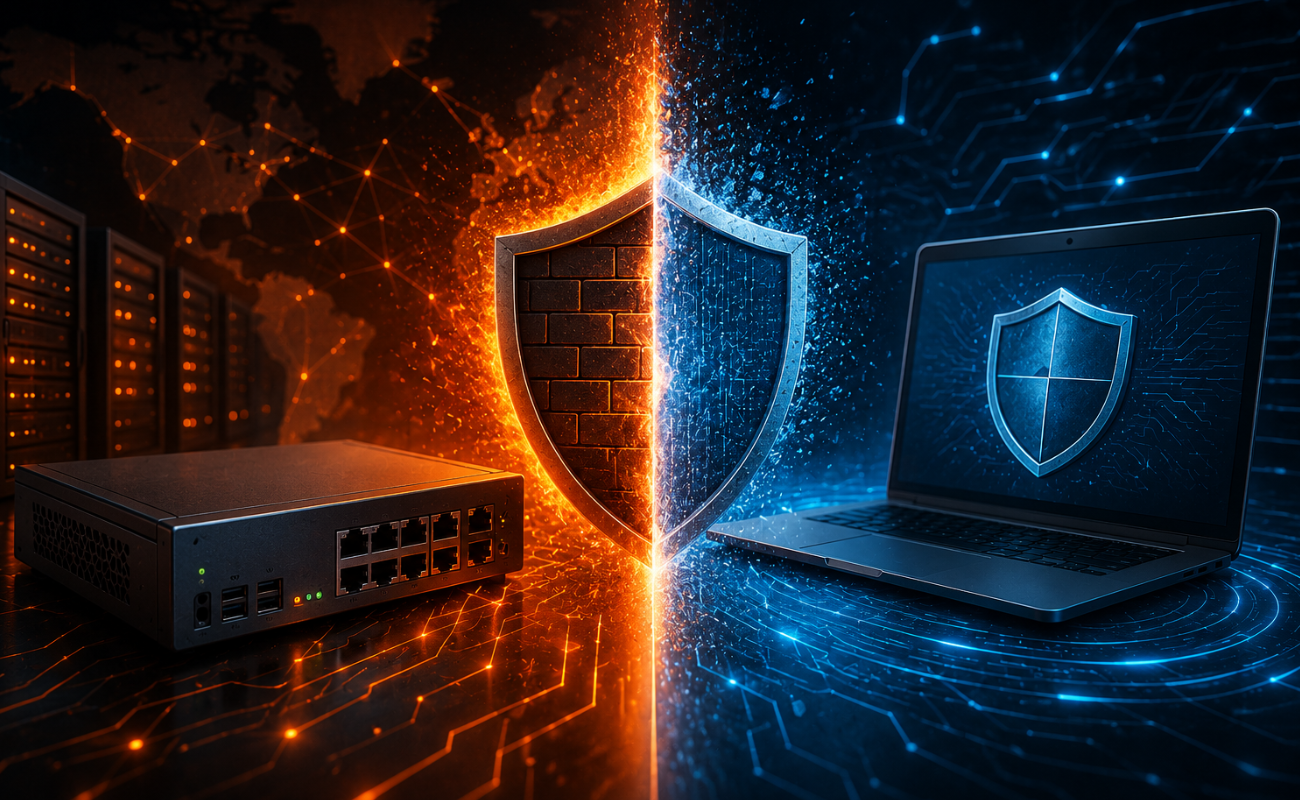
A firewall is one of the most important security tools for protecting business networks, devices, and sensitive data. It monitors network traffic and helps prevent unauthorized connections, malicious activity, and potential cyber threats.
Businesses can choose between hardware firewalls and software firewalls, but these two solutions work differently and are designed for different security requirements.

A hardware firewall is a dedicated physical device positioned between your network and external connections, while a software firewall runs directly on a computer, server, or other endpoint.

Understanding the differences can help businesses choose the right firewall solution based on their network size, security requirements, budget, and infrastructure.
1. Physical Hardware vs Software-Based Protection
The most obvious difference is how each firewall is deployed.
A hardware firewall is a dedicated physical appliance that sits between your internal network and the internet. It can protect multiple devices from a central location.
Hardware Firewall
- Dedicated physical appliance
- Protects multiple network devices
- Installed at the network gateway
- Centralized security management
Software Firewall
- Installed on a computer or server
- Protects individual systems
- Managed through software
- Useful for endpoint-level protection
2. Network Coverage
Hardware and software firewalls differ significantly in how much of your infrastructure they can protect.
A hardware firewall can protect an entire network from a central point. This makes it particularly useful for offices and businesses with many computers, servers, access points, and other connected devices.
For larger environments, centralized hardware protection can simplify network security management.

3. Performance and Resource Usage
Hardware firewalls are built specifically to process network traffic and security rules. Because they have dedicated processing resources, they can handle significant amounts of traffic without using the CPU and memory of protected computers.
This makes hardware firewalls particularly useful for businesses with high network traffic and multiple users.
4. Security Features and Network Control
Modern hardware firewalls often provide advanced network security features through a centralized platform.
Depending on the model, these may include intrusion prevention, VPN support, application control, web filtering, traffic monitoring, network segmentation, and advanced threat protection.
They can determine which applications are allowed to communicate and can block unauthorized connections at the endpoint level.
5. Management and Administration
Managing security across a growing business can become challenging.
A hardware firewall allows administrators to establish centralized policies for network traffic, users, services, and connected devices.
For a small number of computers, this may be manageable. However, businesses with many devices may benefit from centralized firewall management.
6. Cost and Scalability
Cost is another important factor when selecting a firewall.
A hardware firewall requires an initial investment in the appliance. Depending on the model, businesses may also need security subscriptions, maintenance, licensing, or professional configuration.
For growing organizations, scalability should be considered alongside the initial purchase price.
7. Best Use Cases
The best firewall type depends on the environment where it will be used.
Hardware Firewalls Are Ideal For
- Small and medium-sized businesses
- Enterprise networks
- Multiple connected devices
- Branch offices
- Servers and data centers
- VPN and network segmentation
- Centralized network security
Software Firewalls Are Ideal For
- Individual computers
- Laptops
- Servers requiring host-level protection
- Remote employees
- Endpoint security
- Application-level traffic control
Hardware Firewall vs Software Firewall: Quick Comparison
| Feature | Hardware Firewall | Software Firewall |
|---|---|---|
| Deployment | Physical appliance | Installed software |
| Protection | Multiple network devices | Individual device |
| Performance | Dedicated resources | Uses host resources |
| Management | Centralized | Endpoint-based or centralized software |
| Scalability | Excellent for networks | Excellent for individual endpoints |
| Advanced Network Features | Usually Extensive | More endpoint-focused |
| Best For | Business Networks | Computers, servers, and endpoints |
Which Firewall Is Better for Your Business?
There is no universal answer because the right choice depends on your infrastructure and security requirements.
A hardware firewall is generally the stronger choice when you need to protect an entire business network from a central point. It is especially useful for organizations with multiple users, servers, switches, wireless access points, and internet-connected devices.

A software firewall is useful when you need additional protection directly on computers and servers. It provides host-level control and can help restrict unauthorized applications and connections.
Why Businesses Should Use Multiple Layers of Security
Cybersecurity is not based on a single security product.
A hardware firewall can protect the network perimeter, while software firewalls can provide additional protection for individual endpoints.

Businesses can strengthen their security strategy by combining firewalls with:
- Endpoint protection
- Antivirus and anti-malware solutions
- Secure VPNs
- Network segmentation
- Access controls
- Regular software updates
- Security monitoring
- Data backups
Frequently Asked Questions
1. What is a hardware firewall?
A hardware firewall is a physical network security appliance that monitors and controls traffic between networks, such as a business LAN and the internet.
2. What is a software firewall?
A software firewall is an application or operating-system feature that monitors network connections on an individual computer or server.
3. Is a hardware firewall better than a software firewall?
Neither is universally better. Hardware firewalls are generally better for protecting entire networks, while software firewalls provide protection directly on individual devices.
4. Can I use a hardware and software firewall together?
Yes. Using both can provide layered protection by securing the network perimeter and individual endpoints.
5. Does a hardware firewall slow down the internet?
A properly sized firewall should handle the expected network traffic efficiently. An outdated or underpowered firewall, however, can become a network bottleneck.
6. Does a software firewall use computer resources?
Yes. Software firewalls use some CPU and memory resources on the device where they are installed.
7. Which firewall is better for a small business?
A hardware firewall is often a strong choice for a small business that needs to protect multiple devices from a central network gateway.
8. Do servers need a software firewall?
A software firewall can provide an additional layer of host-level protection for servers, depending on the server’s operating system, application requirements, and security architecture.
9. Can a firewall protect against every cyber threat?
No. A firewall is an important security layer, but businesses should combine it with endpoint protection, updates, backups, access controls, monitoring, and other security measures.
10. How do I choose the right firewall?
Consider your number of users and devices, internet speed, VPN requirements, security features, expected network growth, budget, and management requirements before selecting a firewall.
Conclusion
Understanding Hardware Firewall vs Software Firewall is essential when designing a secure business network.
Hardware firewalls provide centralized protection for entire networks and are well suited to businesses, servers, and enterprise environments. Software firewalls provide host-level protection and can control network connections directly on individual devices.
Shop now


Sold out





Sold out

Sold out







Sold out


Sold out

Sold out


Related posts

VPN Firewall vs Standard Firewall: 7 Key Differences

Businesses need reliable network security to protect sensitive information, prevent unauthorized access, and maintain secure commu...

Rack Server vs Tower Server: 6 Key Differences Explained

Rack Server vs Tower Server: 6 Key Differences Explained
Choosing between a rack server and a tower server is an important decisi...

SSD vs HDD Storage: 8 Key Differences Every Business Should Know
SSD vs HDD Storage: 8 Key Differences Every Business Should Know
Choosing the right storage technology is essential for businesse...

Router Performance Explained: 7 Factors That Affect Your Internet Speed

Router performance plays a critical role in determining how efficiently a business network handles daily operations. From cloud-ba...

10 Router Security Features That Help Protect Business Networks
Business networks are constantly exposed to security risks, from unauthorized access and malicious traffic to compromised devices ...

Stateful Firewall vs Next-Generation Firewall: 8 Major Differences
Firewalls play a critical role in protecting business networks from unauthorized access, suspicious traffic, and cyber threats. Ho...

7 Firewall NGFW Types Compared for Business Network Security
Choosing the right NGFW firewall is an important part of protecting business networks fro...

11 Server Features Every IT Manager Should Look For
11 Server Features Every IT Manager Should Look For
Choosing the right server is an important decision for any organization. Serv...

Best RAM Options for Performance Workstations
Best RAM Options for Performance Workstations
Modern performance workstations are built for demanding workloads such as 3D render...

Dual-WAN vs Single-WAN Routers: 6 Key Differences Compared
Modern businesses rely heavily on stable Internet connectivity for cloud applications, communication, online platforms, remote acc...

Wi-Fi Router vs Wired Router: 8 Differences Every Business Should Know
Choosing the right networking equipment is an important decision for any business. As organizations become increasingly dependent ...

Storage Buying Guide: 7 Things to Consider Before You Choose
Storage Buying Guide: 7 Things to Consider Before You Choose
Modern businesses generate and manage large amounts of data every da...
