


























































Business networks are constantly exposed to security risks, from unauthorized access and malicious traffic to compromised devices and targeted cyberattacks. As organizations connect more computers, servers, wireless devices, cloud applications, and remote users, securing the network infrastructure becomes increasingly important.
Router security features play a critical role in protecting network traffic and controlling how devices communicate with internal and external resources. A properly configured business router can help restrict unauthorized connections, separate network segments, monitor traffic, and provide additional layers of protection against common threats.
For businesses upgrading their infrastructure, choosing a router based only on speed and port capacity is not enough. Security capabilities should also be evaluated to ensure that the device can support the organization’s current requirements and future growth.
In this guide, we will explore 10 router security features that can help businesses build a more secure and reliable network environment.
1. Stateful Firewall Protection
One of the most important security capabilities available on many business routers is a stateful firewall. Unlike basic packet filtering, stateful inspection tracks active network connections and evaluates traffic based on the state of those connections.
For example, when an internal user initiates a legitimate connection to an external server, the firewall can recognize the established session and allow the appropriate return traffic. Unsolicited traffic that does not belong to an authorized connection can be blocked.
This provides businesses with an additional security layer between internal systems and potentially untrusted external networks.
A router with integrated firewall capabilities can be particularly useful for small and medium-sized businesses that want centralized traffic control without deploying multiple separate devices for basic protection.
Looking for reliable networking hardware for your business? Explore the available network infrastructure products from SAS Points.
2. Access Control Lists (ACLs)
Access Control Lists, commonly known as ACLs, allow network administrators to define rules that control which traffic is permitted or denied.
ACL rules can be based on different criteria, including:
- Source IP address
- Destination IP address
- Protocol
- Port number
- Network segment
- Traffic direction
For example, an organization may want to prevent a particular group of devices from accessing a sensitive server while allowing other authorized users to communicate with it.
ACLs provide administrators with granular control over network traffic. When properly designed, they can reduce unnecessary communication paths and limit the potential impact of unauthorized access.
Businesses should carefully plan ACL policies because overly restrictive rules can interfere with legitimate applications, while poorly configured rules may leave unnecessary access open.
Choose the right network infrastructure for controlled and efficient business connectivity with SAS Points.
3. VPN Support
Remote work and distributed business operations have made secure remote connectivity an important requirement for many organizations. VPN support allows authorized users or remote locations to establish encrypted connections across public networks.
Depending on the router and its capabilities, VPN technologies may support:
- Remote-access VPN
- Site-to-site VPN
- IPsec VPN
- SSL/TLS-based VPN
- Other secure tunneling technologies
A site-to-site VPN, for example, can connect two business locations securely over the internet. This can be useful when a company operates multiple offices and needs employees at different locations to access shared resources.
Remote-access VPNs can also provide employees with a secure way to connect to internal business resources when working outside the office.
When selecting a router, organizations should consider supported VPN protocols, maximum VPN throughput, concurrent VPN sessions, and available authentication options.
Need networking hardware for secure connectivity between business locations? SAS Points can help you choose suitable infrastructure equipment.
4. Intrusion Prevention and Detection
Some advanced business routers and security gateways include intrusion detection and intrusion prevention capabilities.
An Intrusion Detection System (IDS) is designed to identify suspicious activity and generate alerts, while an Intrusion Prevention System (IPS) can take additional action to block or prevent detected threats.
These technologies can help identify patterns associated with activities such as:
- Port scanning
- Exploit attempts
- Suspicious network traffic
- Known attack signatures
- Unauthorized access attempts
For businesses handling sensitive information, IDS and IPS capabilities can provide an additional layer of visibility and protection.
However, organizations should also consider how frequently security signatures are updated and whether the device requires a subscription for advanced threat intelligence or security services.
Strengthen your business network infrastructure with dependable hardware available through SAS Points.
5. Secure Management Access
Protecting the router itself is just as important as protecting the traffic passing through it.
If an attacker gains administrative access to a router, they may be able to change routing rules, modify security settings, redirect traffic, or disrupt network operations.
Business routers should therefore provide secure management methods such as:
- HTTPS-based administration
- SSH
- Role-based administrative access
- Management access restrictions
- Strong authentication
- Dedicated management interfaces where supported
Administrators should avoid using unsecured management protocols whenever secure alternatives are available.
It is also good practice to restrict administrative access to trusted devices or management networks instead of allowing management interfaces to be exposed unnecessarily to the public internet.
For dependable network infrastructure, review the business networking equipment available from SAS Points.
6. Network Segmentation and VLAN Support
Network segmentation can significantly improve security by separating devices and users into different logical networks.
VLAN support allows organizations to create separate network segments without necessarily requiring physically separate infrastructure for every group.
For example, a business could create separate VLANs for:
- Employees
- Guest users
- Servers
- Voice devices
- Security cameras
- IoT equipment
- Network management
Segmentation can reduce unnecessary communication between devices. If one endpoint becomes compromised, separating it from critical systems can help limit lateral movement.
For instance, guest Wi-Fi users should generally not have unrestricted access to internal servers or administrative systems. VLANs combined with appropriate routing and firewall policies can help enforce these boundaries.
Businesses with growing networks should consider VLAN support when evaluating routers, switches, and other network infrastructure.
Build a better-segmented business network with the right combination of routers and switches from SAS Points.
7. Secure DNS and DNS Filtering
DNS plays an essential role in translating domain names into IP addresses, but it can also be used as part of a network security strategy.
Some business routers and security gateways support secure DNS services or DNS filtering capabilities that can help prevent users from accessing known malicious or inappropriate domains.
Depending on the implementation, DNS filtering may help block domains associated with:
- Malware
- Phishing
- Botnets
- Malicious downloads
- Suspicious websites
DNS-based security should not be treated as a complete replacement for endpoint protection or firewalls. Instead, it works as an additional layer within a broader defense strategy.
Businesses should also evaluate whether the router supports encrypted DNS protocols and whether DNS security policies can be managed centrally.
Improve your network infrastructure with business-grade equipment selected for your organization’s requirements at SAS Points.
8. Secure Wireless Connectivity
For businesses using routers or wireless gateways with integrated Wi-Fi, wireless security is another important consideration.
Modern business wireless networks should support strong encryption and authentication mechanisms rather than relying on outdated security standards.
Important wireless security capabilities may include:
- WPA2
- WPA3
- Enterprise authentication
- Guest network isolation
- Multiple SSIDs
- Client isolation
- Centralized access control
A separate guest network can prevent visitors from gaining unnecessary access to internal resources. Businesses can also use different SSIDs to separate employee devices, guest users, and specialized equipment.
Wireless security should be considered alongside physical network security because a poorly protected wireless connection can provide attackers with another potential entry point into the organization.
Looking for business networking equipment to support secure wired and wireless connectivity? Check the networking products available at SAS Points.
9. Logging, Monitoring, and Security Alerts
A router can provide valuable visibility into what is happening across a network.
Logging and monitoring capabilities can help administrators identify unusual traffic patterns, repeated connection attempts, configuration changes, and other events that may require investigation.
Useful capabilities may include:
- System logs
- Security event logs
- Traffic monitoring
- Login records
- Configuration change logs
- Real-time alerts
- Remote logging
Centralized logging can be especially useful for larger organizations where administrators need to monitor multiple networking devices.
Logs can also help during troubleshooting. For example, if a service suddenly becomes inaccessible, network administrators can review relevant events to determine whether the issue is related to routing, firewall rules, authentication, or another configuration problem.
Businesses should consider not only whether a router provides logging but also how much information it retains and whether logs can be exported to a centralized monitoring or SIEM platform.
Support better network visibility with reliable infrastructure hardware from SAS Points.
10. Firmware Updates and Security Maintenance
Even a router with advanced security features can become vulnerable if its firmware is not maintained.
Manufacturers regularly release firmware updates to address bugs, improve stability, introduce new capabilities, and patch security vulnerabilities.
Businesses should therefore consider firmware management when selecting network equipment.
Important questions include:
- Does the manufacturer regularly release security updates?
- How easy is the firmware upgrade process?
- Can administrators schedule updates?
- Is configuration backup supported?
- Does the device provide update notifications?
- How long will the hardware receive security support?
Organizations should maintain an inventory of network equipment and document firmware versions to make security maintenance easier.
Firmware updates should also be tested appropriately in business environments, especially when routers are supporting critical applications or multiple locations.
Choose dependable networking equipment and maintain a stronger infrastructure foundation with SAS Points.
Why Router Security Features Matter for Business Networks
Security should not be considered an optional addition to network infrastructure. A compromised router can affect a large portion of an organization’s communications because it sits at a critical point between different networks.
A properly secured router can help businesses control traffic, restrict access, protect remote connections, separate network segments, and identify suspicious activity.
However, no single device can eliminate every cybersecurity risk.
A stronger approach combines router security with:
- Endpoint protection
- Strong authentication
- Regular software updates
- Secure passwords
- Network segmentation
- Employee security awareness
- Backup systems
- Access control
- Security monitoring
- Regular configuration reviews
The goal is to create multiple defensive layers so that if one security control fails, other controls can reduce the potential impact.
Build a stronger network foundation with business-grade routers, switches, and infrastructure equipment from SAS Points.
How to Choose a Secure Router for Your Business
The best router for a business depends on its network size, number of users, applications, locations, internet connection, and security requirements.
Before purchasing a router, businesses should evaluate several technical factors.
Network Performance
Security features can consume processing resources. A router should have sufficient CPU, memory, and throughput to handle the expected traffic while security functions are enabled.
A device that provides excellent basic routing performance but struggles when firewall, VPN, or inspection features are enabled may not be suitable for a demanding business environment.
Number of Users and Devices
Consider how many users and devices will connect to the network today and how many are expected in the future.
The router should have enough capacity for computers, servers, IP phones, access points, cameras, IoT devices, and other connected equipment.
VPN Requirements
If employees work remotely or the company operates multiple locations, VPN capabilities may be essential.
Review the maximum number of simultaneous VPN connections and the expected encrypted throughput rather than looking only at the supported VPN protocol.
Firewall Capabilities
Businesses should examine whether the router provides basic firewall rules or more advanced inspection capabilities.
Depending on the organization’s needs, features such as application control, intrusion prevention, web filtering, and advanced threat protection may be valuable.
VLAN and Segmentation Support
Growing businesses should consider VLAN support because segmentation can simplify network organization and improve security.
The router should integrate effectively with the organization’s managed switches and wireless infrastructure.
Management and Monitoring
A router should be manageable without unnecessary complexity.
Centralized administration, configuration backups, logging, monitoring, alerts, and role-based access can make long-term network management easier.
Need help evaluating networking hardware for your business environment? SAS Points offers a range of networking products for different infrastructure requirements.
Common Router Security Mistakes Businesses Should Avoid
Even a security-focused router can be ineffective when it is poorly configured.
Using Default Administrator Credentials
Leaving default usernames or passwords unchanged creates an unnecessary security risk. Administrative credentials should be changed during initial configuration.
Exposing Management Interfaces to the Internet
Remote management should only be enabled when necessary and should be protected with secure authentication and access restrictions.
Using Outdated Firmware
Ignoring firmware updates can leave known vulnerabilities unaddressed.
Creating Overly Broad Firewall Rules
Rules that allow unrestricted traffic can undermine the purpose of network filtering. Access should follow the principle of least privilege whenever practical.
Ignoring Network Segmentation
Putting employees, guests, servers, cameras, and IoT devices on the same unrestricted network can increase the potential impact of a compromised device.
Not Reviewing Logs
Security logs are useful only when organizations actually monitor and review them. Important alerts should be investigated rather than ignored.
Choosing a Router Based Only on Speed
Raw throughput is only one part of router performance. Businesses should also evaluate security features, VPN performance, management capabilities, scalability, and vendor support.
Make a more informed networking hardware decision with SAS Points and choose equipment that matches your business requirements.
Router vs Firewall: Are They the Same?
Routers and firewalls perform different functions, although many modern business devices combine routing and security capabilities.
A router primarily manages traffic between different networks and determines where packets should be forwarded.
A firewall focuses on controlling and inspecting traffic according to defined security policies.
Some business routers include integrated firewall functionality, while larger organizations may deploy dedicated next-generation firewalls alongside routers.
The appropriate architecture depends on the size and complexity of the network.
For a small business, an integrated security gateway may provide sufficient functionality. A larger organization with more demanding security requirements may benefit from dedicated firewall infrastructure combined with high-performance routing equipment.
SAS Points can help businesses build the right network infrastructure around their connectivity and security requirements.
Best Practices for Improving Router Security
Once a secure router is installed, organizations should establish a consistent maintenance process.
Start by changing default credentials and disabling unnecessary services. Restrict administrative access and use secure management protocols.
Next, create firewall and ACL rules based on actual business requirements. Avoid leaving broad access rules in place simply for convenience.
Network segmentation should also be implemented where appropriate. Guest users and less-trusted devices should not automatically have access to critical internal systems.
Regularly update firmware and review security advisories from the manufacturer. Configuration backups should also be maintained so the device can be restored quickly if necessary.
Finally, monitor network events and review logs regularly. Security is an ongoing process rather than a one-time configuration task.
Keep your network infrastructure prepared for changing business demands with quality networking equipment from SAS Points.
Building a Layered Business Network Security Strategy
Router security is most effective when it forms part of a layered security architecture.
For example, a business network may include an internet connection connected to a secure router or firewall, followed by managed switches and segmented VLANs. Wireless access points can provide separate networks for employees and guests, while endpoint security protects individual computers and servers.
This approach creates multiple security boundaries.
If an employee device becomes infected, segmentation can help prevent unrestricted communication with servers. If suspicious internet traffic reaches the network, firewall policies can restrict it. If an unauthorized user attempts to access administrative systems, authentication and ACL policies can provide another barrier.
Layered security does not guarantee that an organization will never experience a cyberattack. Instead, it reduces unnecessary exposure and can make attacks more difficult to execute successfully.
Build a scalable business network with routers, switches, servers, and other infrastructure hardware available through SAS Points.
Final Thoughts
Choosing the right router security features is an important step toward building a more secure business network. Features such as stateful firewall protection, ACLs, VPN support, intrusion prevention, secure management, VLANs, DNS security, wireless protection, monitoring, and firmware maintenance can provide multiple layers of defense.
However, the best security results come from combining these capabilities with good network design, strong access controls, regular updates, endpoint protection, and continuous monitoring.
Before purchasing a router, businesses should evaluate both current requirements and future growth. The right device should provide enough performance, security capabilities, management flexibility, and scalability to support the organization over time.
Whether your business needs routers, managed switches, servers, storage, access points, or other IT infrastructure, selecting equipment based on actual operational and security requirements can help create a more reliable network foundation.
Explore the networking and IT hardware available from SAS Points and choose the equipment that fits your business infrastructure needs.
Frequently Asked Questions
1. What are the most important router security features for businesses?
Important router security features include firewall protection, ACLs, VPN support, secure management, VLAN support, intrusion detection and prevention, secure DNS, wireless security, logging, and regular firmware updates.
2. Does every business need a router with advanced security features?
The required level of security depends on the organization’s size, network architecture, applications, remote access requirements, and security policies. Small networks may need fewer capabilities, while larger or more complex environments may require advanced security functions.
3. How does a firewall protect a business router?
A firewall controls network traffic according to predefined security rules. It can block unauthorized connections while allowing legitimate traffic required by business applications.
4. Why is VPN support important for business routers?
VPN support allows businesses to create encrypted connections for remote users or connect different locations securely over public networks.
5. Can VLANs improve network security?
Yes. VLANs can separate users, devices, guests, servers, and other network resources into different logical segments. Combined with routing and access-control policies, this can limit unnecessary communication between network segments.
6. How often should router firmware be updated?
Organizations should monitor the manufacturer’s security advisories and update firmware when security patches or important stability updates are released. Critical security updates should receive priority.
7. Should businesses use a router and a separate firewall?
It depends on the network architecture. Some businesses can use an integrated security gateway, while larger or more complex networks may benefit from dedicated firewall and routing infrastructure.
8. What should businesses consider when buying a secure router?
Businesses should consider throughput, number of users and devices, VPN performance, firewall capabilities, VLAN support, management features, monitoring, firmware support, scalability, and compatibility with existing network equipment.
9. Can router security completely protect a business network?
No. Router security is one layer of a broader cybersecurity strategy. Businesses should also use endpoint protection, secure authentication, software updates, backups, access controls, segmentation, and security awareness practices.
10. Why should businesses prioritize router security?
Routers often sit at critical points within a network. Strong router security can help control traffic, reduce unauthorized access, protect remote connections, and provide better visibility into network activity.
For more insights on improving business network security and performance, read our guide on 7 Network Switch Security Features Every Business Should Know.
Shop now


Sold out





Sold out

Sold out







Sold out

Sold out



Sold out
Related posts
10 Router Security Features That Help Protect Business Networks

Business networks are constantly exposed to security risks, from unauthorized access and malicious traffic to compromised devices ...

Stateful Firewall vs Next-Generation Firewall: 8 Major Differences

Firewalls play a critical role in protecting business networks from unauthorized access, suspicious traffic, and cyber threats. Ho...

7 Firewall NGFW Types Compared for Business Network Security
Choosing the right NGFW firewall is an important part of protecting business networks fro...

11 Server Features Every IT Manager Should Look For

11 Server Features Every IT Manager Should Look For
Choosing the right server is an important decision for any organization. Serv...

Best RAM Options for Performance Workstations
Best RAM Options for Performance Workstations
Modern performance workstations are built for demanding workloads such as 3D render...

Dual-WAN vs Single-WAN Routers: 6 Key Differences Compared
Modern businesses rely heavily on stable Internet connectivity for cloud applications, communication, online platforms, remote acc...

Wi-Fi Router vs Wired Router: 8 Differences Every Business Should Know
Choosing the right networking equipment is an important decision for any business. As organizations become increasingly dependent ...

Storage Buying Guide: 7 Things to Consider Before You Choose
Storage Buying Guide: 7 Things to Consider Before You Choose
Modern businesses generate and manage large amounts of data every da...
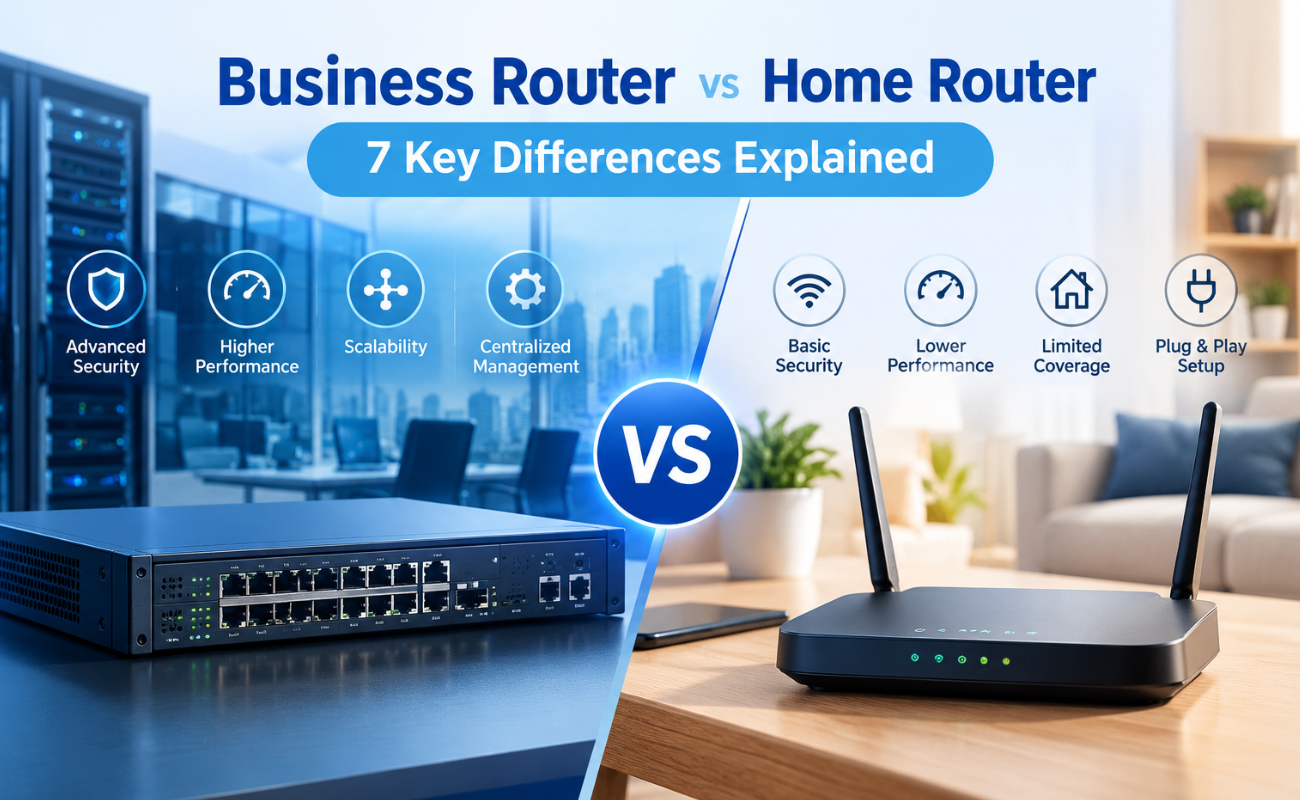
Business Router vs Home Router: 7 Key Differences Explained
Introduction
Choosing the right router can have a major impact on how efficiently a network performs. While home routers are desi...
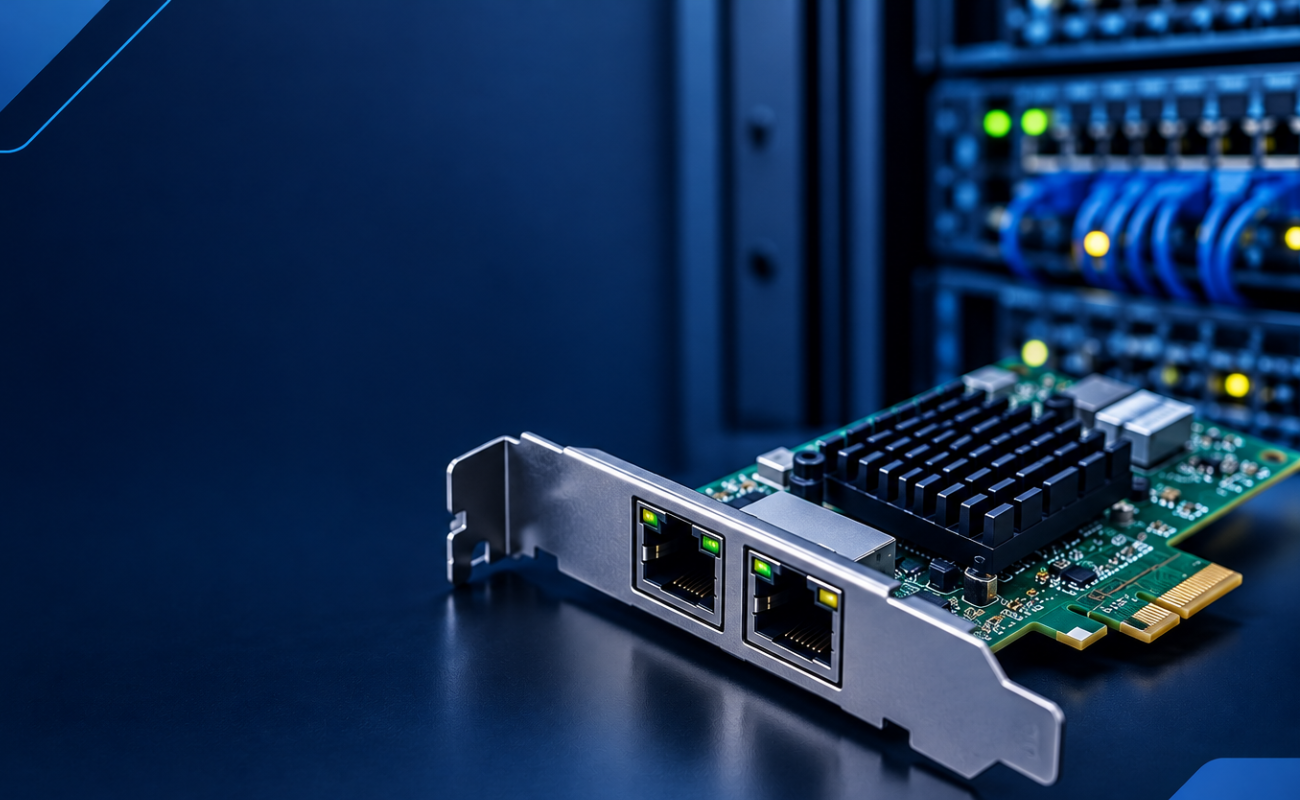
What Is a Network Card and When to Upgrade It?
What Is a Network Card and When to Upgrade It?
In modern business networks, fast and reliable communication between computers, se...
How VLANs Work on Managed Switches: 7 Key Benefits for Business Networks
Introduction
As business networks continue to grow, connecting more devices to the same physical infrastructure can create signif...

How to Choose the Right Firewall for Your Business in 7 Steps
Introduction
Cybersecurity has become a major priority for businesses of every size. From small offices to large enterprises, org...
