


























































SSD vs HDD Storage: 8 Key Differences Every Business Should Know
Choosing the right storage technology is essential for businesses that rely on servers, databases, business applications, and large volumes of data. Two of the most common storage options are Solid-State Drives (SSDs) and Hard Disk Drives (HDDs).
Although both devices store digital information, they use different technologies and offer different advantages. Solid-State Drive deliver fast data access and low latency, while HDDs provide high-capacity storage at a lower cost per terabyte in many enterprise environments.
Understanding SSD vs HDD Storage helps businesses choose the right drives for their performance requirements, storage capacity, budget, and long-term infrastructure plans.
In this guide, we explain eight major differences, compare their business applications, and help you decide which storage technology best suits your needs.
1. SSD vs HDD Storage: Technology and How They Work

The first difference between SSDs and HDDs is the technology used to store and retrieve data.
What Is an SSD?
A Solid-State Drive stores information in NAND flash memory. It has no spinning platters or moving read/write heads, allowing it to access data with very low latency.
Solid-State Drive are commonly available in 2.5-inch SATA, M.2 NVMe, and other enterprise form factors, depending on the device and interface.
Common business applications include:
-
Operating systems and boot drives
-
Virtual machines
-
Business applications
-
Transactional databases
-
High-performance server workloads
What Is an HDD?
A Hard Disk Drive stores information magnetically on rotating platters. A mechanical actuator moves read/write heads to access the required data.
HDDs are available in different capacities and interfaces, including SATA and SAS models used in enterprise servers and storage systems.
Common business applications include:
-
Large file repositories
-
Backup storage
-
Data archives
-
Surveillance recordings
-
Network-attached storage (NAS)
Key difference: SSDs use flash memory for data storage, whereas HDDs use magnetic recording and mechanical components.
2. Data Access Speed and Performance

Performance is one of the most important differences in an SSD vs HDD Storage comparison, particularly for businesses running applications that need fast access to data.
SSD Performance
Solid-State Drive generally provide much lower access latency and faster random read/write operations than HDDs. NVMe SSDs can also deliver substantially higher throughput than traditional SATA storage, depending on the hardware and workload.
These advantages make Solid-State Drive useful for:
-
Database transactions
-
Virtualization platforms
-
Operating system booting
-
Frequently accessed applications
-
High-performance computing
HDD Performance
HDDs can deliver strong sequential throughput, making them suitable for reading and writing large files. However, their mechanical components introduce additional latency, especially when workloads involve frequent random access.
HDDs remain practical for backup repositories, media storage, and workloads where capacity is more important than minimal response time.
Key difference: Solid-State Drive are generally better for low-latency workloads, while HDDs can be an economical choice for large sequential data operations.
3. Storage Capacity and Scalability

Businesses need storage systems that can accommodate growing databases, documents, application files, backups, and archived information.
SSD Storage Capacity
Solid-State Drive are available in consumer and enterprise capacities, including high-capacity enterprise drives designed for demanding data center workloads.
However, the cost of deploying large amounts of Solid-State Drive storage can be a significant consideration when a business needs many terabytes or petabytes of capacity.
HDD Storage Capacity
Enterprise HDDs offer high capacities and are commonly used in large storage arrays. They are particularly useful when organizations need to retain extensive datasets without paying the premium associated with all-flash storage.
HDD-based systems can be expanded by adding drives or storage shelves, provided the controller, chassis, and infrastructure support the expansion.
Which Is Better for Growing Businesses?
-
SSDs: Better suited to expanding performance-sensitive workloads.
-
HDDs: Often more economical for expanding bulk storage.
-
Combined storage: Useful when a business needs both speed and capacity.
Key difference: Both technologies can scale, but HDDs often provide better economics for capacity-focused deployments.
4. Cost and Total Cost of Ownership
The purchase price is another major factor when evaluating SSD vs HDD Storage for business infrastructure.
Solid-State Drive Costs
Generally, cost more per terabyte than capacity-oriented enterprise HDDs, although prices vary by interface, endurance rating, performance, manufacturer, and capacity.
Businesses may justify the higher initial investment when faster applications, reduced latency, or improved productivity provide measurable benefits.
HDD Costs
HDDs typically offer a lower cost per terabyte for large-scale storage. This makes them attractive for organizations managing extensive backups, archives, and file repositories.
When evaluating cost, businesses should consider more than the drive price:
-
Storage capacity requirements
-
Power and cooling
-
Rack space
-
Performance requirements
-
Maintenance and replacement
-
Downtime and application performance
Key difference: HDDs are often more cost-effective for bulk storage, while Solid-State Drive may offer greater value for workloads where performance is critical.
5. Durability, Reliability, and Lifespan

Both SSDs and HDDs can provide reliable service when selected and operated correctly. However, their failure mechanisms and endurance characteristics differ.
SSD Durability
Solid-State Drive contain no moving mechanical parts, making them more resistant to physical shock and vibration during normal handling and operation.
However, NAND flash has finite write endurance. Enterprise Solid-State Drive are therefore rated using metrics such as drive writes per day (DWPD) and terabytes written (TBW), depending on the product.
HDD Durability
HDDs contain moving components that can wear or become damaged by shock, vibration, heat, or mechanical failure.
Enterprise HDDs are designed for demanding workloads, and their specifications can include workload ratings, annualized failure-rate information, and mean time between failures (MTBF).
Which One Lasts Longer?
There is no universal winner. Lifespan depends on the drive model, workload, temperature, operating conditions, write volume, and other factors.
Key difference: avoid mechanical wear from moving parts but have flash-write endurance limits; HDDs use mechanical components and have different workload and failure characteristics. Neither technology eliminates the need for monitoring and backups.
6. Power Consumption and Cooling
Power consumption matters when businesses operate many drives across multiple servers and storage arrays.
SSD Power Requirements
Can use less power in certain configurations and workloads because they do not need to spin platters or move mechanical heads. Their actual consumption depends on the drive interface, workload, capacity, and power state.
HDD Power Requirements
HDDs need power to spin their platters and operate their mechanical components. Their energy use varies according to rotational speed, model, workload, and whether the drive is active or idle.
However, comparing only the power used by an individual drive does not always show the full picture. HDDs can offer high capacity per drive, potentially reducing the number of drives required for a given storage target.
Business Considerations
When planning storage infrastructure, evaluate:
-
Power consumption per drive
-
Total installed capacity
-
Number of drives required
-
Cooling requirements
-
Rack density
-
Performance per watt
Key difference: Can be more energy-efficient in some workloads, but overall data center efficiency depends on the complete storage configuration.
7. Compatibility, Interfaces, and Server Installation

Before purchasing a storage drive, businesses must verify that it is compatible with their existing hardware.
SSD Compatibility
Enterprise can use SATA, SAS, or NVMe interfaces, depending on the model. An NVMe drive is not automatically compatible with every server just because it fits physically.
Businesses should verify:
-
Supported drive interface
-
Physical form factor
-
Backplane compatibility
-
Controller and firmware support
-
Boot support, where required
-
Drive endurance and workload suitability
HDD Compatibility
Enterprise HDDs commonly use SATA or SAS interfaces and may be available in 2.5-inch SFF or 3.5-inch LFF form factors.
Before installation, check the server model, drive bay size, caddy type, backplane, and storage controller. A physically fitting drive is not necessarily electrically or operationally compatible.
What About RAID?
Both SSDs and HDDs can be used in RAID configurations when supported by the controller or storage platform. However, drives in an array should be selected according to the controller’s compatibility requirements, workload, capacity, and performance needs.
Key difference: The correct choice depends not only on whether the drive is an SSD or HDD, but also on its interface, form factor, and compatibility with the target system.
8. Best Business Use Cases: SSD vs HDD Storage
The best storage technology depends on the workload. Many organizations achieve a better balance by using SSDs and HDDs together rather than relying entirely on one type.
When Should Businesses Choose SSDs?
Solid-State Drive are often a strong option for:
-
High-transaction databases
-
Virtual desktop infrastructure
-
Virtual machines requiring low latency
-
Business-critical applications
-
Frequently accessed data
-
Performance-sensitive server workloads
When Should Businesses Choose HDDs?
HDDs are often a strong option for:
-
Large backups
-
Long-term data retention
-
Media and document repositories
-
Surveillance systems
-
NAS and bulk storage
-
Data center workloads that prioritize capacity and cost
Can Businesses Use Both?
Yes. A hybrid storage strategy can place operating systems, active databases, and frequently accessed information on Solid-State Drive while keeping backups, archives, and large datasets on HDDs.
Seagate describes these technologies as complementary, with Solid-State Drive suited to latency-sensitive applications and HDDs suited to cost-effective large-scale storage.
SSD vs HDD Storage: Comparison Table
| Feature | SSD | HDD |
|---|---|---|
| Storage technology | NAND flash | Magnetic platters |
| Access latency | Generally lower | Higher due to mechanical movement |
| Random access | Generally faster | Generally slower |
| Cost per terabyte | Generally higher | Generally lower for bulk storage |
| Physical shock resistance | Generally higher | More sensitive to physical shock |
| Write endurance | Limited by flash endurance | Different mechanical and workload limits |
| Power use | Often lower in suitable workloads | Requires power for spinning components |
| Common business use | Databases, VMs, active applications | Backups, archives, bulk storage |
Actual performance, capacity, endurance, and power consumption depend on the specific drive model and workload.
How to Choose the Right Storage for Your Business
Before purchasing SSDs or HDDs, consider the following factors:
-
Workload: Determine whether your applications need low latency, high throughput, or large storage capacity.
-
Capacity: Calculate current requirements and expected data growth.
-
Budget: Compare purchase price and long-term operating costs.
-
Compatibility: Confirm the interface, form factor, caddy, controller, and server support.
-
Endurance: For Solid-State Drive, evaluate write volume and endurance ratings.
-
Redundancy: Plan appropriate RAID or storage redundancy where needed.
-
Backup strategy: Maintain independent backups regardless of drive type.
10 FAQs About SSD vs HDD Storage
1. What is the main difference between an SSD and an HDD?
An stores data in flash memory without moving parts, while an HDD stores data magnetically on rotating platters.
2. Is an SSD faster than an HDD?
Generally, yes offer lower access latency and faster random data access. Actual results depend on the interface, drive model, and workload.
3. Is an HDD better for large storage requirements?
HDDs are often more cost-effective for large-capacity storage, especially for backups, archives, and large file repositories.
4. Which storage type is better for servers?
It depends on the workload. suit performance-sensitive applications, while HDDs are useful for bulk storage. Many enterprise servers support both.
5. Are SSDs more reliable than HDDs?
Neither technology is universally more reliable. Reliability depends on the specific drive, workload, operating conditions, and failure characteristics.
6. Can SSDs and HDDs be used together?
Yes. Businesses commonly used for active workloads and HDDs for backups, archives, and large datasets.
7. Which drive uses less power?
Can use less power in many configurations, but total consumption depends on the drive, workload, capacity, and overall storage design.
8. Do SSDs support RAID?
Yes. SSDs can be used in supported RAID configurations, provided the controller and storage platform are compatible.
9. Are SATA SSDs and NVMe SSDs the same?
No. SATA and NVMe are different storage interfaces or protocols. NVMe generally operates over PCIe and can offer higher performance than SATA SSDs.
10. What should businesses check before buying a replacement drive?
Check the server model, supported interface, drive size, caddy, backplane, controller, capacity limits, and workload requirements.
Conclusion
Choosing between SSD and HDD storage requires balancing speed, capacity, cost, durability, power consumption, and compatibility.
Solid-State Drive are generally the better option for workloads that depend on low latency and fast random access. HDDs remain valuable for businesses that need economical, high-capacity storage for backups, archives, and large datasets.
For many organizations, the most practical approach is to combine both technologies according to workload requirements, ensuring that performance-sensitive applications get the speed they need while bulk storage remains cost-effective.
Shop now


Sold out





Sold out

Sold out







Sold out


Sold out

Sold out


Related posts
SSD vs HDD Storage: 8 Key Differences Every Business Should Know

SSD vs HDD Storage: 8 Key Differences Every Business Should Know
Choosing the right storage technology is essential for businesse...

Router Performance Explained: 7 Factors That Affect Your Internet Speed

Router performance plays a critical role in determining how efficiently a business network handles daily operations. From cloud-ba...

10 Router Security Features That Help Protect Business Networks
Business networks are constantly exposed to security risks, from unauthorized access and malicious traffic to compromised devices ...

Stateful Firewall vs Next-Generation Firewall: 8 Major Differences
Firewalls play a critical role in protecting business networks from unauthorized access, suspicious traffic, and cyber threats. Ho...

7 Firewall NGFW Types Compared for Business Network Security
Choosing the right NGFW firewall is an important part of protecting business networks fro...

11 Server Features Every IT Manager Should Look For

11 Server Features Every IT Manager Should Look For
Choosing the right server is an important decision for any organization. Serv...

Best RAM Options for Performance Workstations
Best RAM Options for Performance Workstations
Modern performance workstations are built for demanding workloads such as 3D render...

Dual-WAN vs Single-WAN Routers: 6 Key Differences Compared
Modern businesses rely heavily on stable Internet connectivity for cloud applications, communication, online platforms, remote acc...

Wi-Fi Router vs Wired Router: 8 Differences Every Business Should Know
Choosing the right networking equipment is an important decision for any business. As organizations become increasingly dependent ...

Storage Buying Guide: 7 Things to Consider Before You Choose
Storage Buying Guide: 7 Things to Consider Before You Choose
Modern businesses generate and manage large amounts of data every da...
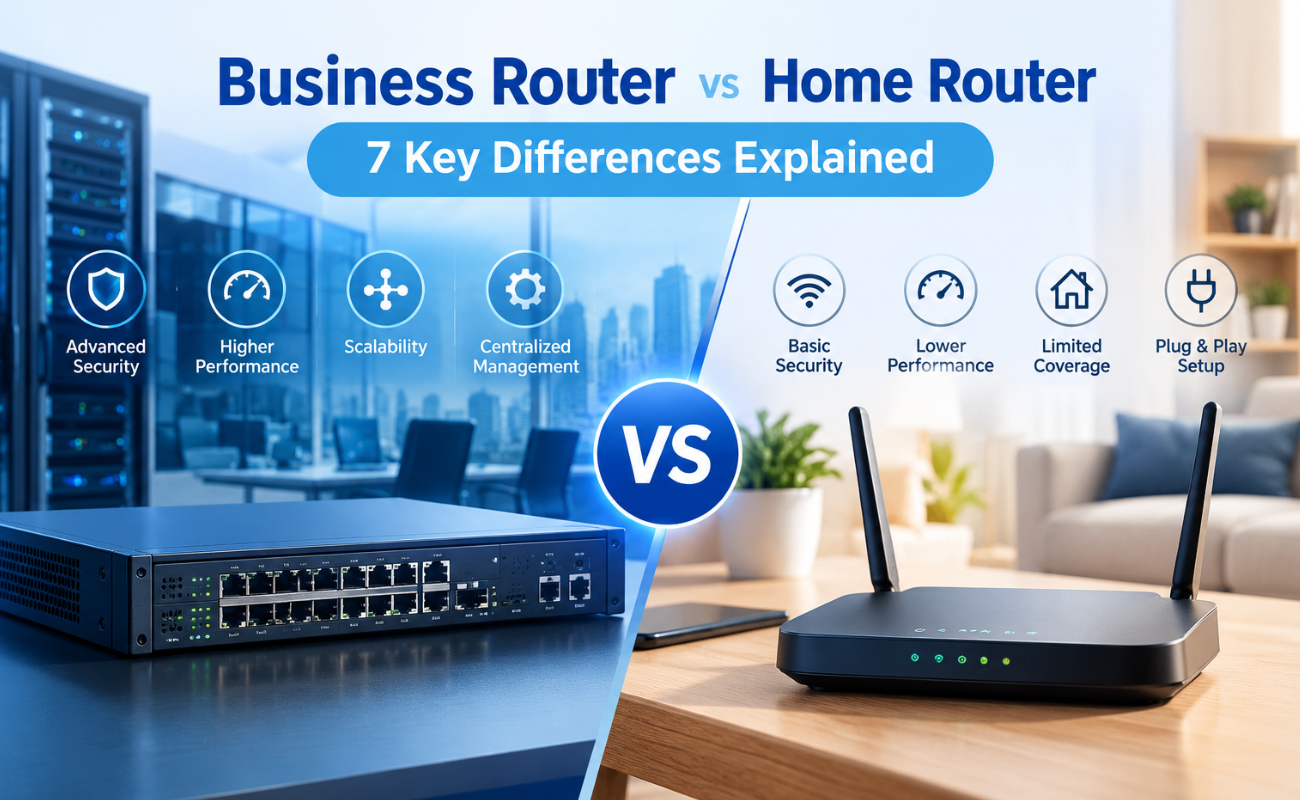
Business Router vs Home Router: 7 Key Differences Explained
Introduction
Choosing the right router can have a major impact on how efficiently a network performs. While home routers are desi...
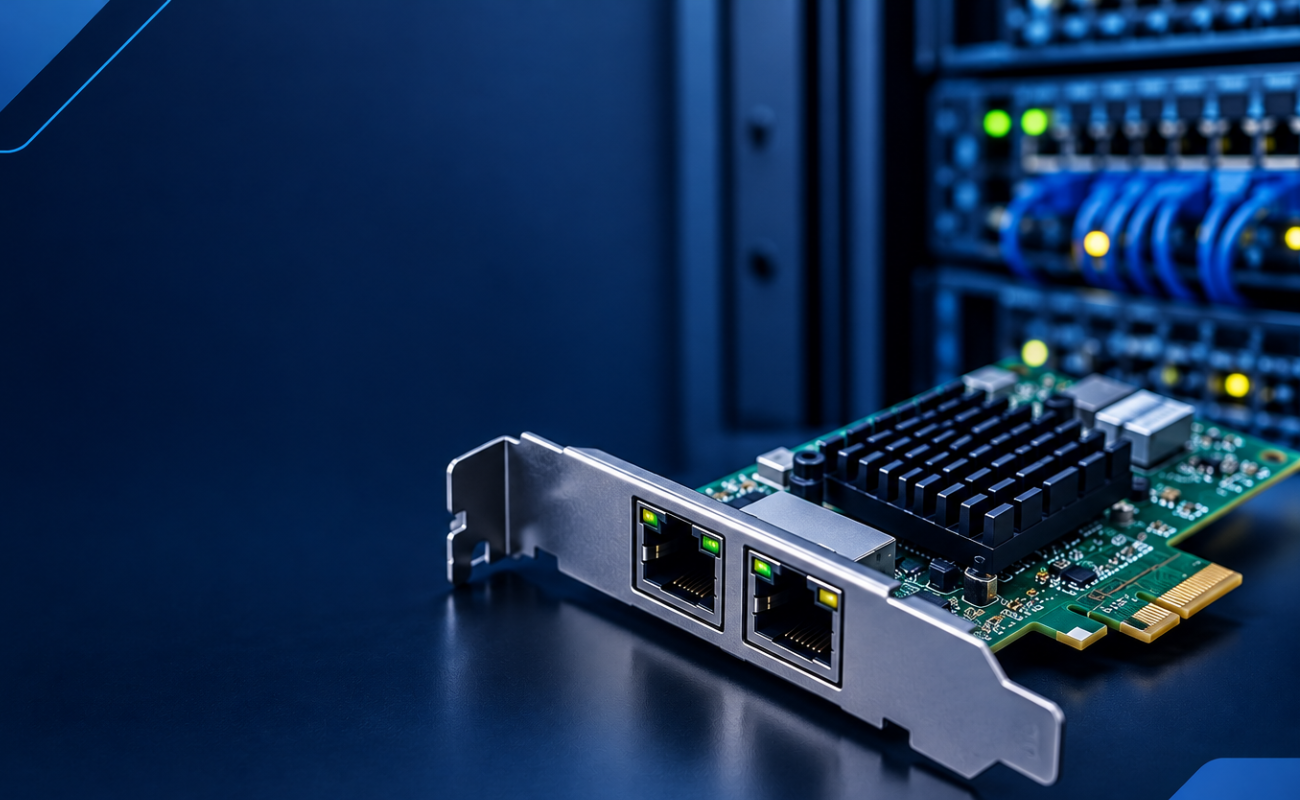
What Is a Network Card and When to Upgrade It?
What Is a Network Card and When to Upgrade It?
In modern business networks, fast and reliable communication between computers, se...
